Chapter 17: Programming 313
17progrm.doc TI-89/TI-92 Plus: Programming (English) Susan Gullord Revised: 01/18/02 3:05 PM Printed: 01/18/02 3:27 PM Page 313 of 40
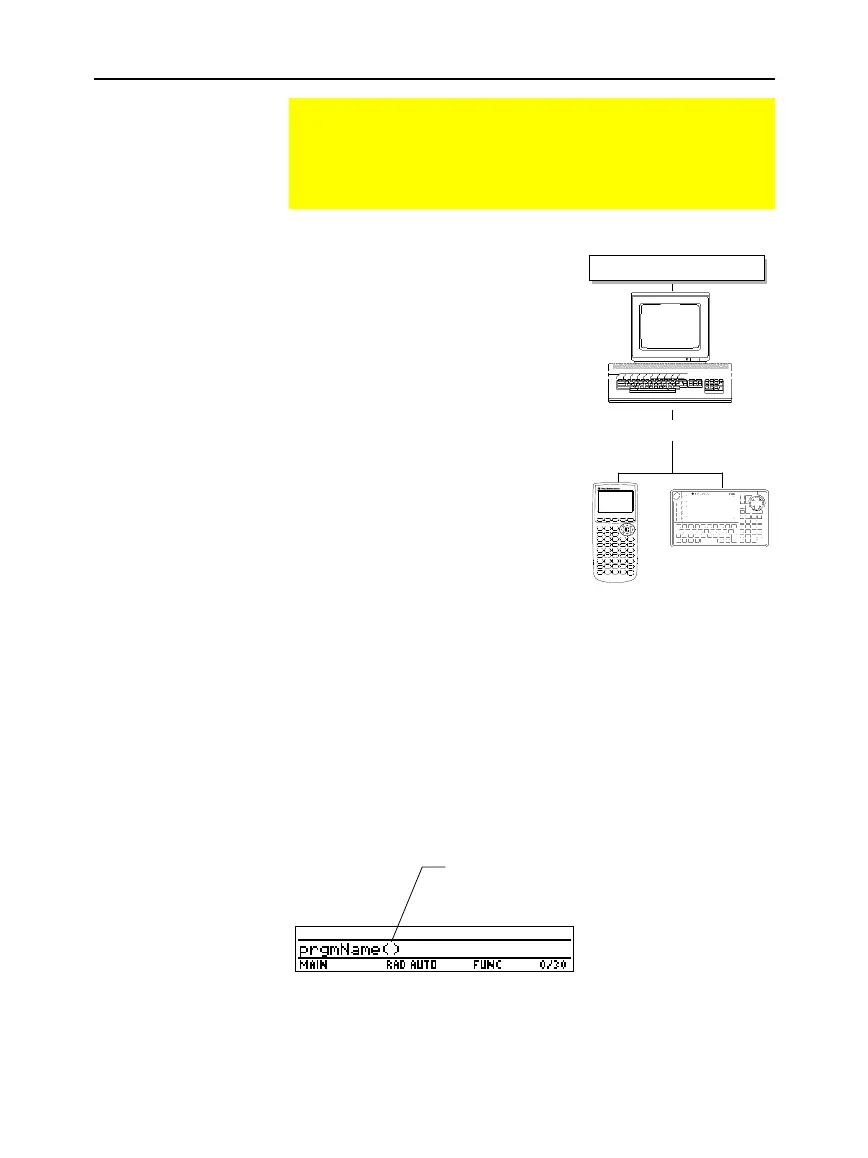
Assembly-language programs, as well as
keystroke programs, are available on
the Texas Instruments web site at:
education.ti.com
The programs available from this site
provide additional functions or
features that are not built into the
TI
-
89 / TI
-
92 Plus
. Check the Texas
Instruments web site for up-to-date
information.
After downloading a program from the
web to your computer, use a
TI
-
GRAPH
LINK
é
computer-to-calculator cable to
send the program to your
TI
-
89 / TI
-
92 Plus
. Refer to the manual
that comes with the
TI
-
GRAPH LINK
cable
.
If you have a
TI
-
GRAPH LINK
computer-to-calculator cable and
software for the
TI
-
92
, be aware that the
TI
-
92
TI
-
GRAPH LINK
software
is not compatible with the
TI
-
89 / TI
-
92 Plus
. The cable,
however, works with both units. For information about obtaining
TI™ Connect
or
TI
-
GRAPH LINK
software or a
TI
-
GRAPH LINK
cable,
check the Texas Instruments web site at
education.ti.com
or contact
Texas Instruments as described in Appendix C of this guidebook.
After a
TI
-
89 / TI
-
92 Plus
assembly-language program is stored on your
unit, you can run the program from the Home screen just as you
would any other program.
You can call an assembly-language program from another program as
a subroutine, delete it, or use it the same as any other program.
Assembly-Language Programs
You can run programs written for the TI
-
89 / TI
-
92 Plus in
assembly language. Typically, assembly-language programs
run much faster and provide greater control than the keystroke
programs that you write with the built-in Program Editor.
Where to Get
Assembly-Language
Programs
Note about
TI
.
GRAPH LINK
Running an
Assembly-Language
Program
Tip: If the program is not in
the current folder, be sure to
specify the pathname.
If the program requires one or more arguments,
type them within the ( ). Refer to the program’s
documentation to find out about required
arguments.
education.ti.com
TI-89
via TI-GRAPH LINK cable


 To Next Page
 Loading...














