242 Chapter 15: Data/Matrix Editor
15DATAMA.DOC TI-89/TI-92 Plus: Data/Matrix Editor (English) Susan Gullord Revised: 02/23/01 1:10 PM Printed: 02/23/01 2:17 PM Page 242 of 16
You can leave the Data/Matrix Editor and go to another application
at any time. To return to the variable that was displayed when you
left the Data/Matrix Editor, press
O
6
and select
1:Current
.
From the Data/Matrix Editor:
1. Press
ƒ
and select
3:New
.
2. Specify the type, folder, and
variable name. For a matrix,
also specify the number of
rows and columns.
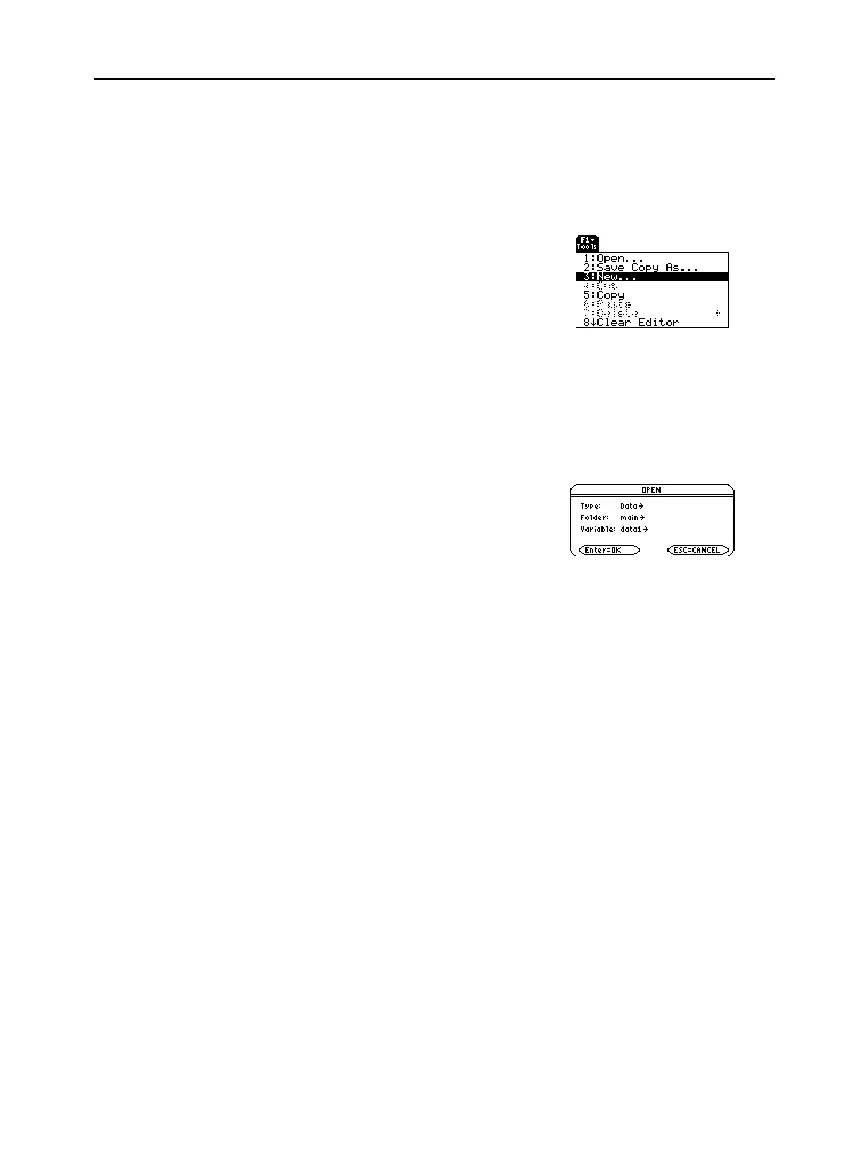
You can open another variable at any time.
1. From the Data/Matrix Editor, press
ƒ
and select
1:Open
.
— or —
From any application, press
O
6
and select
2:Open
.
2. Select the type, folder, and
variable to open.
3. Press
¸
.
Because all Data/Matrix Editor variables are saved automatically,
you can accumulate quite a few variables, which take up memory.
To delete a variable, use the
VAR-LINK
screen (
2°
). For
information about
VAR-LINK
, refer to Chapter 21.
Using the Current
Variable
Creating a New
Variable from the
Data/Matrix Editor
Opening Another
Variable
Note:
Variable
shows the
first existing variable in
alphabetic order. If there are
no existing variables,
nothing is displayed.
Note about
Deleting a Variable



 To Next Page
 Loading...













