Chapter 17: Programming 299
17PROGRM.DOC TI-89/TI-92 Plus: Programming (English) Susan Gullord Revised: 02/23/01 1:14 PM Printed: 02/23/01 2:18 PM Page 299 of 40
A
Loop...EndLoop
creates an infinite loop, which is repeated
endlessly. The
Loop
command does not have any arguments.
:Loop
: --------
: --------
:EndLoop
:--------
Typically, the loop contains commands that let the program exit
from the loop. Commonly used commands are:
If
,
Exit
,
Goto
, and
Lbl
(label). For example:
:0
!
x
:Loop
: Disp x
: x+1
!
x
: If x>5
: Exit
:EndLoop
:Disp x
In this example, the
If
command can be anywhere in the loop.
When the If command is: The loop is:
t the beginning of the loop Executed only if the condition is true.
t the end of the loop Executed at least once and repeated
only if the condition is true.
The
If
command could also use a
Goto
command to transfer program
control to a specified
Lbl
(label) command.
The
Cycle
command immediately transfers program control to the
next iteration of a loop (before the current iteration is complete).
This command works with
For...EndFor
,
While...EndWhile
, and
Loop...EndLoop
.
Although the
Lbl
(label) and
Goto
commands are not strictly loop
commands, they can be used to create an infinite loop. For example:
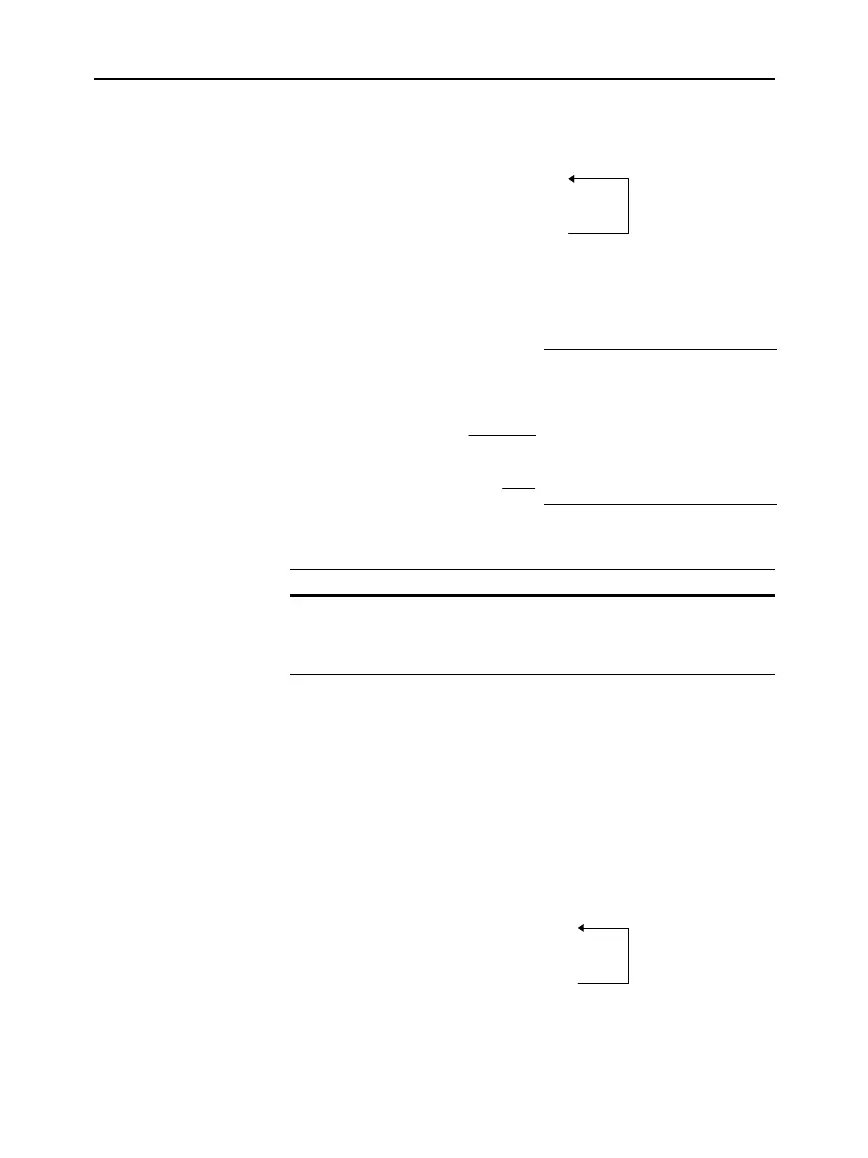
:Lbl START
: --------
: --------
:Goto START
:--------
As with
Loop...EndLoop
, the loop should contain commands that let
the program exit from the loop.
Loop...EndLoop
Loops
Note: The
Exit
command
exits from the current loop.
Repeating a Loop
Immediately
Lbl and Goto
Loops
An
If
command checks
the condition.
Exits the loop and jumps to
here when x increments to 6.



 To Next Page
 Loading...













