370 Chapter 22: Linking and Upgrading
22link.doc TI-89/TI-92 Plus: Linking and Upgrading (English) Susan Gullord Revised: 01/18/02 1:31 PM Printed: 01/19/02 9:11 AM Page 370 of 1822link.doc TI-89/TI-92 Plus: Linking and Upgrading (English) Susan Gullord Revised: 01/18/02 1:31 PM Printed: 01/19/02 9:11 AM Page 370 of 18
1. Press
2
°
to display the
VAR-LINK
screen.
2. Select the variables, folders, or Flash applications to delete.
¦ To select a single variable or Flash application, move the
cursor to highlight it.
¦ To select a single folder, highlight it and press
†
to place a
checkmark (
Ÿ
) beside it. This selects the folder and its
contents.
¦ To select multiple variables, Flash applications, or folders
highlight each one and press
†
to place a checkmark (
Ÿ
)
beside it.
¦ To select all variables, Flash applications, or folders use
‡
All 1:Select All
.
3. Press ƒ and choose
1:Delete
.
— or —
Press 0. A confirmation message appears.
4. Press ¸ to confirm the deletion.
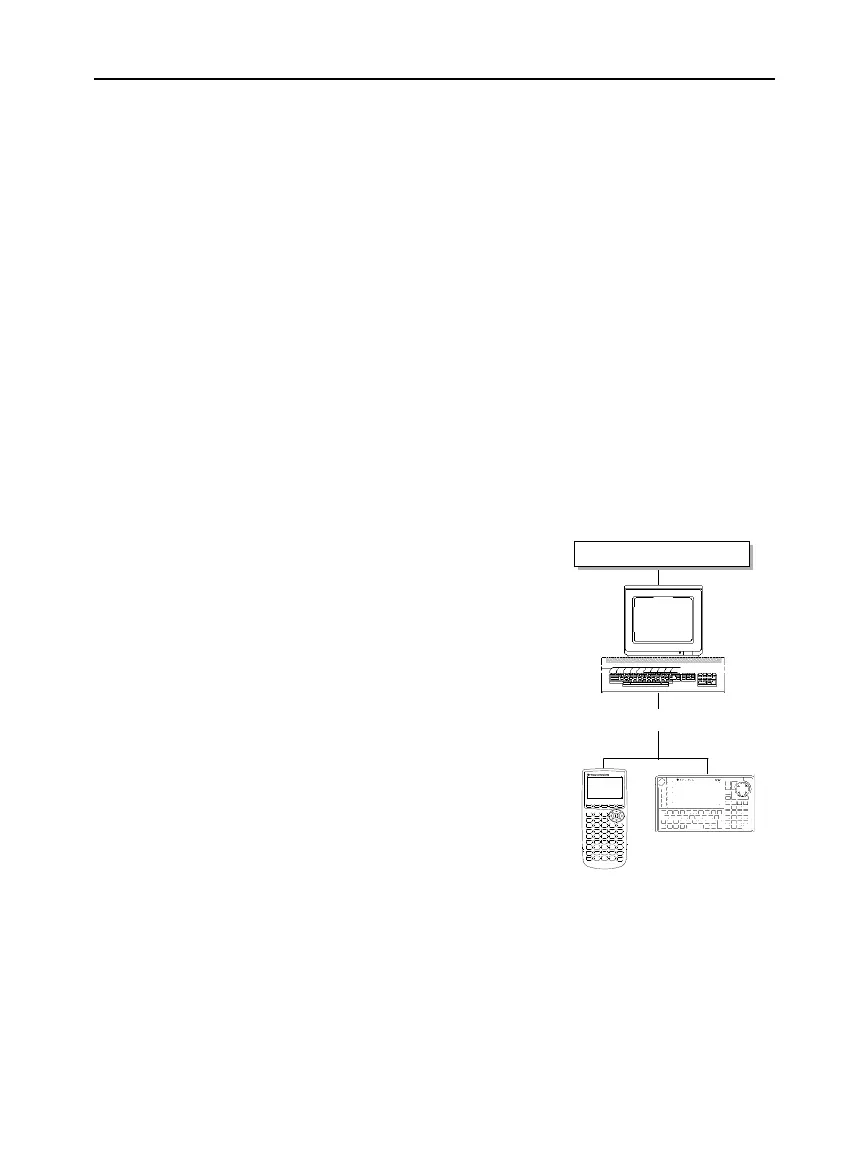
For up-to-date information about
available Flash applications, check
the Texas Instruments web site at:
education.ti.com
or contact Texas Instruments as
described in Appendix C.
You can download a Flash
application and/or certificate from
the Texas Instruments web site to
a computer, and use a
TI-GRAPH
LINK
computer-to-calculator cable
to install the application or
certificate on your
TI
-
89 / TI
-
92 Plus.
For installation instructions, refer
to the Flash Applications
instructions in the front of this
guidebook, or to your
TI™ Connect
online help or
TI-GRAPH LINK
guidebook.
Deleting Variables,
Flash Applications,
or Folders
Note: You cannot delete the
Main folder.
Note: Use
†
to select
multiple variables, Flash
applications, or folders. Use
†
again to deselect any
that you do not want to
delete.
Where to Get Flash
Applications
Certificate
education.ti.com
TI-89
via TI-GRAPH LINK cable
Flash
application



 To Next Page
 Loading...













