514 Appendix A: Functions and Instructions
8992APPA.DOC TI-89 / TI-92 Plus: Appendix A (US English) Susan Gullord Revised: 02/23/01 1:48 PM Printed: 02/23/01 2:21 PM Page 514 of 132
tmpCnv()
CATALOG
tmpCnv(
expression1_
¡
tempUnit1
,
_
¡
tempUnit2
)
⇒
expression _
¡
tempUnit2
Converts a temperature value specified by
expression1
from one unit to another. Valid
temperature units are:
_
¡
C Celsius
_
¡
F Fahrenheit
_
¡
K Kelvin
_
¡
R Rankine
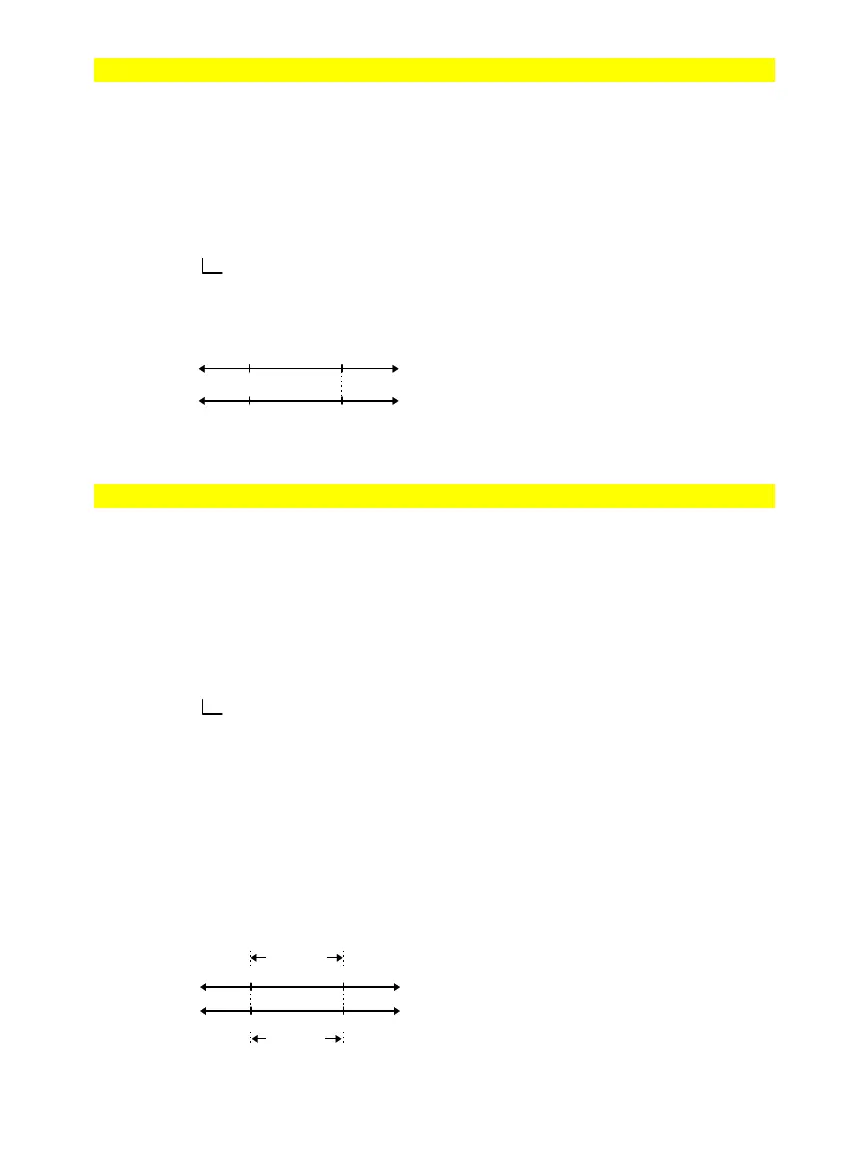
For example, 100_
¡
C converts to 212_
¡
F:
To convert a temperature range, use
@
tmpCnv()
instead.
tmpCnv(100_
¡
c,_
¡
f)
¸
212.
ø
_
¡
F
tmpCnv(32_
¡
f,_
¡
c)
¸
0.
ø
_
¡
C
tmpCnv(0_
¡
c,_
¡
k)
¸
273.15
ø
_
¡
K
tmpCnv(0_
¡
f,_
¡
r)
¸
459.67
ø
_
¡
R
Note: To select temperature units from a
menu, press:
TI-89:
2
9
TI-92 Plus:
¥
À
@
tmpCnv()
CATALOG
@
tmpCnv(
expression1_
¡
tempUnit1
,
_
¡
tempUnit2
)
⇒
expression _
¡
tempUnit2
Converts a temperature range (the difference
between two temperature values) specified
by
expression1
from one unit to another. Valid
temperature units are:
_
¡
C Celsius
_
¡
F Fahrenheit
_
¡
K Kelvin
_
¡
R Rankine
1_
¡
C and 1_
¡
K have the same magnitude, as
do 1_
¡
F and 1_
¡
R. However, 1_
¡
C is 9/5 as
large as 1_
¡
F.
To get
@
, you can press
¥
c
¤
[
D]
(or
2¿
1 5
).
@
tmpCnv(100_
¡
c,_
¡
f)
¸
180.
ø
_
¡
F
@
tmpCnv(180_
¡
f,_
¡
c)
¸
100.
ø
_
¡
C
@
tmpCnv(100_
¡
c,_
¡
k)
¸
100.
ø
_
¡
K
@
tmpCnv(100_
¡
f,_
¡
r)
¸
100.
ø
_
¡
R
@
tmpCnv(1_
¡
c,_
¡
f)
¸
1.8
ø
_
¡
F
Note: To select temperature units from a
menu, press:
TI-89:
2
9
TI-92 Plus:
¥
À
For example, a 100_
¡
C range (from 0_
¡
C to
100_
¡
C) is equivalent to a 180_
¡
F range:
To convert a particular temperature value
instead of a range, use
tmpCnv()
.
For
¡
, press
2
“
.
TI
-
89:
For _
, press
¥
.
TI
-
92 Plus:
For _
, press
2
.
For
¡
, press
2
“
.
TI
-
89:
For _
, press
¥
.
TI
-
92 Plus:
For _
, press
2
.
_
¡
F
_
¡
C
0 100
21232
_
¡
C
0 100
_
¡
F
212
32
180_
¡
F
100_
¡
C



 To Next Page
 Loading...













