552 Appendix B: Reference Information
-
-
pp
b doc (English) Susan Gullord Revised: 02/23/01 1:54 PM Printed: 02/23/01 2:24 PM Page 552 of 34
Determines how 2-element and 3-element vectors are displayed. You
can enter vectors in any of the coordinate systems.
1:RECTANGULAR
Coordinates are in terms of
x
,
y
, and
z
. For
example,
[3,5,2]
represents
x = 3
,
y = 5
, and
z = 2.
2:CYLINDRICAL
Coordinates are in terms of
r
,
q
, and
z
. For
example,
[3,
∠
45,2]
represents
r = 3
,
q
= 45
, and
z = 2.
3:SPHERICAL
Coordinates are in terms of
r
,
q
, and
f
. For
example,
[3,
∠
45,
∠
90]
represents
r = 3
,
q
= 45
, and
f
= 90
.
Determines how results are displayed on the Home screen.
1:OFF
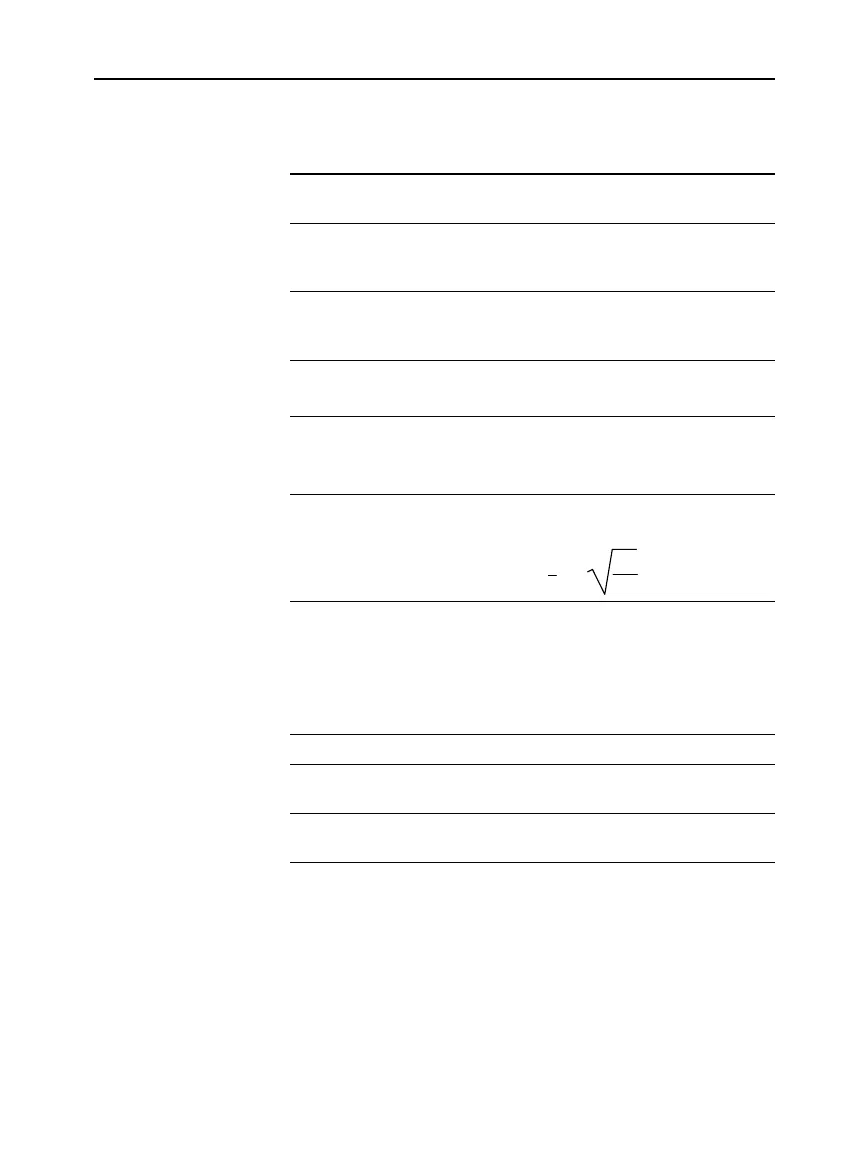
Results are displayed in a linear, one-
dimensional form.
For example,
p
^2
,
p
/2,
or
‡
((x-3)/x)
2:ON
Results are displayed in conventional
mathematical format.
For example,
p
2
,
p
2
, or
x
ì
3
x
Note:
For a complete description of these settings, refer to “Formats
of Displayed Results” in Chapter 2.
Lets you split the screen into two parts. For example, you can
display a graph and see the Y= Editor at the same time (Chapter 14).
1:FULL
The screen is not split.
2:TOP-BOTTOM
The applications are shown in two screens that
are above and below each other.
3:LEFT-RIGHT
The applications are shown in two screens that
are to the left and right of each other.
To determine what and how information is displayed on a split
screen, use this mode in conjunction with other modes such as
Split 1 App
,
Split 2 App
,
Number of Graphs
, and
Split Screen Ratio
. (
Split
Screen Ratio
is available on the
TI
-
92 Plus
only.)
Vector Format
Pretty Print
Split Screen



 To Next Page
 Loading...













