Natrix IOM
Replace Drive Drum
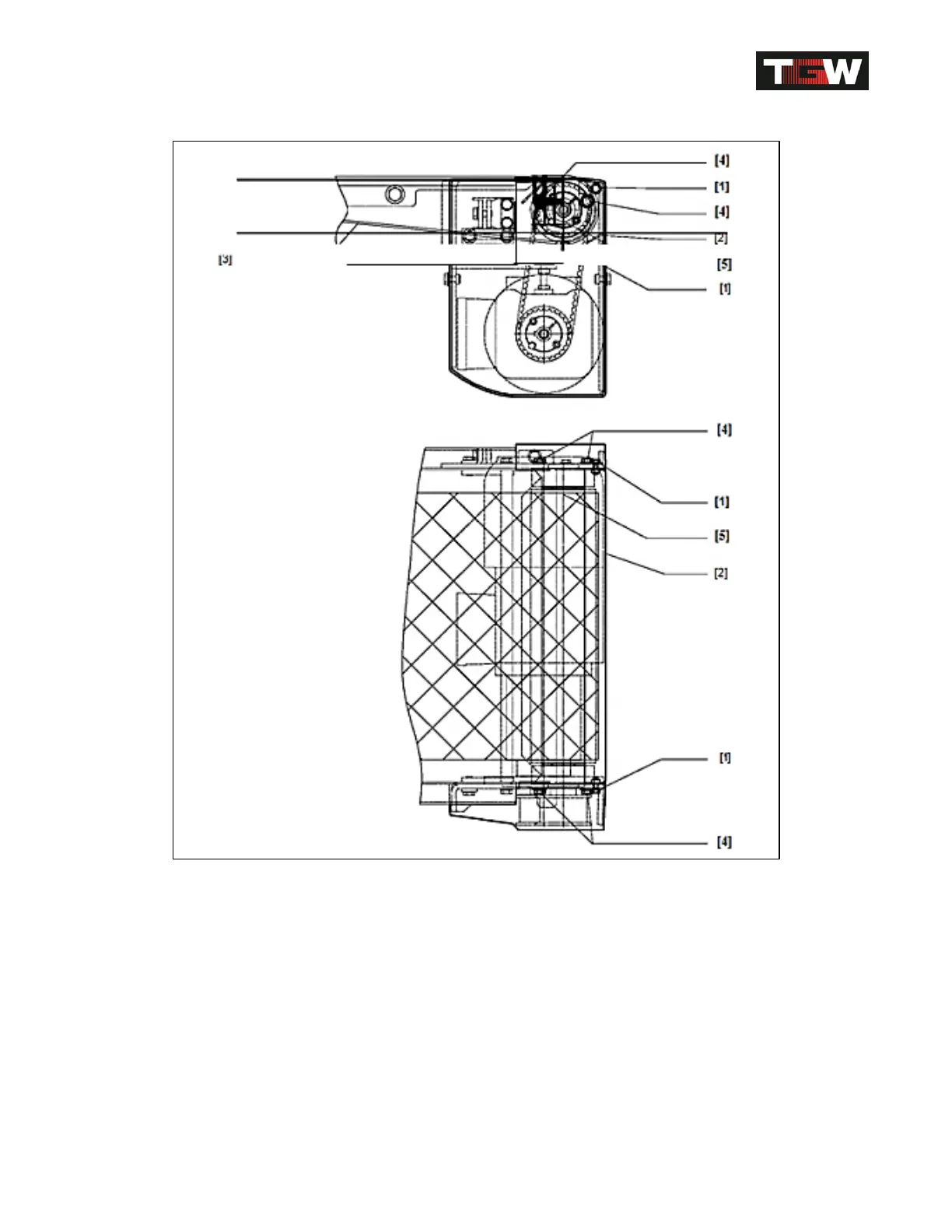
Replace drive drum [5]
Remove covers on both sides Remove timing belt.
Loosen screws [1] and remove protective cover
[2].
Remove tension from conveyor belt [3].
Loosen screws [4].
Lift up drive drum [5] and remove it to one side.
Install new drive drum in reverse order.
Revision Date: 12/10/2014 Page 104 of 111



 To Next Page