Natrix IOM
Replace proximity switch cable [1]
Remove corresponding side panel.
Unscrew cable connector [1]. And loosen screw nut [2]
Replace cable, reattach to proximity switch.
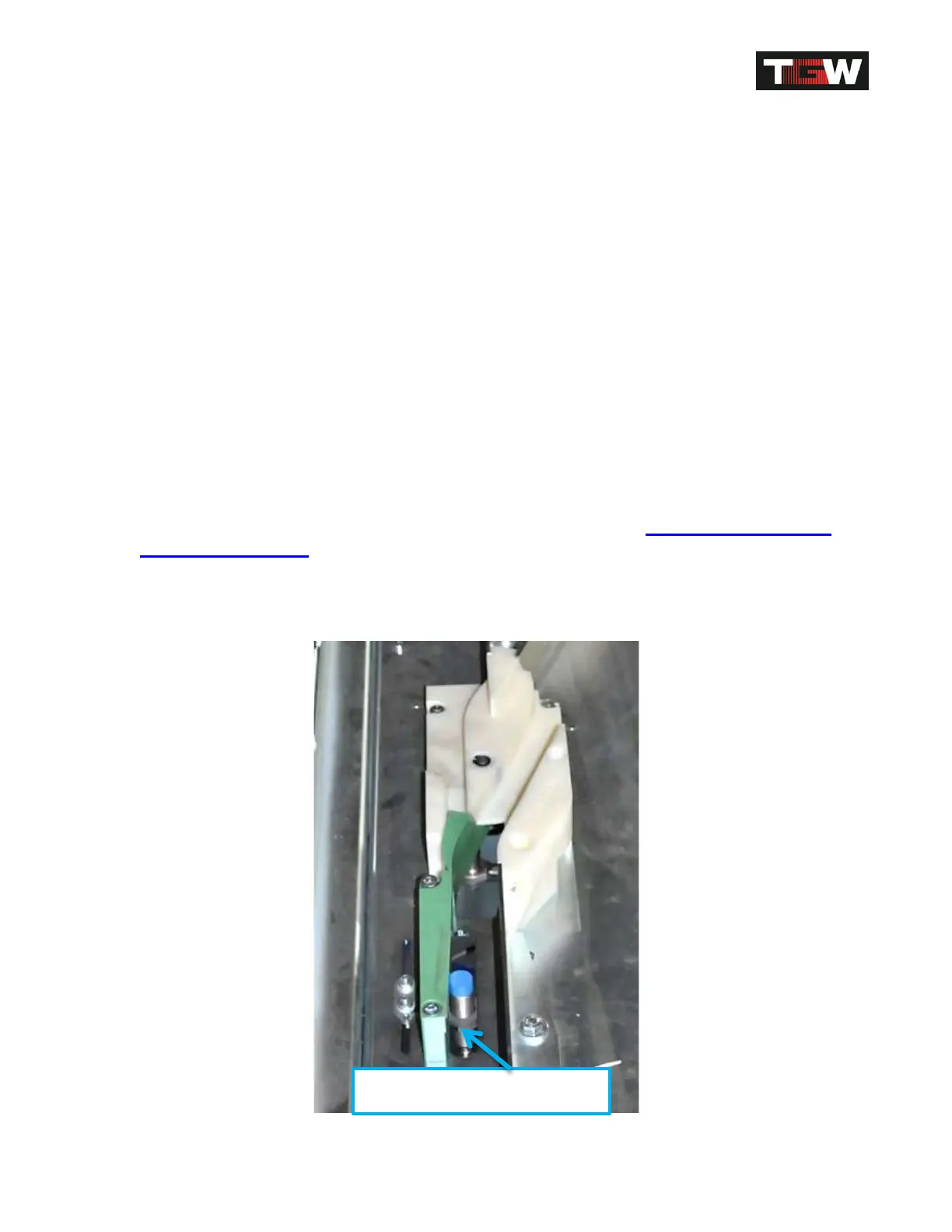
Change proximity switch [3]
Remove corresponding side panel.
Remove cable connector [1] from the proximity switch.
Loosen screw nut [2].
Unscrew proximity switch [3] from holder.
Install new proximity switch again in reverse order.
Attention: Adjust proximity switch distance refer back to Shoe Position Safety
Device Installation.
(3mm -0.5mm between shoe guide peg and proximity switch surface) if
necessary, remove sorter aluminum slats!
Top view of Proximity Switch
Revision Date: 12/10/2014 Page 77 of 111



 To Next Page