Natrix IOM
Unloading
Check the shipment for damage
Should you detect damages, be sure to document the damage preferably on the
delivery note include the damage with as much detail as possible if able take pictures date
and sign document in block letters!
Contact TGW Systems immediately at Distributor Services 231-798-4547.
Unloading Processes
Transport the modules to the installation area to avoid distortion. Use adequate means
of transport.
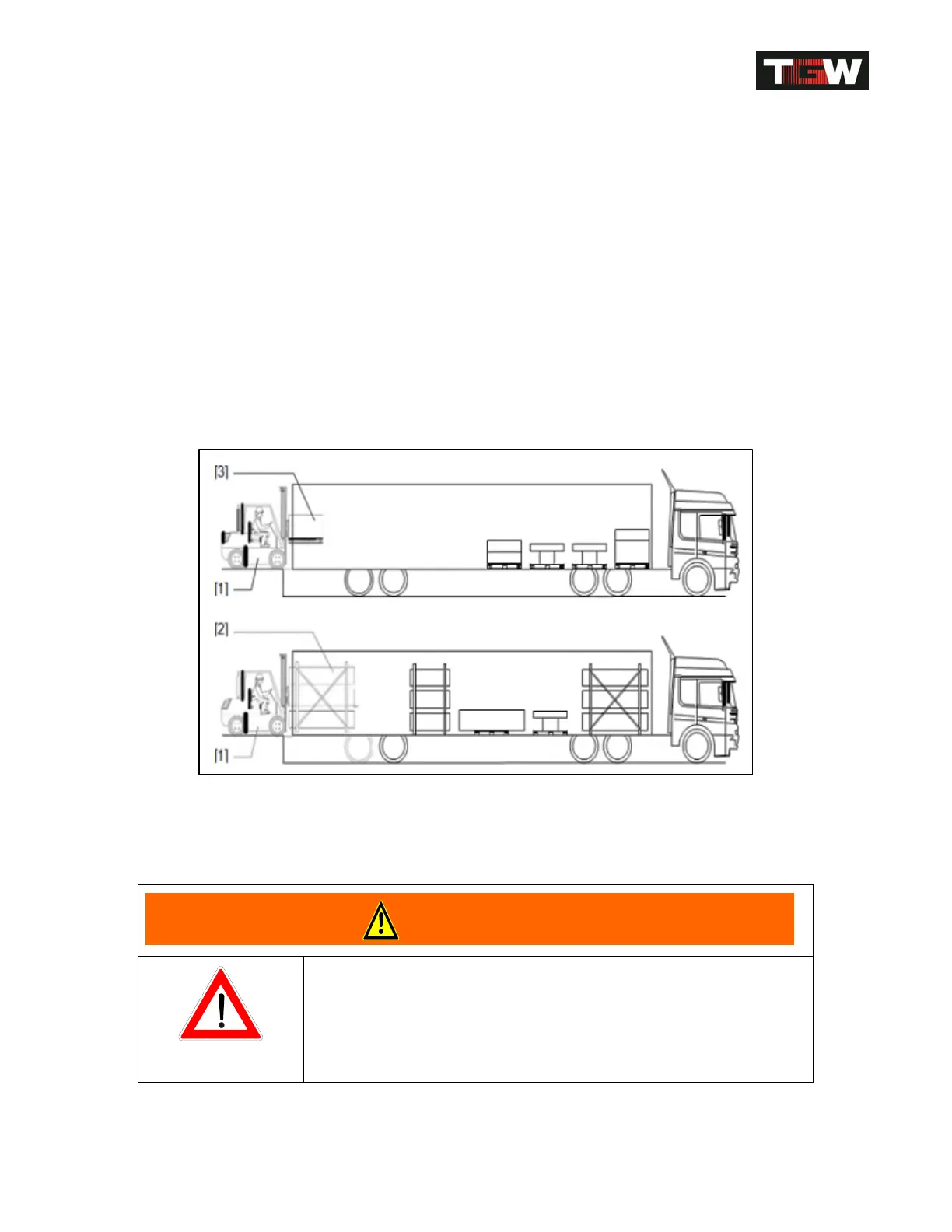
Dock Unloading
Caption: [1]... Forks lift truck with fork
extender.
(Height of fork lift truck: low height of truck)
[2]... Conveyor stack.
[3]… Single
device.
• Do not lift the machinery at the drive!
• Lift the conveyor stack in the upper third! Remove
the lateral guides, if necessary!
Revision Date: 12/10/2014 Page 31 of 111



 To Next Page