Section 4 – SR-2 Operation
USING THE GAUGES KEY
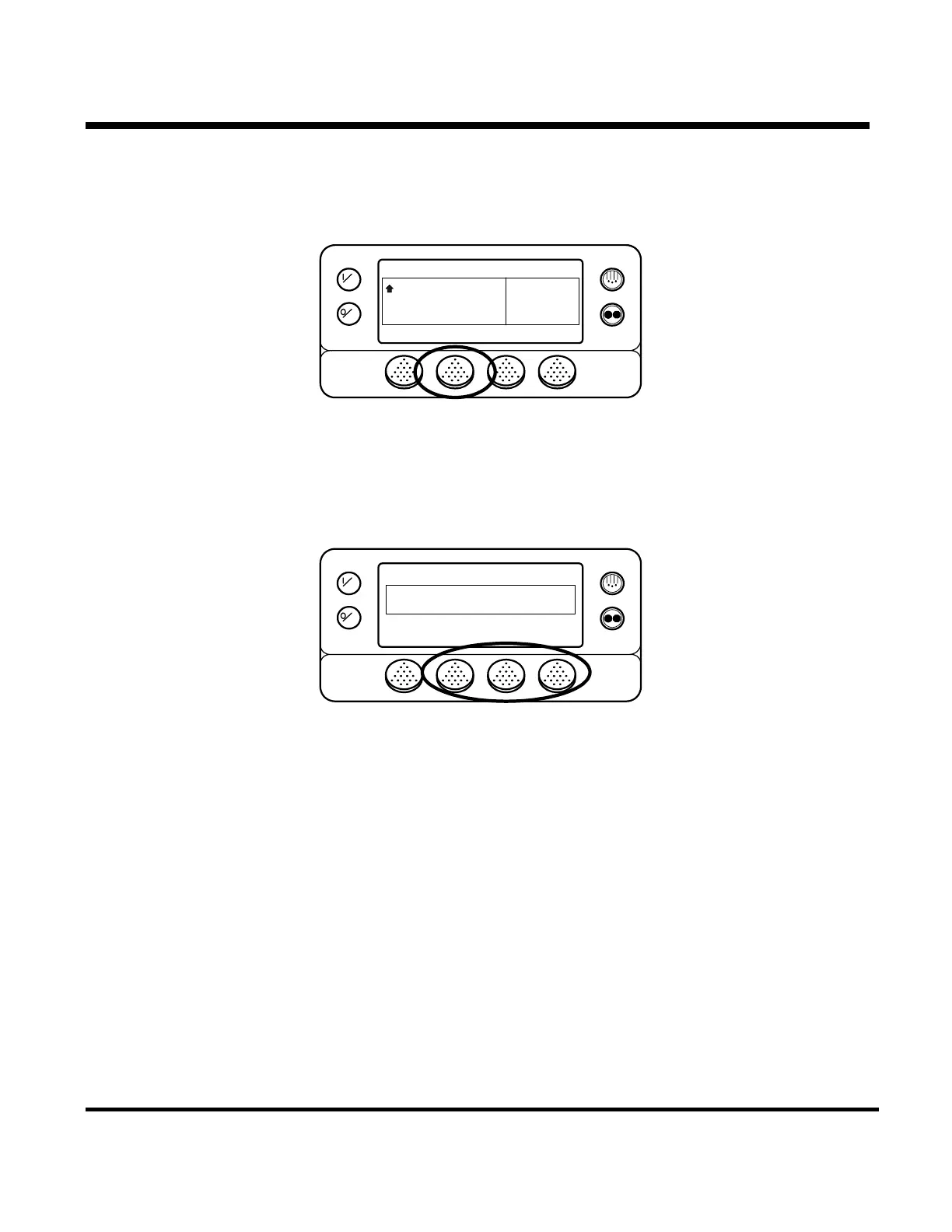
The GAUGES key allows the operator to view the unit gauges. To access the GAUGES press the GAUGES key.
OFF
ON
MENU
35
°F
35
CYCLE SENTRY
SET SENSORSGAUGES
POINT
.8
The first gauge display will appear. Press the NEXT and BACK keys to scroll thru the gauges. Pressing the
LOCK key will lock the gauges on the display.
OFF
ON
COOLANT TEMPERATURE
183 °F
NEXTEXIT LOCK
The gauges available are shown on the next page.
To return to the Standard Display press the EXIT key.
4-17
31 January 2005



 To Next Page