Section 2 – SR-2 Hardware Description
HMI CONTROL PANEL
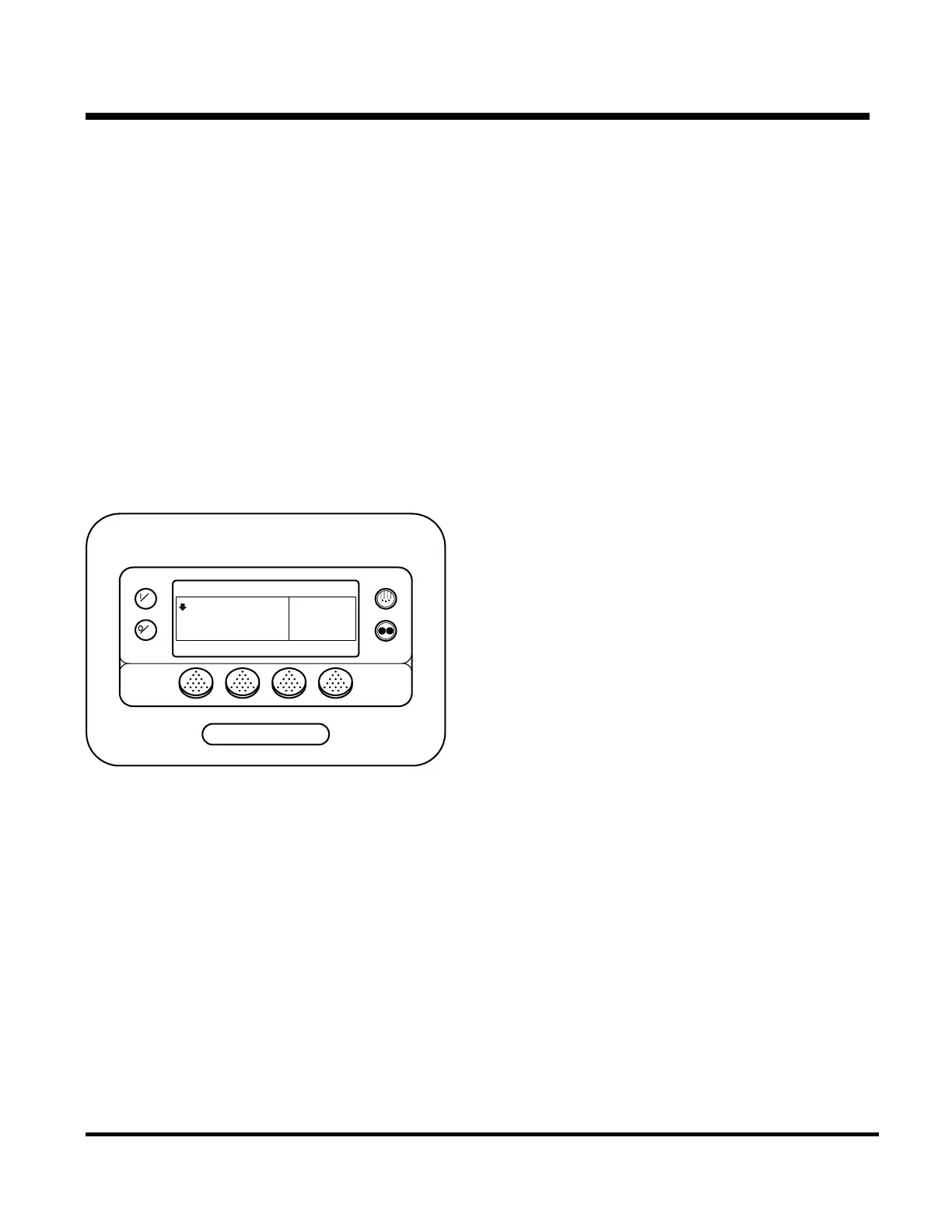
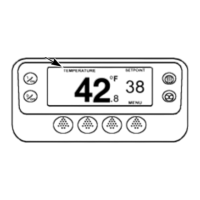
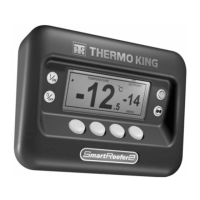
The HMI (Human Machine Interface) Control Panel
consists of an LCD graphics display screen and
eight touch sensitive keys. The four keys on the
sides of the control panel are used to turn the unit on
and off, initiate a manual defrost cycle, and select
the desired operating mode. The function of the four
keys located below the display screen change as
required by the current menu. These are known as
software controlled keys or ‘soft keys’. The current
function of the key is controlled by software and
displayed directly above the key.
SmartReefer2
OFF
ON
MENU
35
°F
35
CYCLE SENTRY
SET SENSORSGAUGES
POINT
.8
HMI Control Panel
The display screen is used by the microprocessor to
provide visual prompts and information to the
operator, such as operating mode, setpoint, gauge
and hourmeter readings and operating conditions of
the diesel engine. Information can be displayed in
21 possible languages. A single version of software
can display a maximum of 11 languages. The HMI
also contains the Cargo Watch Data Logger. The
HMI and microprocessor communicate via a CAN
(Controller Area Network) connection.
If the HMI Control Panel is disconnected from the
unit while the unit is running, the unit will shut down.
The unit will not restart when the HMI Control Panel
is reconnected until the On key is pressed.
See Section 4 for complete HMI control panel
operating details.
Real Time Clock
The real time clock is located in the HMI Control
Panel. The time is supplied to the microprocessor
each time the unit is turned on.
Clock Power
The HMI control panel features a capacitor to
provide backup power to the real time clock. This
capacitor is capable of maintaining the clock for
approximately two weeks with no power connected
to the unit. The capacitor is recharged any time the
HMI control panel is installed in the unit and the
Microprocessor Power Switch is turned on.
If the unit Microprocessor Power Switch is turned off
or the unit battery is disconnected for an extended
period the clock setting should be checked when the
unit is returned to service. If the HMI Control Panel
is changed the clock setting should also be verified.
2-6
31 January 2005


 To Next Page