Section 4 – SR-2 Operation
USING THE MAINTENANCE MENU
The Maintenance Menu contains features that allow the technician to view additional information, perform unit
diagnostics using Service Test Mode and Interface Board Test Mode and evacuate and charge the unit with
refrigerant using Evacuation Mode. Software revisions can be checked and the time and date can be set.
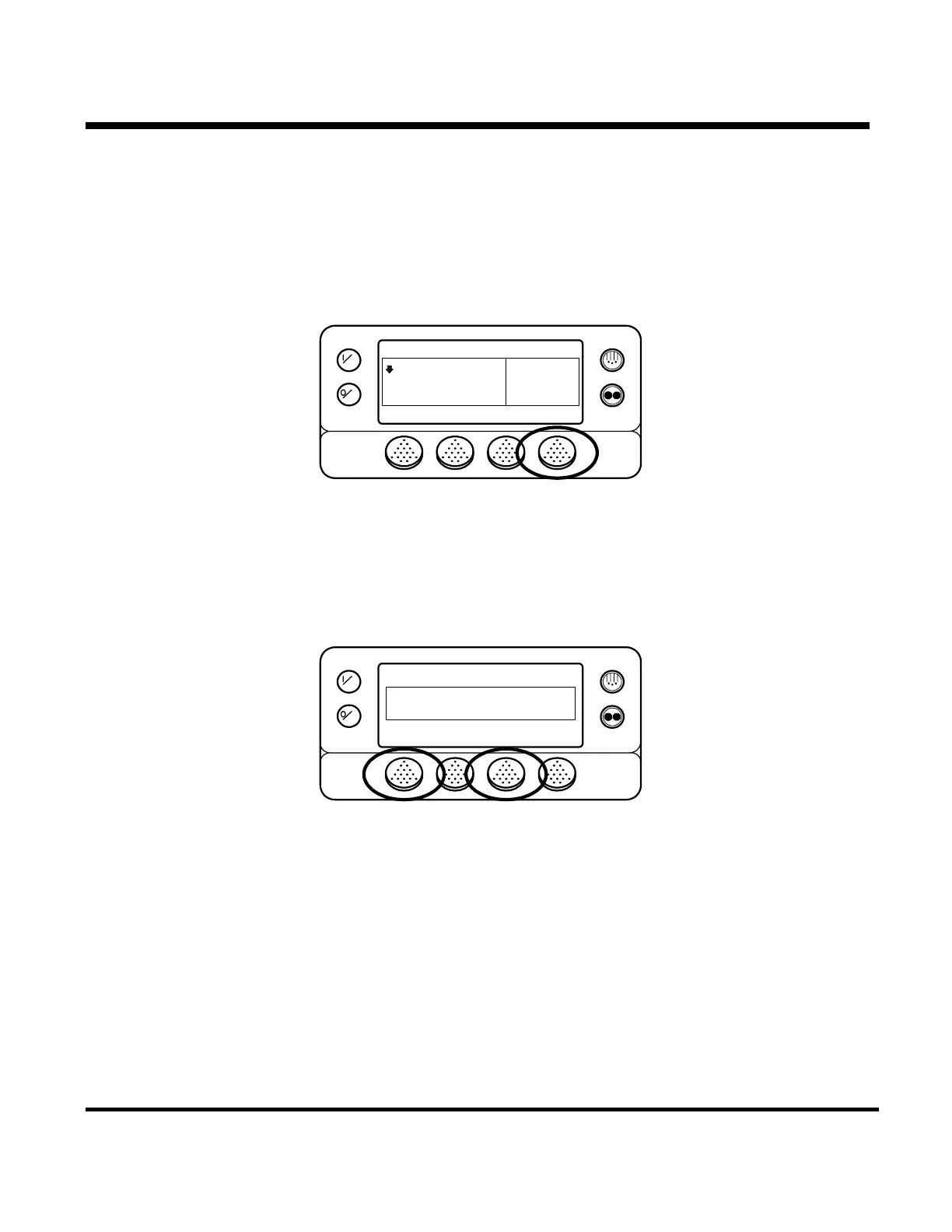
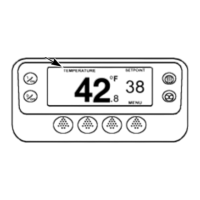
To access the Maintenance Menu press the MENU key.
OFF
ON
MENU
35
°F
35
CYCLE SENTRY
SET SENSORSGAUGES
POINT
.8
The Maintenance Menu is accessed from the first Main Menu screen that appears; either the Language Display
or the Alarms Display. The Alarms Display is shown here. Press and hold both the unlabelled soft key and the
Exit key for 5 seconds.
OFF
ON
MAIN MENU
ALARMS
NEXTEXIT SELECT
4-57
31 January 2005



 To Next Page