Section 4 – SR-2 Operation
Sensors
This menu allows the technician to view the unit temperature sensors.
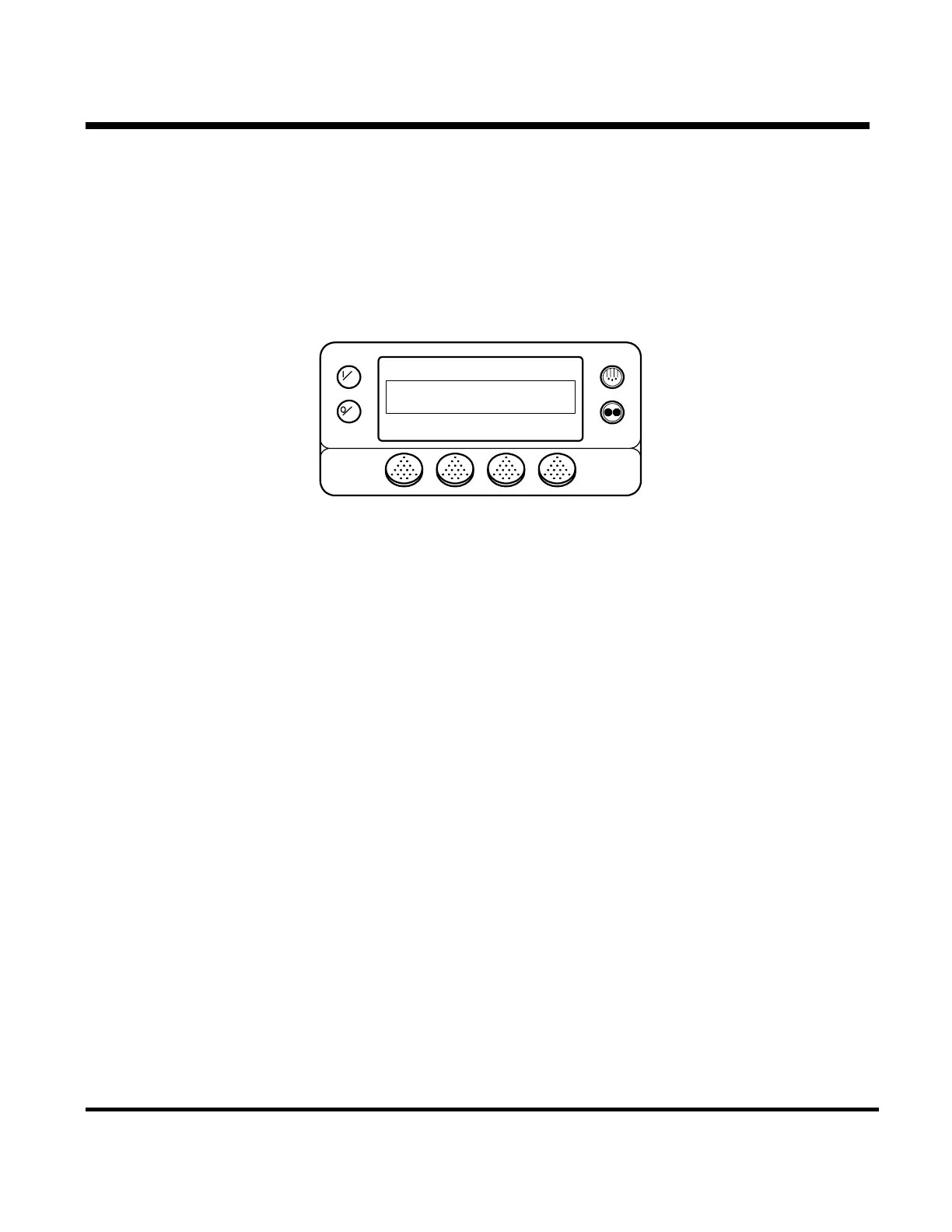
Choose Gauges by pressing the SELECT key when SENSORS is shown in the Maintenance Menu. The
SENSORS screen appears as shown below.
OFF
ON
DISPLAY RETURN AIR TEMPERATURE
44.8
NEXTEXIT BACKLOCK
°F
The NEXT and BACK keys are used to scroll through the sensors.
The LOCK key allows a sensor display to be “locked” on the display to prevent the display from timing out.
The EXIT key returns to the Maintenance Menu
See the list of sensors on the next page.
The Sensors Menu can also be accessed from the Main Menu.
4-63
31 January 2005


 To Next Page