Section 4 – SR-2 Operation
Service Test Mode
Service Test Mode allows the technician to force the unit to a known mode for diagnostic purposes. The unit can
be either running or not running.
IMPORTANT: Service Test Mode is not allowed if any shutdown alarms exist or if the unit is in a Prevent Mode
shutdown null (Alarm Code 84). Clear all shutdown alarms before attempting to use Service Test Mode.
Choose Service Test by pressing the SELECT key when SERVICE TEST is shown in the Maintenance Menu.
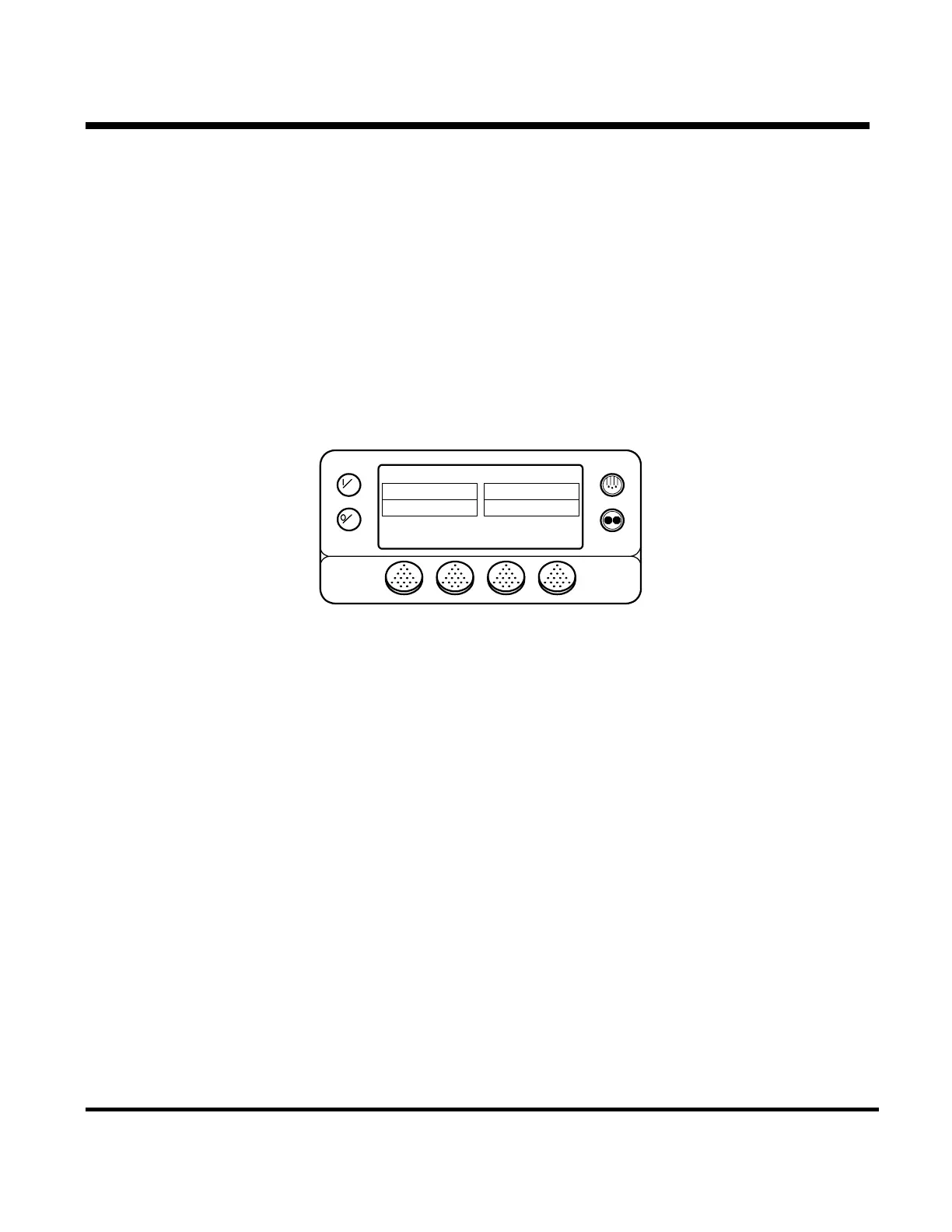
Select Running or Non Running tests. The SERVICE TEST screen appears as shown below. The test shown is
the High Speed Cool test.
OFF
ON
HIGH COOL TEST
EXIT GAUGESTEST
TIME REMAINING 12:32 MINS
RET ECOIL
DIS DIFF
45 F
35 F
30 F
-10 F
Return, Discharge and Evaporator Coil temperatures are shown. The Temperature Differential is also calculated
and displayed.
The GAUGES key is used to scroll through the gauges.
The TEST key allows the various tests to be selected.
The EXIT key returns to the Maintenance Menu
A test will remain active for 15 minutes. A countdown counter shows the time remaining for the test. If the test
times out the test will terminate, the unit will be shut down (if running) and Alarm Code 54 Test Mode Timeout is
set.
Not all tests are available on all units. Only tests used by the specific unit will appear.
See the list of tests on the next page.
4-68
31 January 2005


 To Next Page