Section 4 – SR-2 Operation
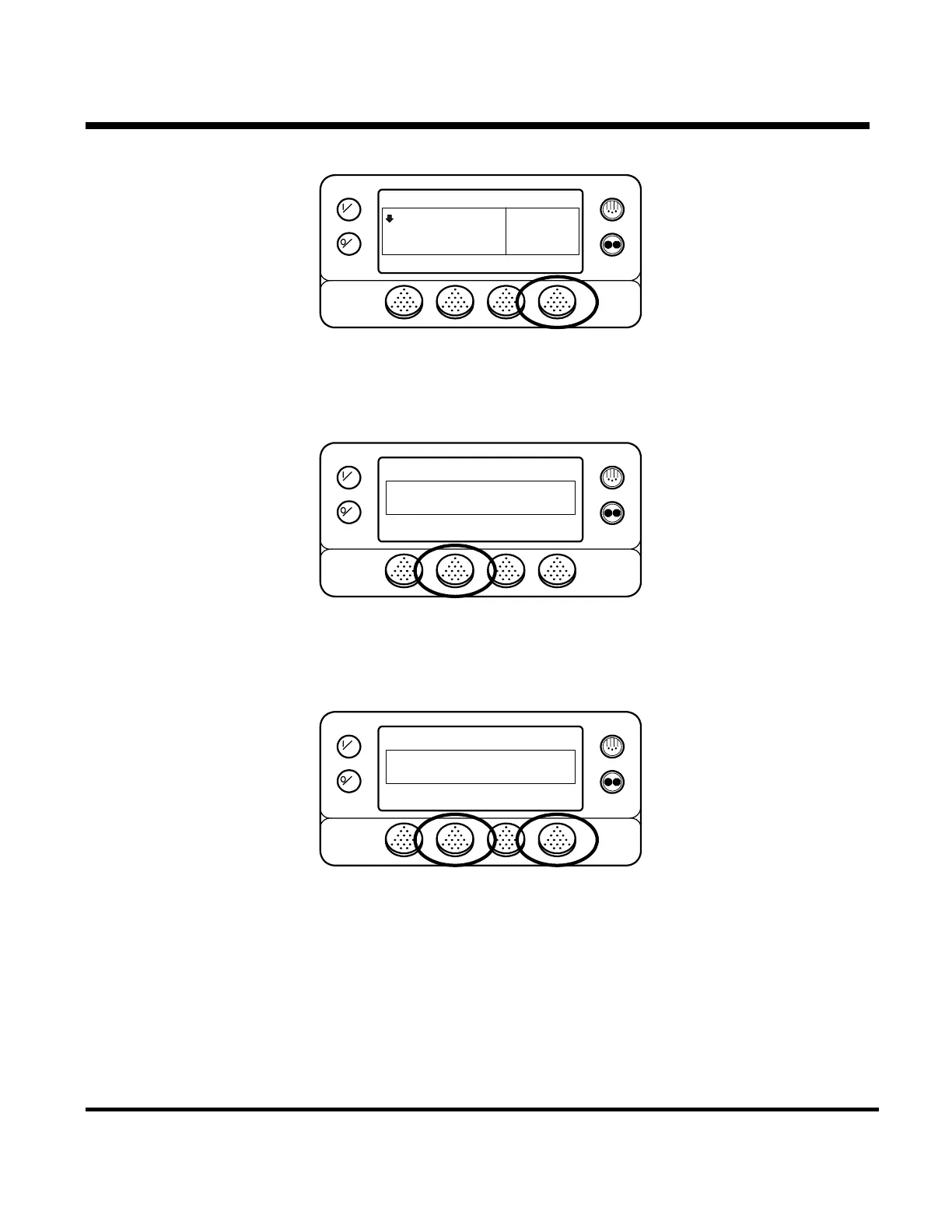
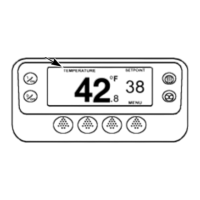
Mode changes are made using the Mode Menu. From the Standard Display, press the MENU key.
OFF
ON
35
°F
35
CYCLE SENTRY
.8
MENUSET SENSORSGAUGES
POINT
The Language Menu or Alarm Menu will appear. Press the NEXT key as required to show the Mode Menu.
When the Mode Menu is shown press the SELECT key.
OFF
ON
MAIN MENU
MODE
NEXTEXIT BACKSELECT
The first mode change screen will appear. To chose that function press the SELECT key. To Scroll thru the
Mode Menu press the NEXT key.
OFF
ON
CHANGE MODE
TURN OFF CYCLE SENTRY
NEXTEXIT SELECT
Possible Mode selections are shown on the next page. Not all modes may be available, depending on OptiSet
usage and settings of other programmable features.
4-45
31 January 2005



 To Next Page