Section 5 – SR-2 Diagnostics
203 CHECK DISPLAY RETURN AIR SENSOR
Page 2 of 2
How Alarm is Cleared
THIS ALARM CAN ONLY BE CLEARED FROM THE MAINTENANCE MENU or GUARDED ACCESS MENU.
When the alarm is cleared the return air sensors, discharge air sensors and evaporator coil sensor must all read
within a specified number of degrees of each other. If they do not, it is assumed that the sensor reading is not
accurate and the alarm code is not cleared. If the sensor is over or under range when the alarm clear is attempted,
the alarm will not be cleared. If Alarm Code 92 Sensor Grades Not Set is present, the sensor grade must be set
before the alarm can be cleared.
Programmable Features
This is a graded sensor. The sensor grade must be correctly set in the Guarded Access Menu.
Diagnostic Procedure
Download and review the ServiceWatch data logger using Technician Level to determine the conditions at the time
the alarm was set.
Alarm Code 203 (Sensor was out of range) Only
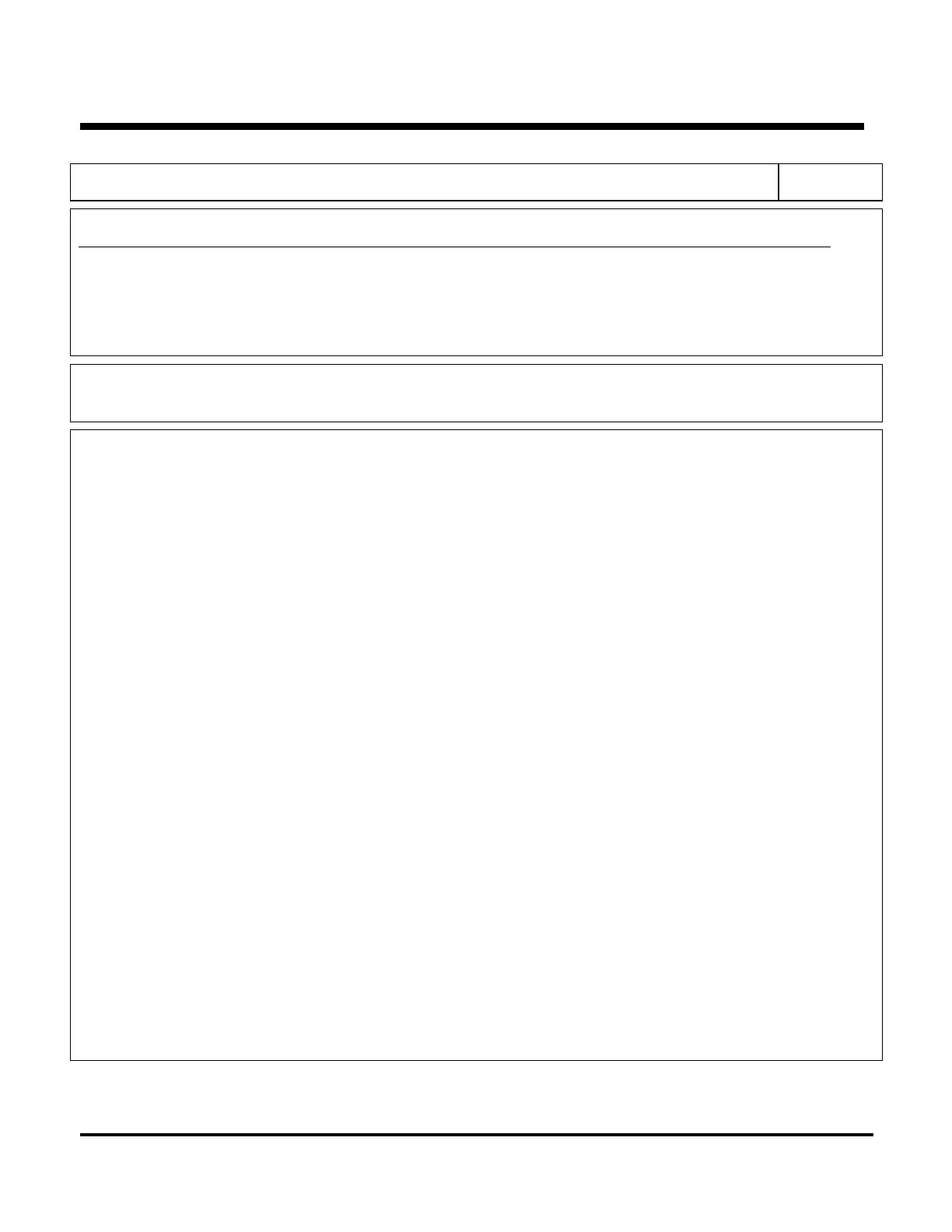
1. Display the sensor reading, using the Sensor Menu. If the display shows [----], the sensor is defective and
should be replaced. If the condition still exists, check the sensor circuit for an open wire or short to ground.
See Service Procedure D01A. Check the microprocessor, using Service Procedure A01A.
2. If the display is normal proceed as shown below.
Alarm Code 203 and Alarm Code 13 (Sensor drifted or was reading erratically)
1. Review the ServiceWatch data logger and check the sensor reading at the time the alarm was set. Also,
review the history to see if previous alarm codes exist that would indicate an intermittent problem. If the
sensor appears to have read incorrectly, it should be replaced.
2. Be sure the sensor grades are set to the actual sensor grade and are not transposed.
3. Check for an airflow obstruction and correct sensor mounting.
4. If the problem reoccurs, check the sensor connector as shown in Service Procedure D01A.
5. Check the sensor circuit, as shown in Service Procedure D01A.
Alarm Code 203 and Alarm Code 92 (Sensor grade set to 5H)
1. Verify and set the sensor grade.
Alarm Code 03, Alarm Code 203 and Alarm Code 13 set (Dual sensors don’t agree)
1. Review the ServiceWatch data logger and check the senor readings at the time the alarm was set. Also,
review the history to see if previous alarm codes exist that would indicate the problem sensor. If a sensor
appears to have read incorrectly, it should be replaced.
2. Check for an airflow obstruction and correct sensor mounting.
3. Be sure the sensor grades are set to the actual sensor grade and are not transposed.
4. If the offending sensor cannot be determined, immerse both return air sensors simultaneously in an ice
bath to determine which sensor is inaccurate.
If all the Sensor Codes (02, 03, 04, 05, 06, 11 and 12, 203, & 204) are set
1. Be sure the 35 pin microprocessor sensor connector J3 is connected securely.
2. Check the microprocessor, as shown by Service Procedure A01A.
5-81
02 February 2005


 To Next Page