7
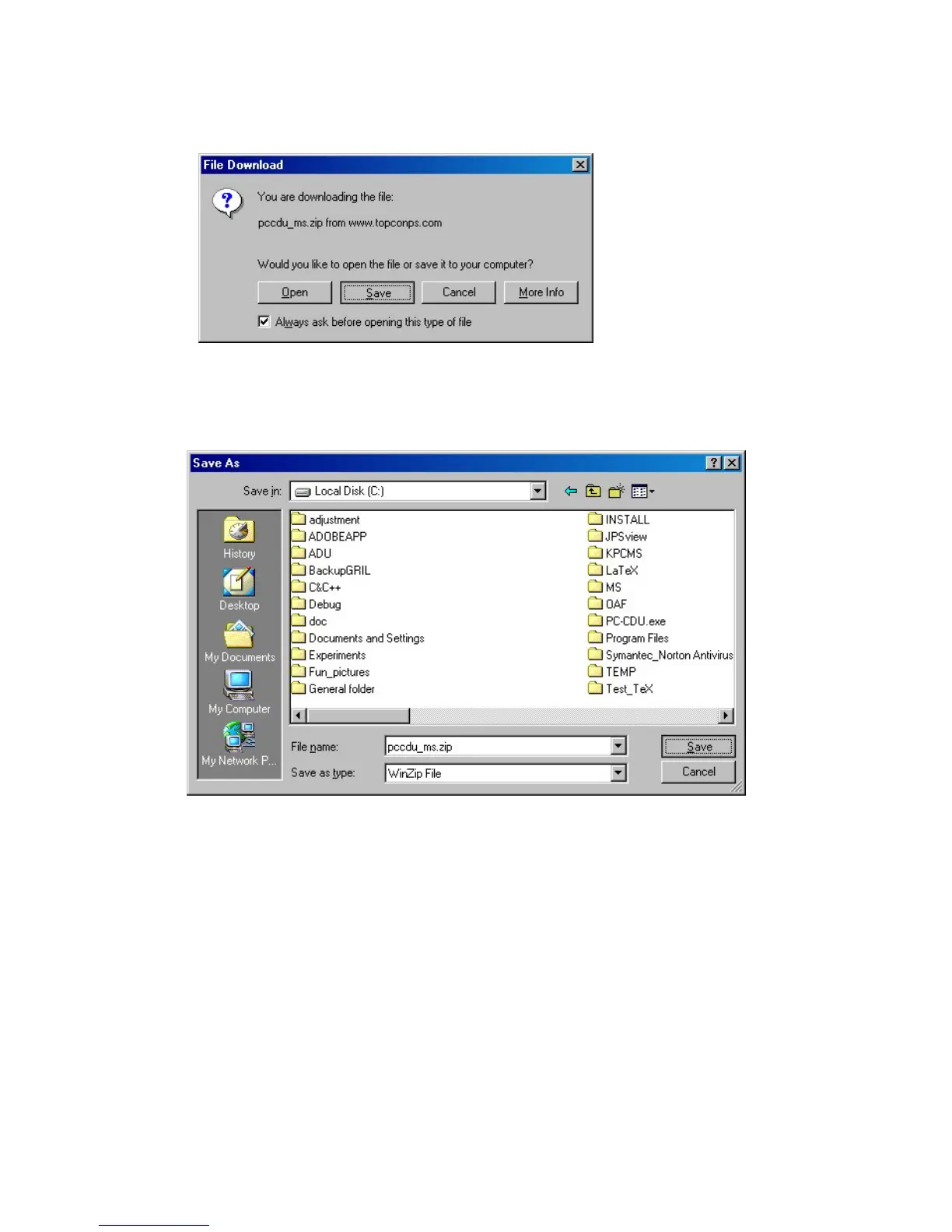
3. The File Download dialog box will be opened. To continue the download process,
press Save (Figure 2).
Figure 2. Dialog box “File Download”
4. Use the dialog window Save As to specify the desired destination (disk drive/folder) for the ar-
chive pccdu_ms.zip (Figure 3).
Figure 3. Select a destination for the archive pccdu_ms.zip



 To Next Page