54
4.2.4.6. Ports
With this tab the user can specify all necessary settings for serial ports A, B, C, D, parallel port and
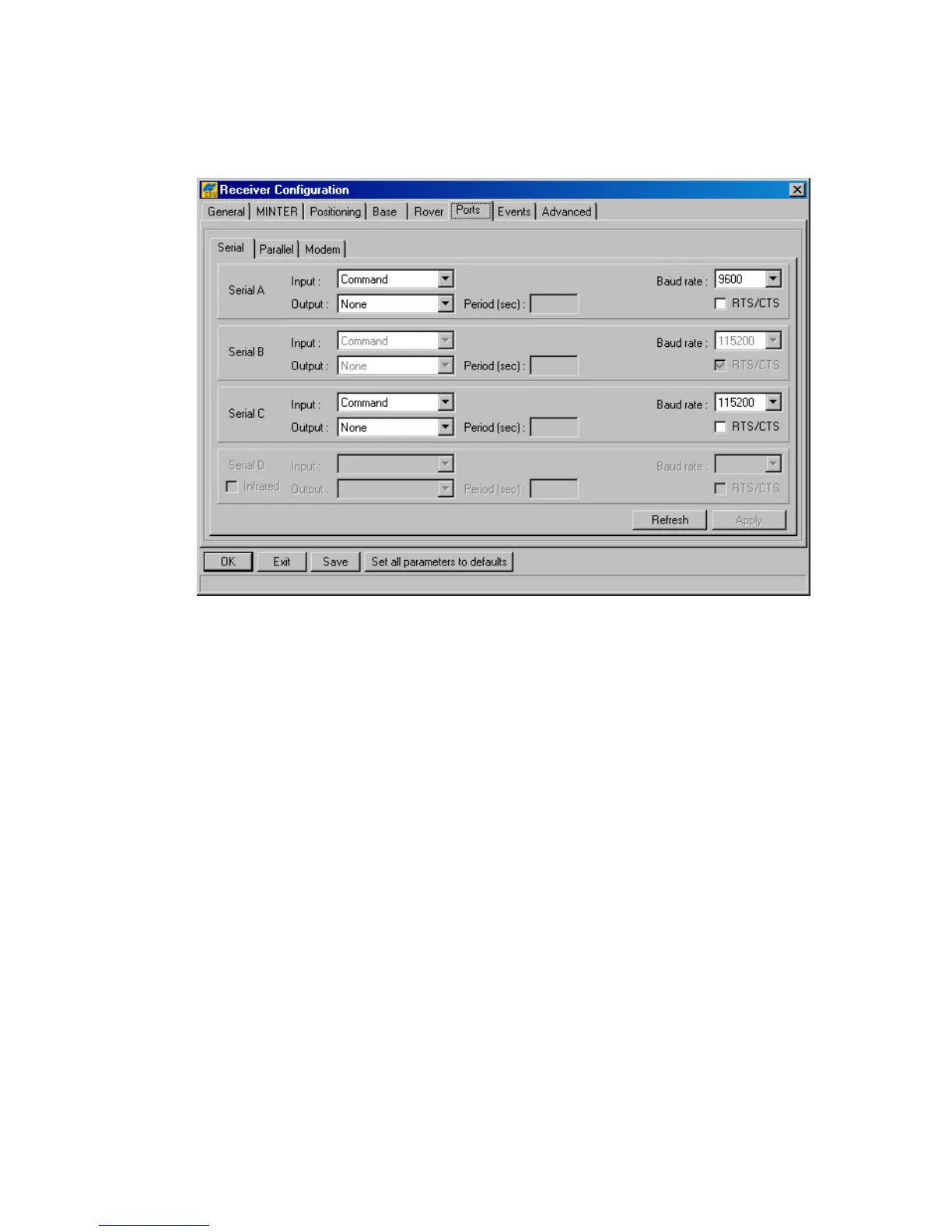
internal modem. The tab is subdivided into three subtabs (Figure 35).
Figure 35. “Ports” tab
Serial
Use this subtab to control the settings for serial ports A, B, C and D (see Figure 35).
The list box Input allows the user to specify what incoming data types the corresponding port is
tuned for:
• None – means that the port will neglect any incoming data.
• Command – the port is in command mode. In this mode the port recognizes the com-
mands sent by the user.
• Echo – the port is in echo mode. Being used in this mode the receiver port redirects all
incoming data to an “output stream”. Note that “output stream” may be either a port or
the current log file
• RTCM – the port is in RTCM input mode.
• CMR – the port is in CMR input mode.
This list box corresponds to the receiver parameter /par/[port]/imode.
The list box Output allows the user to specify what outgoing data types the corresponding port is
tuned for:
• None – the port outputs nothing.



 To Next Page