77
The edit box Time interval specifies the length of the x axis (in seconds).
The Max. deviation edit box specifies the length of the y axis (in meters).
To turn off the grid, clear the Show grid checkbox.
The Time step edit box specifies the time (in seconds) between adjacent vertical gridlines.
The Deviation step edit box sets the distance (in meters) between adjacent horizontal grid-
lines.
The Values to keep edit box determines the size of a circular buffer used to store the positions
of the receiver’s antenna. The default value is 3600. When the buffer is full, the new values over-
write the oldest. This circular buffer is used with the aim of saving the computer memory consump-
tion when the graphs have been being monitored for a long time (continuously during several
hours, days, etc.).
To commit any changes that you have made without closing the window, click Apply.
4.2.16. About PC-CDU
To access the About PC-CDU window, either select the About item from the Help menu,
or press the keys C
TRL+U.
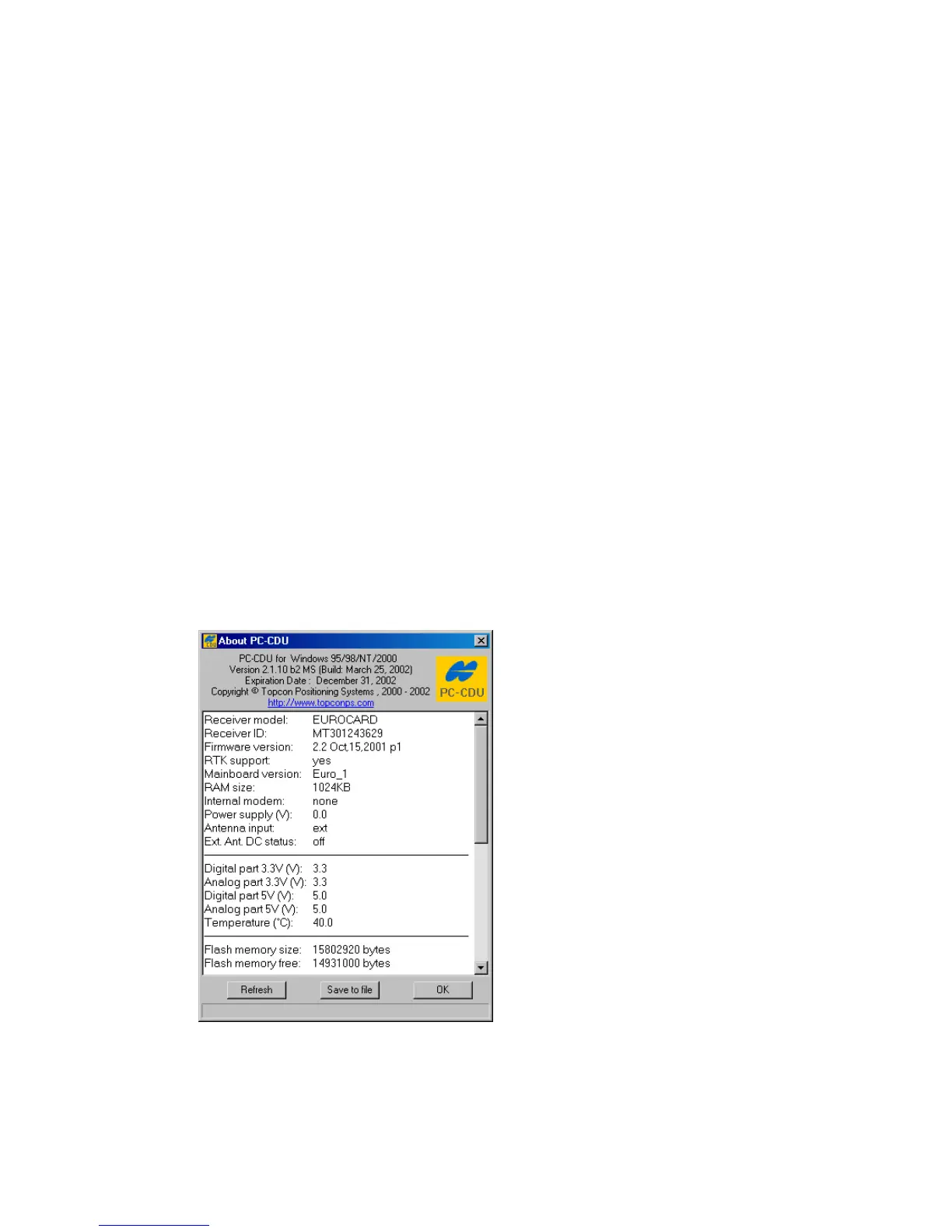
The About PC-CDU window shows software version information and, after establishing connec-
tion, information about the receiver (Figure 59).
Figure 59. “About PC-CDU” window



 To Next Page