16
4. Learning PC-CDU in detail
4.1. Main window
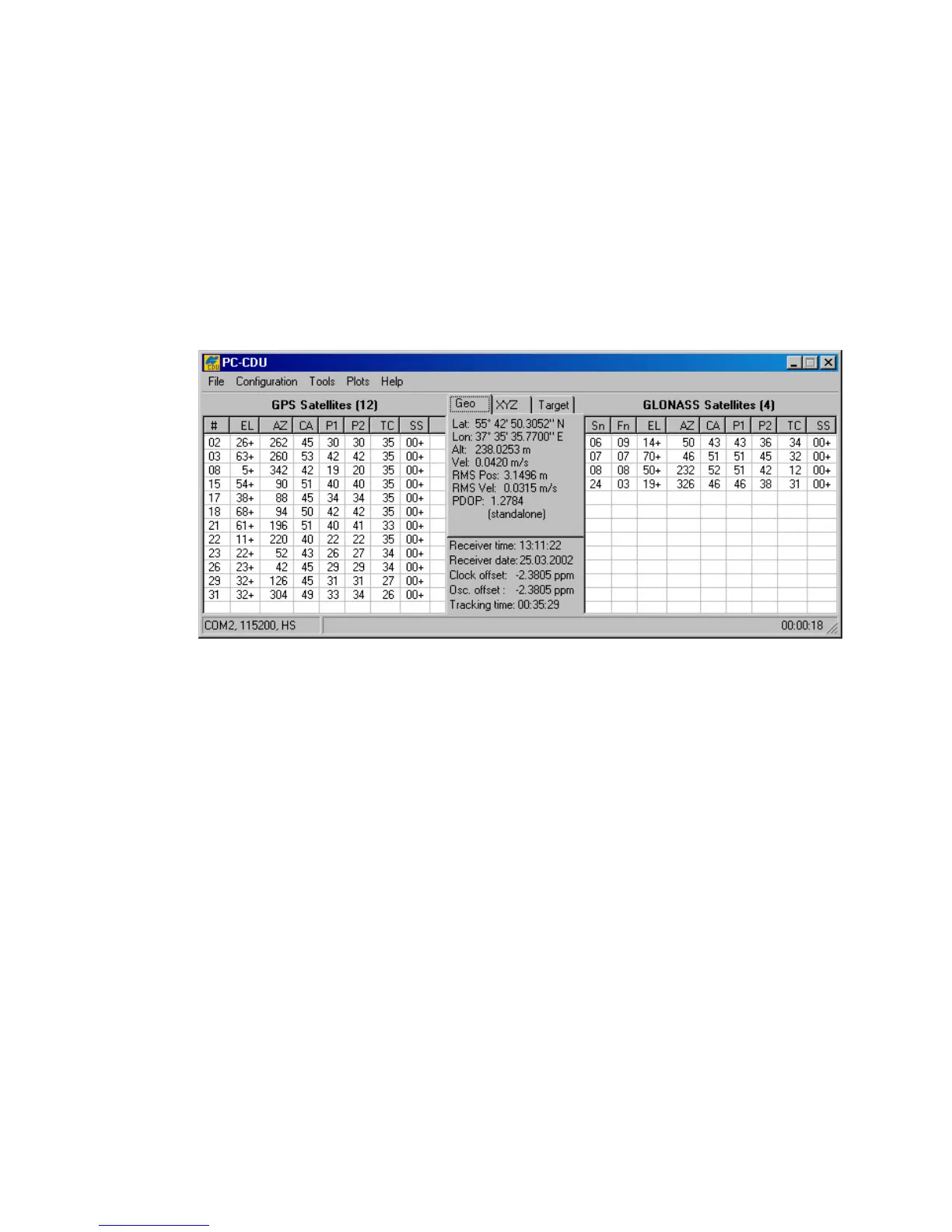
After PC-CDU has established a connection between the computer and receiver, the main window
will be opened (see Figure 9). The main window consists of two panels, the GPS Satellites
panel on the left and GLONASS Satellites on the right, which are separated by the
Geo|XYZ|Target box. The panels display the basic tracking information (parameters) for the
locked satellites. These tracking parameters are described in table 4. The Geo|XYZ|Target
box represents the antenna’s current position (if available) and the time-frequency parameters.
Figure 9. Main window



 To Next Page