27
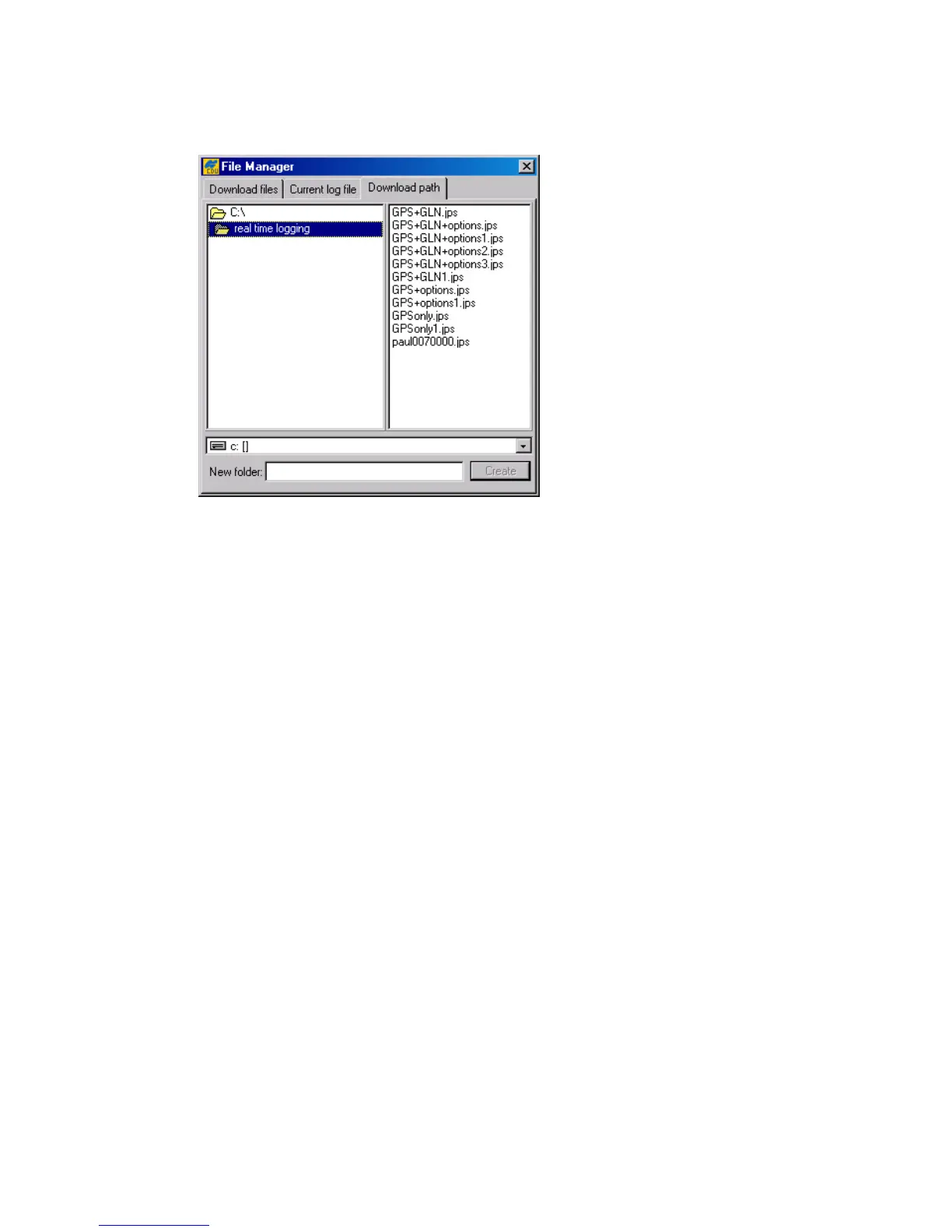
4.2.1.3. ‘Download path’ tab
In this tab one selects the destination folder for the files downloaded (Figure 19).
Figure 19. “Download path” tab
Note that the window’s right panel is for reference only. One will be prevented from doing any op-
erations on the files in the corresponding directory. If the user has not explicitly selected a destina-
tion folder for the files downloaded, these files will be stored based on the last specified download
path.
4.2.2. ‘Real-Time Logging’ dialog window
The term
real-time logging
means recording receiver data into a PC in real time mode.
To open the Real-Time Logging dialog window, select Real-Time Logging from the
File menu or press the keys C
TRL+R.
The Real-Time Logging dialog boxes (see Figure 20 and Figure 21) are, structurally, similar
to the Main window. For a description of the GUI components that are
identical
for the Real-
Time Logging and Main windows, refer to 4.1. Below we will focus on the components specific
to the Real-Time Logging dialog boxes.
Note the three tabs in the top-left corner of the window: Single file, Multiple files and
Select output path. For information on the Select output path tab, refer to 4.2.1.3.
Before we getting down to the other two tabs, consider the parameters displayed in the middle of
the Real-Time Logging window, between the GPS Satellites and GLONASS Satellites
tables.
The Elapsed time field shows the time elapsed since the current log file was opened. Every
time a new log file is created, this timer is reset to 00:00:00.
The Received field shows the log-file size in bytes. This parameter will vary as new data are re-
corded into the file. After pressing the Stop button, one will see the log-file’s final size in the field.



 To Next Page