75
To view the basic tracking information about a satellite, move the cursor onto the desired satel-
lite’s icon and right-click on it. Holding down the right button, one will see a pop-
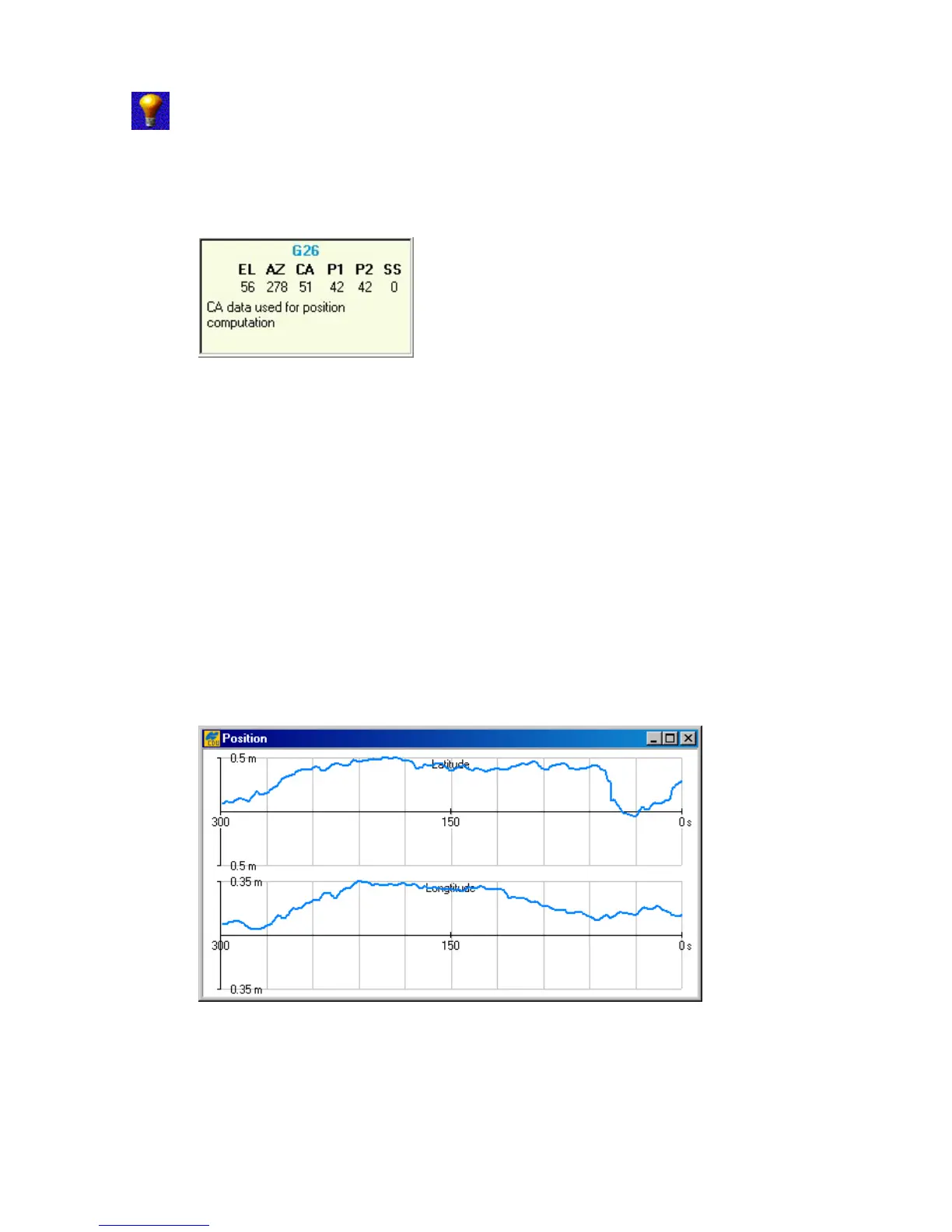
up window, as shown in Figure 56. The values in the window are similar to the
values in Main window (see 4.1).
Figure 56. Pop-up menu, reflecting the information about the selected satellite
To clear the Satellites window, click the Clear data button
4.2.14. Position window
To go to the Position window, select the Position item from the Plots menu.
The graphs, in the Position window (see Figure 57), show the difference (in meters) between
latitude/longitude of the current receiver position and latitude/longitude entered in the Target
position window over the interval (in seconds) specified by the user in the Plots
Configuration window.
The features of the graphs can be adjusted through the Position group box of the Plots
Configuration window (see 4.2.15).
Figure 57. “Position” window



 To Next Page