29
4.2.2.2. ‘Multiple files’ tab
This function, “real-time logging of multiple log files”, is intended to automate the process of real-
time downloading of the receiver data to JPS files according to the specified time schedule.
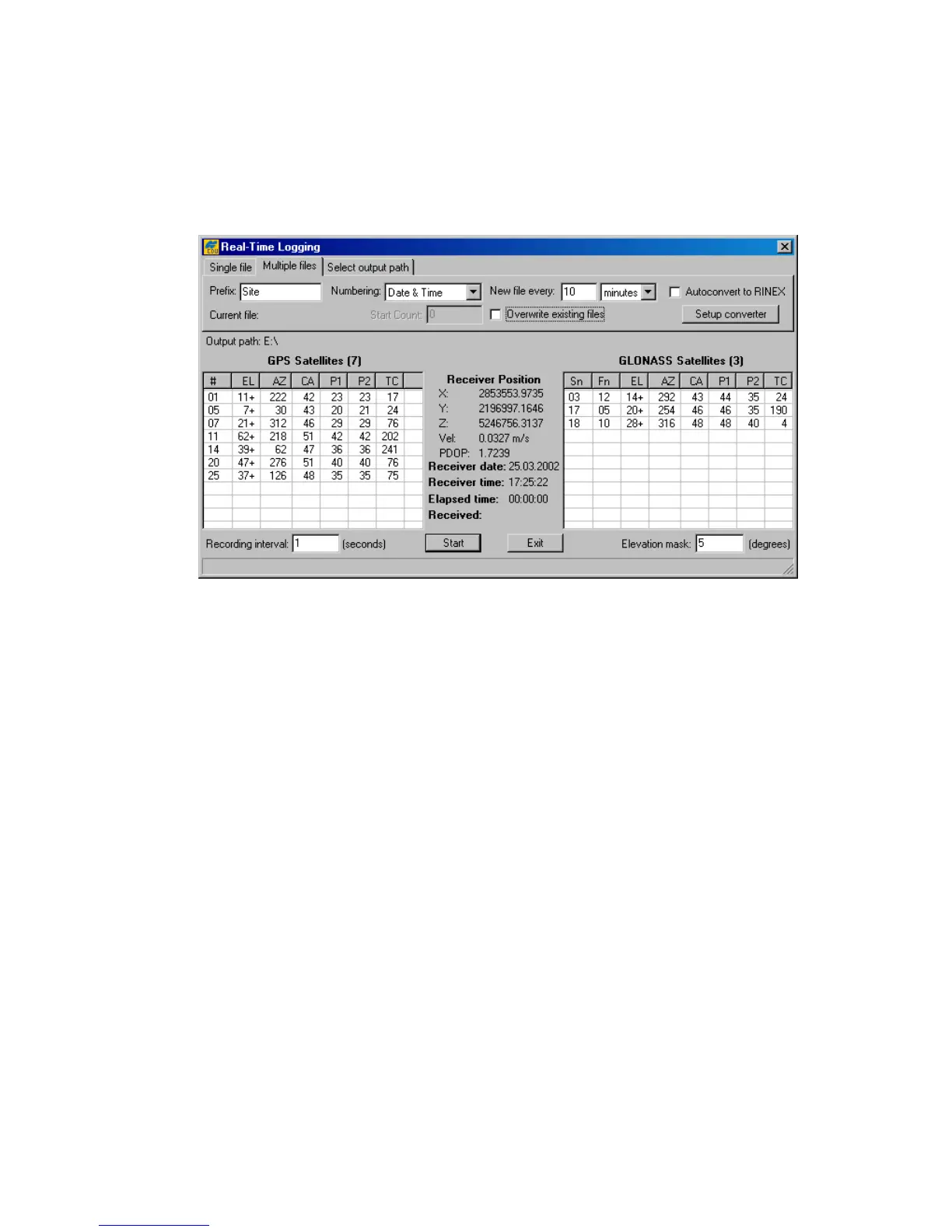
In this mode PC-CDU will automatically open/close JPS files in regular time intervals (Figure 21). A
new JPS file will be opened immediately after the previous file is closed.
Figure 21. “Multiple files” tab
The
filename convention
settings “Prefix” and “Numbering” determine how the JPS files created will
be named.
As the name of the setting implies, Prefix determines the prefix part of the filename. By default,
PC-CDU will use the site name specified in the Site Configuration dialog window as the file-
name prefix.
The Numbering edit box allows you to select the desired
file numbering scheme
:
• If the option Date & Time is selected, the
numeric part
of the filename will look as fol-
lows: YDDDHHMM,
where
Y – last digit of the year [0-9],
DDD – day of the year [1-366],
HH – hours in the receiver time scale [00-23],
MM – minutes in the receiver time scale [00-59].
The date and time used for the filename will correspond to the first epoch recorded into the
file.
• If the option Ascending Count is selected, the numeric part of the filename will vary be-
tween 0000 and 2147483647.



 To Next Page