43
• In the PDOP mask edit box you specify the threshold value of PDOP that
disables position computation. If PDOP exceeds this mask during a period of time, the
receiver’s position will not be computed over the corresponding epochs. The associated
receiver parameter is /par/pos/pdop.
RAIM Enabled
• If the RAIM Enabled checkbox is selected, the receiver automatically will detect
and reject measurement outliers. The corresponding receiver parameter is
/par/pos/raim/mode.
• The drop-down list box Alarm is associated with the receiver parameter
/par/pos/raim/al/mode.
• The Alarm limit edit box relates to the receiver parameter /par/pos/raim/al/manual.
From the drop-down list box Current Datum you select the datum used in position computa-
tion. This setting is associated with the receiver parameter /par/pos/datum/cur.
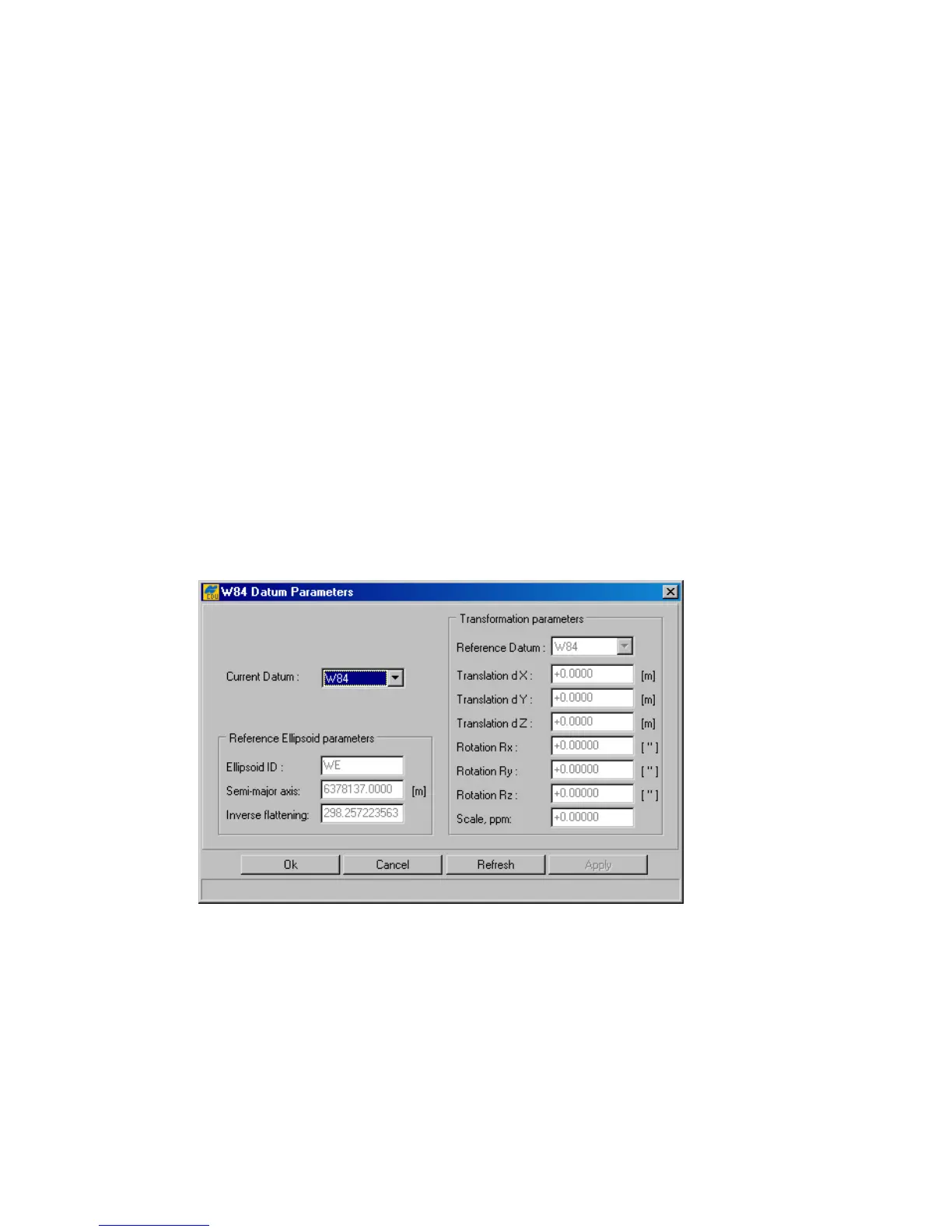
Pressing the Datum Parameters button will open the <Datum ID> Datum
Parameters w indow (Figure 29). In this window one cannot only
view
the ellipsoid and trans-
formation parameters of the datums selectable from the Current Datum list box but also
edit
the transformation parameters for USER and P90. In addition the ellipsoid parameters of USER can
be edited in this window.
Figure 29. “<DATUM ID> Datum Parameters” window
Positioning System
• Select the checkboxes GPS and GLONASS if it is desired that the corresponding
satellite constellations to be used in position computation. These checkmarks are asso-
ciated with the receiver parameter /par/pos/sys.
Note, however, that the selected satellite constellation will indeed be used in position
computation
only if
the corresponding Satellites used in pos. checkbox from the
Satellite management panel is selected as well.



 To Next Page