71
4.2.11. Option Manager window
To go to the Option Manager window, select the Receiver options item from the Tools
menu.
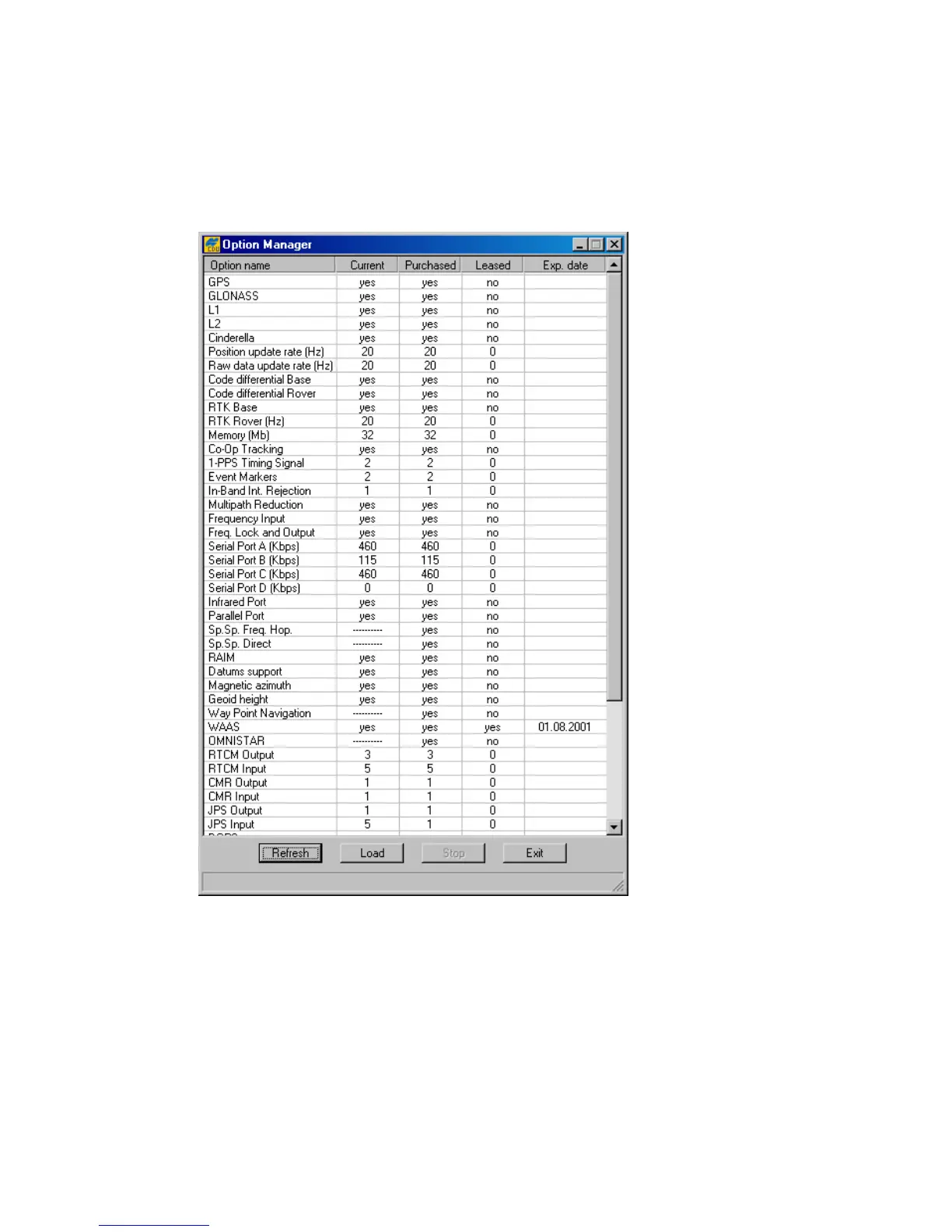
After you click Receiver options, you will see a window that looks like Figure 53.
Figure 53. “Option Manager” window
This window serves two main purposes. First, it indicates which of the receiver options are available
for your receiver. Second, this window allows the user to update the receiver options by loading a
new receiver option file (with the extension .jpo). After pressing the Load button, PC-CDU will
prompt the user to enter the name of the corresponding .jpo file. When the loading of the new re-
ceiver option file is over (in the status bar, one will see the comment Option loaded. You need to
configure the receiver.), click the Refresh button to refresh the list of available options.



 To Next Page