59
4.2.4.8. Advanced
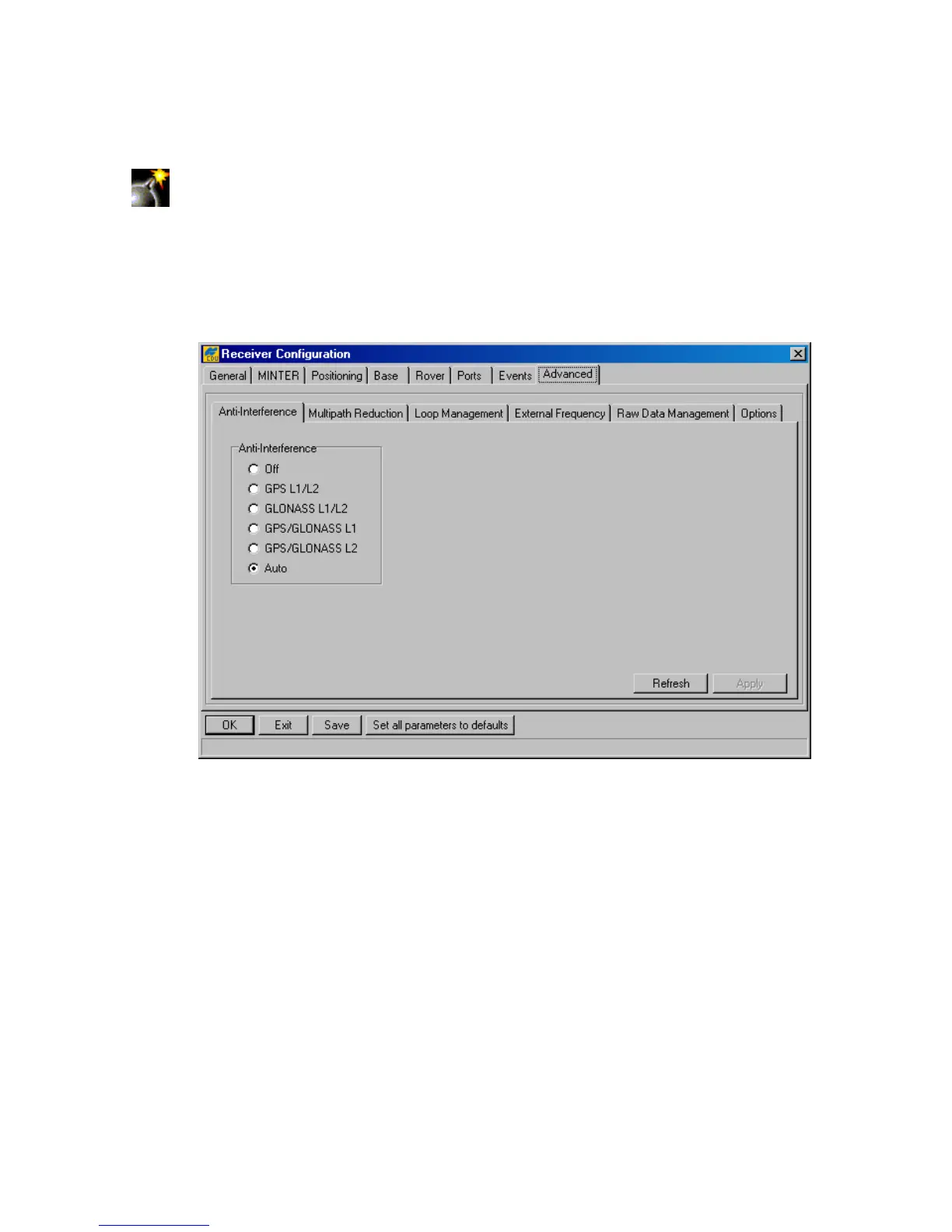
The Advanced tab is composed of six subtabs, as illustrated in Figure 39.
Warning! Only change these advanced settings when it is known what they mean.
Unsuitable changes to these subtabs can cause the receiver to run improperly. If
one is doubtful of any changes you made to these subtabs, he/she can always get
the factory default settings back by pressing the Set all parameters to
defaults button. For a description of these subtabs refer to the corresponding
paragraphs below.
Figure 39. “Advanced” subtab
Anti-Interference
With the Anti-Interference radio button group (Figure 39), the user enables mode allowing
the TPS receivers to suppress the impact of narrow-band interferences. The user can assess the
presence of interference based on the following information:
• When the number of tracked satellites is fewer (by 2 or greater) than the number of
satellites in view;
• When the signal-to-noise ratio (C/N0) in the C/A channel for the satellites having eleva-
tions above 30 degrees does not exceed 40 dBHz;
• When the information about interferences indicates that Jamming Suppressor detected
interference signals within the specified band and also the strength of aggregate in-
band interference is characterized as high or hard. This information you can obtain with
the command em,,jps/JI.



 To Next Page