21
To reset the timer in the bottom-right corner of the Main Window to 00:00:00, double-click
somewhere in the
hour:min:second
area.
4.2. The Main window’s menu
The user can access any one of PC-CDU’s dialog windows by selecting the corresponding item from
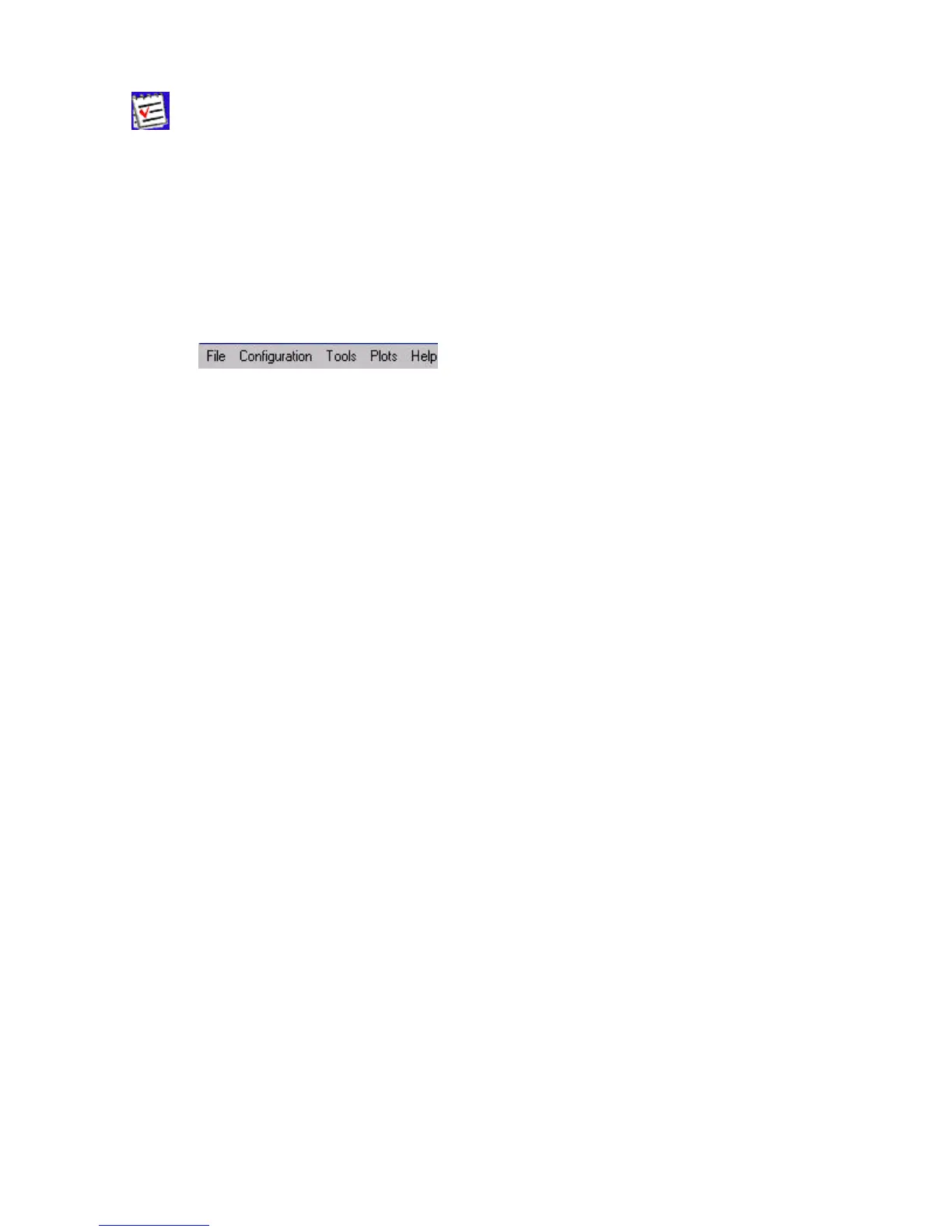
the main window’s menu (Figure 13). Some of the menu items have shortcut keys.
For example, the user can select the Site item (from the Configuration menu) with the keys
C
TRL+I.
Figure 13. The Main window’s menu
The following sections will describe all available menu items and the corresponding dialog windows
in detail.
4.2.1. ‘File Manager’ window
To open the File Manager dialog window, select the File Manager item from the File menu, or
press the keys
CTRL+F.
The File Manager dialog window has three tabs:
• Download files
• Current log files
• Download path



 To Next Page