20
4.1.2. XYZ tab
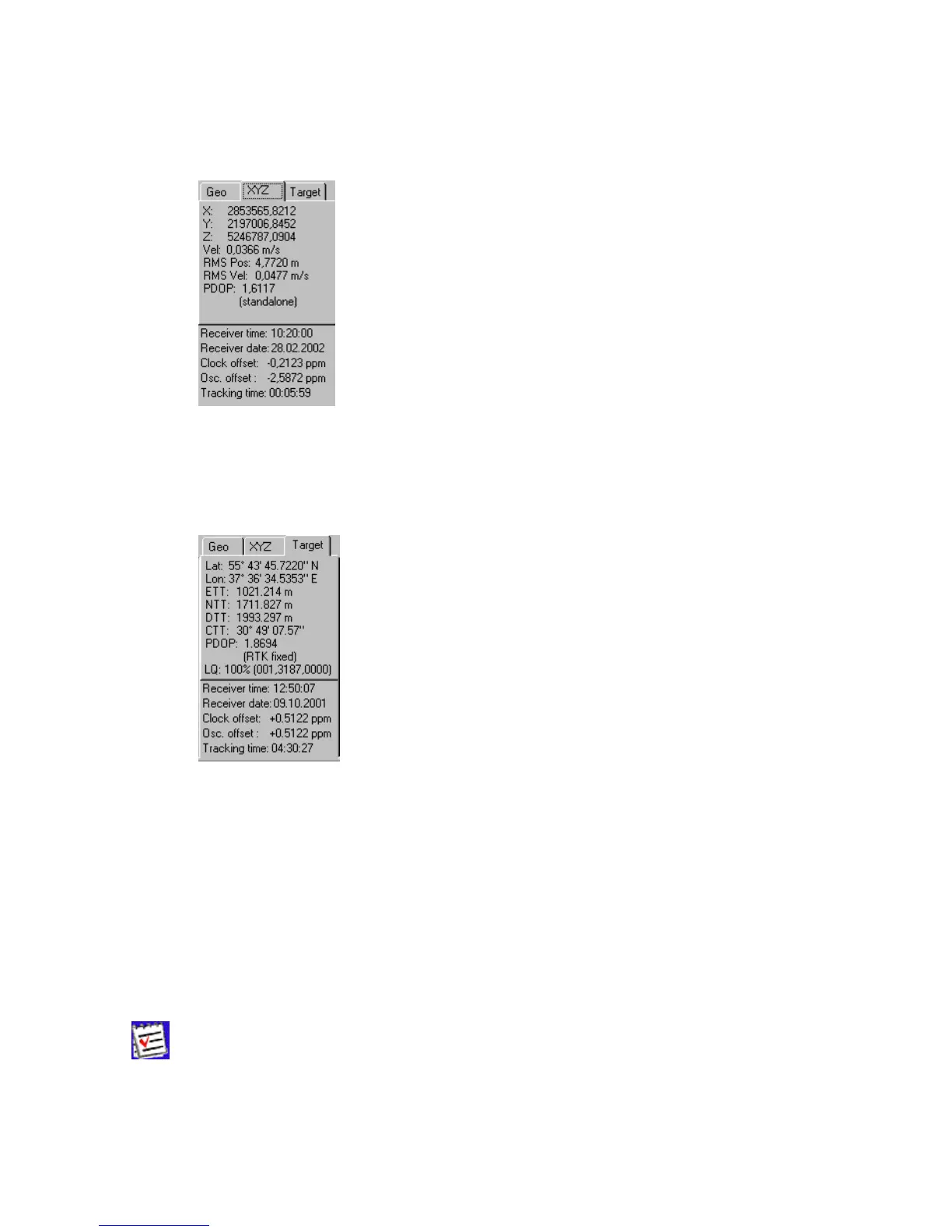
The XYZ tab, which is shown in Figure 11, is similar to the Geo tab except for the fact that the
position of the receiver’s antenna is displayed in Cartesian coordinates here.
Figure 11. “XYZ” tab
4.1.3. Target tab
The Target tab (Figure 12) is used to display various navigational information, specifically:
Figure 12. “Target” tab
• Lat, Lon –latitude/longitude of the target or of the receiver’s antenna.
• ETT, NTT – ‘Easting-to-target’ and ‘Northing-to-target’ in the local system with the ori-
gin at the receiver.
• DTT – ‘Distance-to-target’ (in meters).
• CTT – ‘Course-to-target’.
The rest of the parameters have been described above (see the Geo and XYZ tabs).
To set the target coordinates equal to the current receiver coordinates, double-
click on either Lat or Lon field.



 To Next Page