8
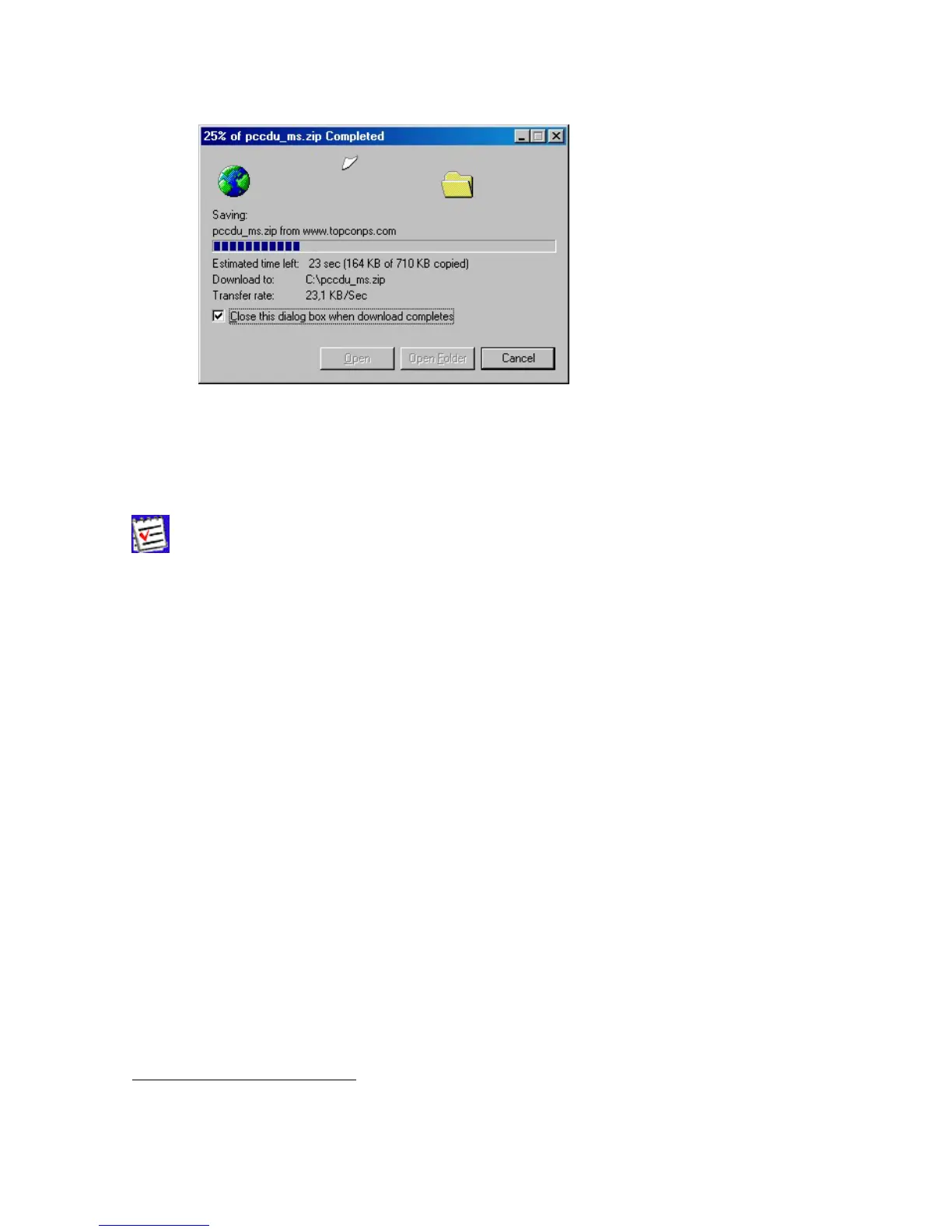
5. Wait while the archive is being downloaded onto your system (Figure 4).
Figure 4. Copying data from the website to your computer’s disk drive.
6. Create a folder on your local disk drive
1
.
7. Unpack the archive into this folder with WinZip® or another appropriate software.
You will see the following files appear in the folder:
• Executable file Pccdu.exe;
• Auxiliary binary file lptaccess.vxd.
2.2. Removing PC-CDU
The simplest way to remove PC-CDU from a system is to delete the whole directory
2
that was cre-
ated when installing PC-CDU and in which Pccdu.exe and other PC-CDU related files reside. Also, do
not forget to delete the PC-CDU shortcut, if available.
1
It is recommended to use C:\Program Files\TPS\PC-CDU
2
Assuming this directory is not used for storing any other (i.e., PC-CDU-unrelated) data.



 To Next Page