70
4.2.9. Clear NVRAM
To clear NVRAM, select the Clear NVRAM item from the Tools menu.
The receiver’s non-volatile RAM (NVRAM) keeps data required for satellites tracking, like ephemeris
and receiver position. NVRAM also keeps the current receiver’s settings like active antenna input,
elevation masks, recording interval and information about the receiver’s internal file system.
Clear-
ing NVRAM may help you solve existing problems with satellite tracking.
After clearing the NVRAM, your receiver will require some time to collect the new
ephemerides and complete almanacs (around 15 minutes).
Clearing the NVRAM sets all receiver parameters back to their factory default val-
ues. Care should be taken that after clearing the NVRAM these parameters are set
correctly. PC-CDU will prompt you to check these settings by opening the
Receiver Configuration dialog window.
In addition, the NVRAM is used to keep information about the receiver file system.
Note that after clearing the NVRAM the receiver's FN LED will flash yellow for a
few seconds indicating that the receiver is scanning/checking the file system.
4.2.10. Reset receiver
To reset the receiver, select the Reset receiver item from the Tools menu.
This operation is similar to computer resetting. It will not clear the receiver's NVRAM. When clicking
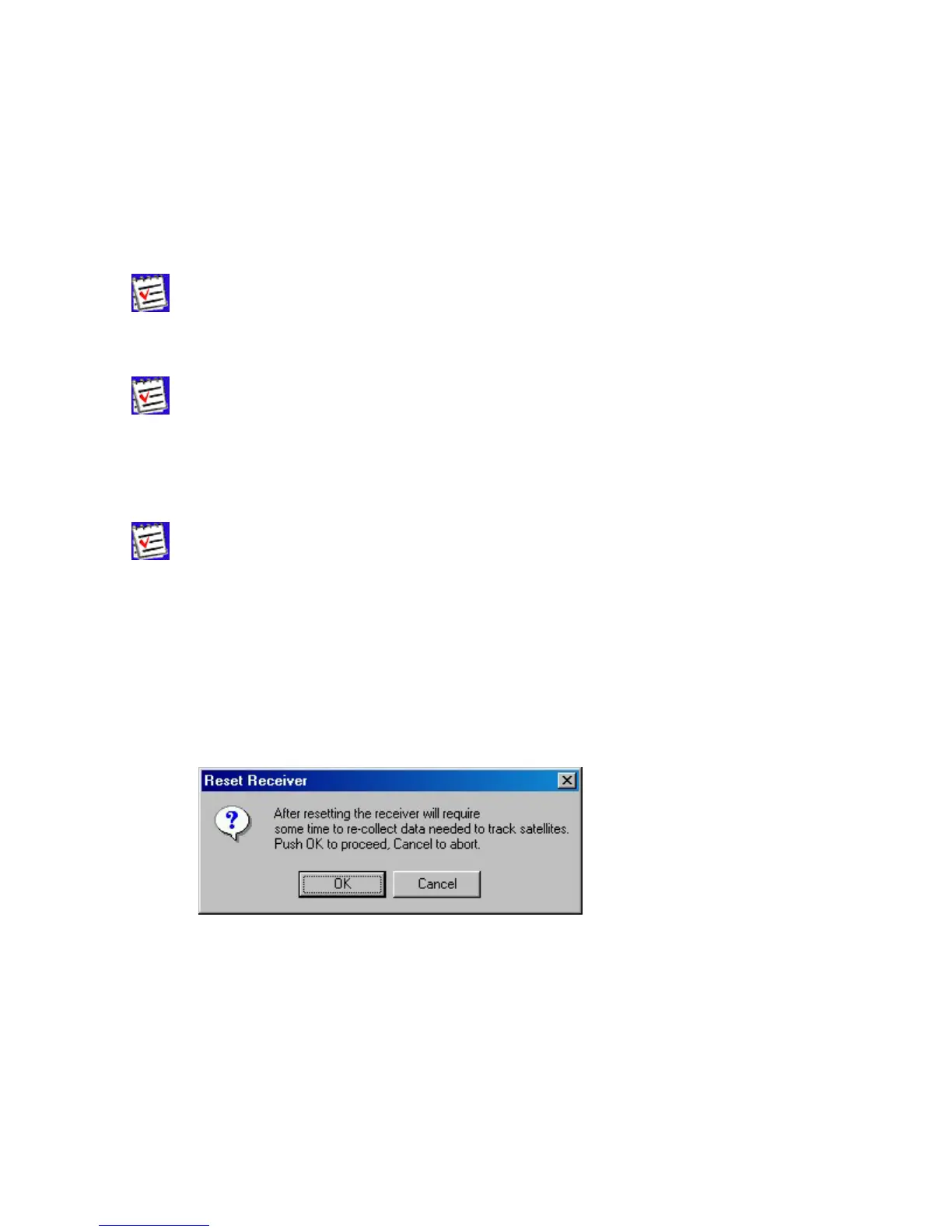
the Reset receiver option, one will be prompted to confirm this command (Figure 52).
Figure 52. “Reset receiver?” warning
After the command is executed, PC-CDU disconnects itself from the receiver and then opens the
Connection Parameters dialog box prompting you to set necessary parameters to connect
to the receiver again.



 To Next Page