28
The Start button allows the user to start recording data into the file. After starting the
data recording the name on the button will change to Stop. Pressing the Stop button will close
the file.
If one sets a recording interval that is not supported by the receiver, PC-CDU
launches a utility called
Output Period Setup Wizard. For more informa-
tion on the Wizard, see Appendix B. Output Period Setup Wizard.
Press Exit to quit the Real-Time Logging dialog window.
The value of Recording interval specified in the Real-Time Logging win-
dow
applies only to this mode
. The Elevation mask edit box is associated
with the receiver parameter /par/out/elm/cur/term.
4.2.2.1. ‘Single file’ tab
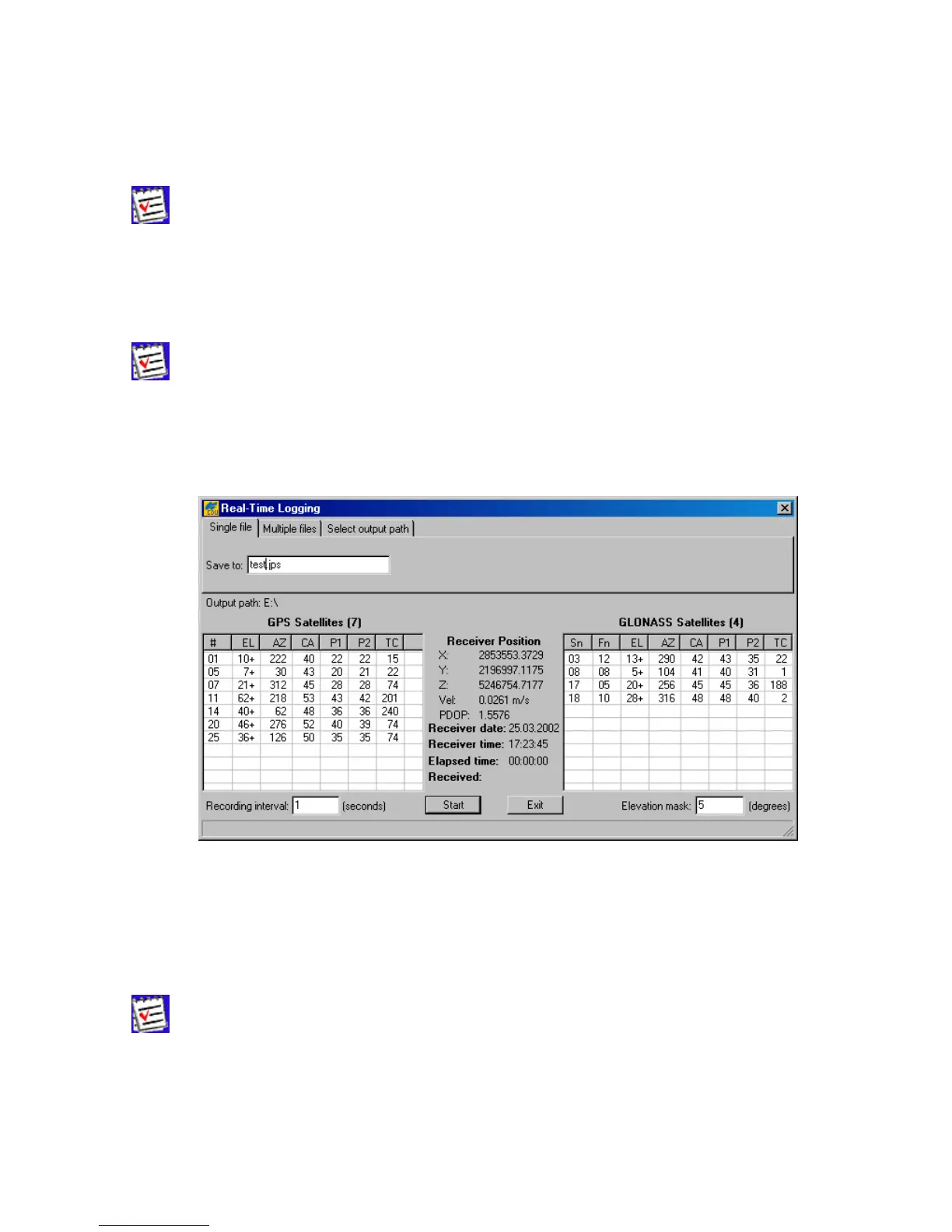
Figure 20. “Real-Time Logging” dialog window
In this mode (Figure 20) PC-CDU will record receiver data into one specific file on the host com-
puter.
In the Save to edit box enter the name of the file where the receiver data are to be logged.
By default the name of a JPS file created in real-time logging mode will coincide
with the site name from the Site Configuration dialog box.



 To Next Page