68
RFM96, then start with the radio's power off, use the Power cycle type and, when
prompted, connect power to the radio.
Figure 48. Operations the user should take in Power cycle mode
After you making any required changes, click the Connect button to activate the changes and
connect to the modem with the new settings.
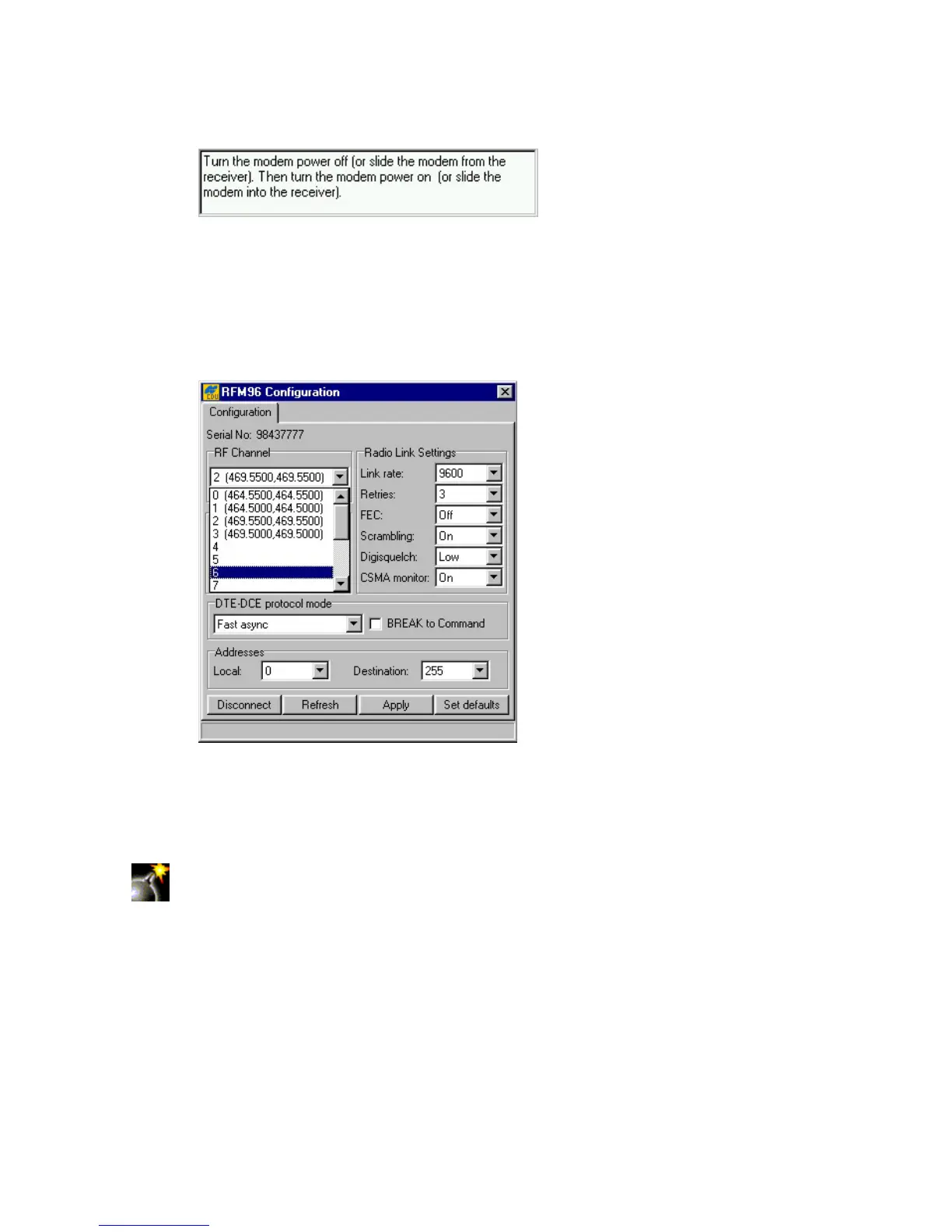
After a connection with the modem is established, one will see a dialog window showing the radio
link settings and protocol details (Figure 49).
Figure 49. “Configuration” tab. PDL configuration settings
In the RF Channel list box the user can choose the desired channel. Once the change has been
made, press the Apply button to program the radio.
Be very careful to let the program complete its programming cycle and then press
Disconnect. Any interruption in power can cause the radio to lose its memory
map. If this happens, contact TPS support or Pacific Crest support.
The settings, shown in Figure 50, are the only settings that work reliably with the RFM radio. How-
ever, if any changes were made, press the Apply button to confirm the changes.



 To Next Page