72
4.2.12. Scatter window
To go to the Scatter window, select the Scatter item from the Plots menu.
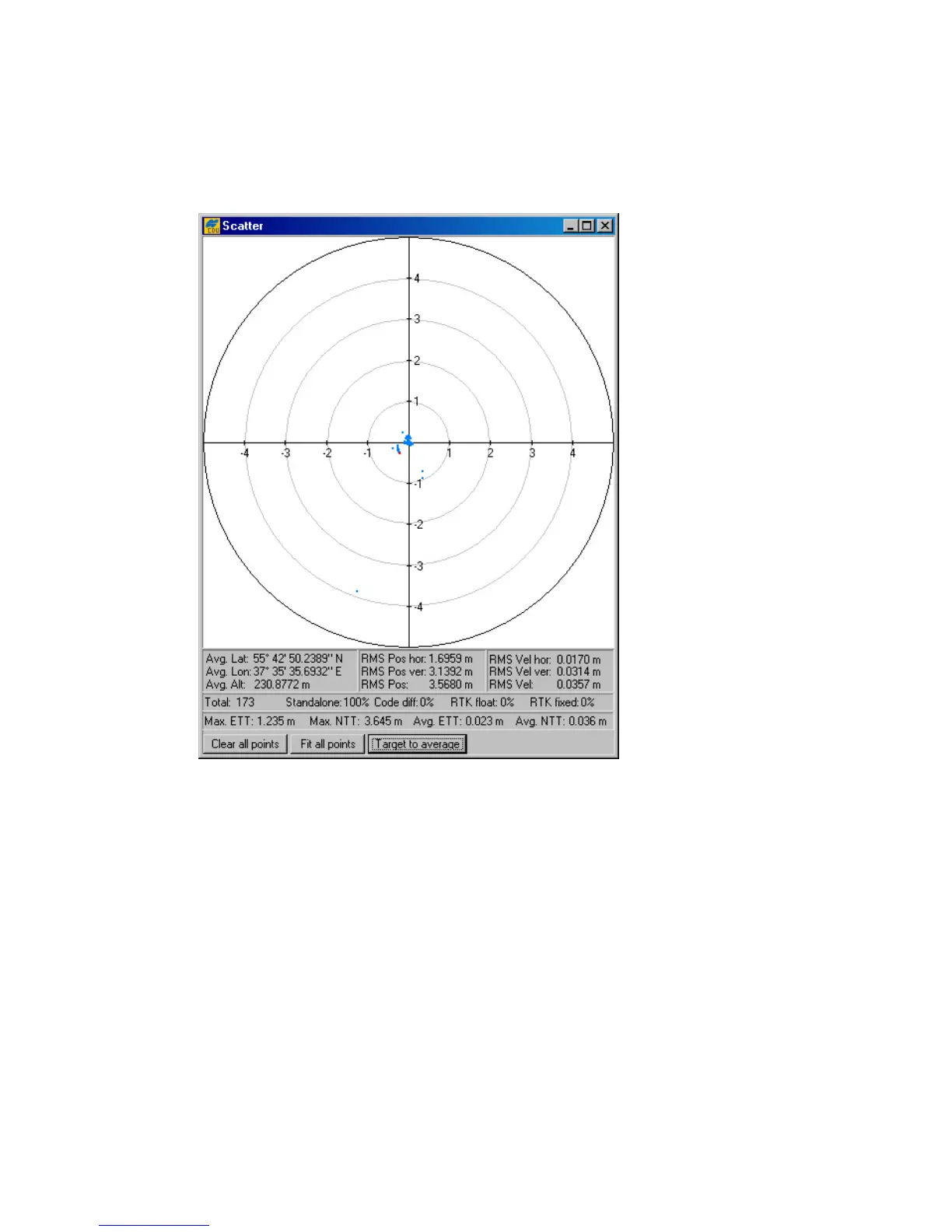
This is a useful graphic feature allowing you to monitor the behavior/quality of the receiver trajec-
tory/position (Figure 54).
Figure 54. “Scatter” window
The window is divided into the scatter plot and an augmented status bar.
The plot displays the current receiver position relative to the position specified in the Target
position window. The most current receiver position is shown by a red point.
Status bar contains the following information:
• average latitude, longitude and ellipsoidal height of the receiver’s position over the en-
tire set of obtained position estimates;
• horizontal position RMS error;
• vertical position RMS error;
• total position RMS error, (i.e., the square root of the trace of the
position
error
covari-
ance matrix);
• horizontal velocity RMS error;



 To Next Page