66
Options
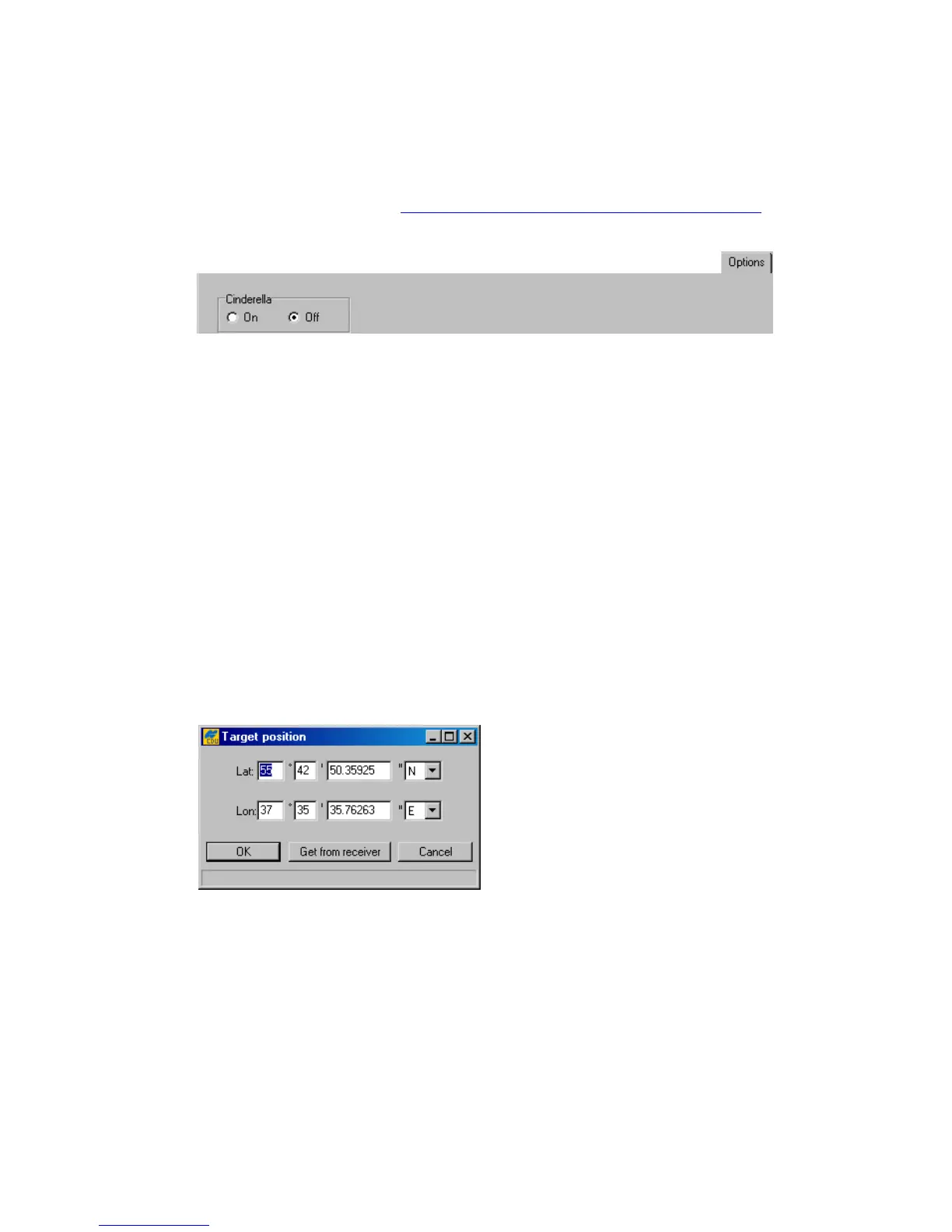
Figure 44 shows the subtab from which the user can turn on/off the C inder ella option. Every
other Tuesday, Cinderella enables the receiver to run as a dual-frequency GPS+GLONASS unit
during 24 hours. For information on scheduling
Cinderella Tuesdays
, visit the Cinderella Option
page on the TPS web site at http://www.topcongps.com/software/cinderella.html
. These radio but-
tons are associated with the receiver parameter /par/opts/cind.
Figure 44. “Options” subtab
4.2.5. Site Configuration window
To open the Site Configuration dialog window, select the Site item from the
Configuration menu, or press the keys C
TRL+I.
This window serves the same purposes as the Site Configuration window described in
4.2.1.2.
4.2.6. Target Position window
To go to the Target Position window, either select the Target Position from the
Configuration menu, or press the keys
CTRL+T.
Target coordinates that the user enters here (Figure 45) will then be shown in the Lat and Lon
fields of the Target tab. Pressing the Get from receiver button will instruct PC-CDU to set
the target position equal to the receiver’s current position.
Figure 45. “Target Position” window



 To Next Page