E6582062
5-51 5. [Fundamental operation] How to use parameters
3
4
5
9
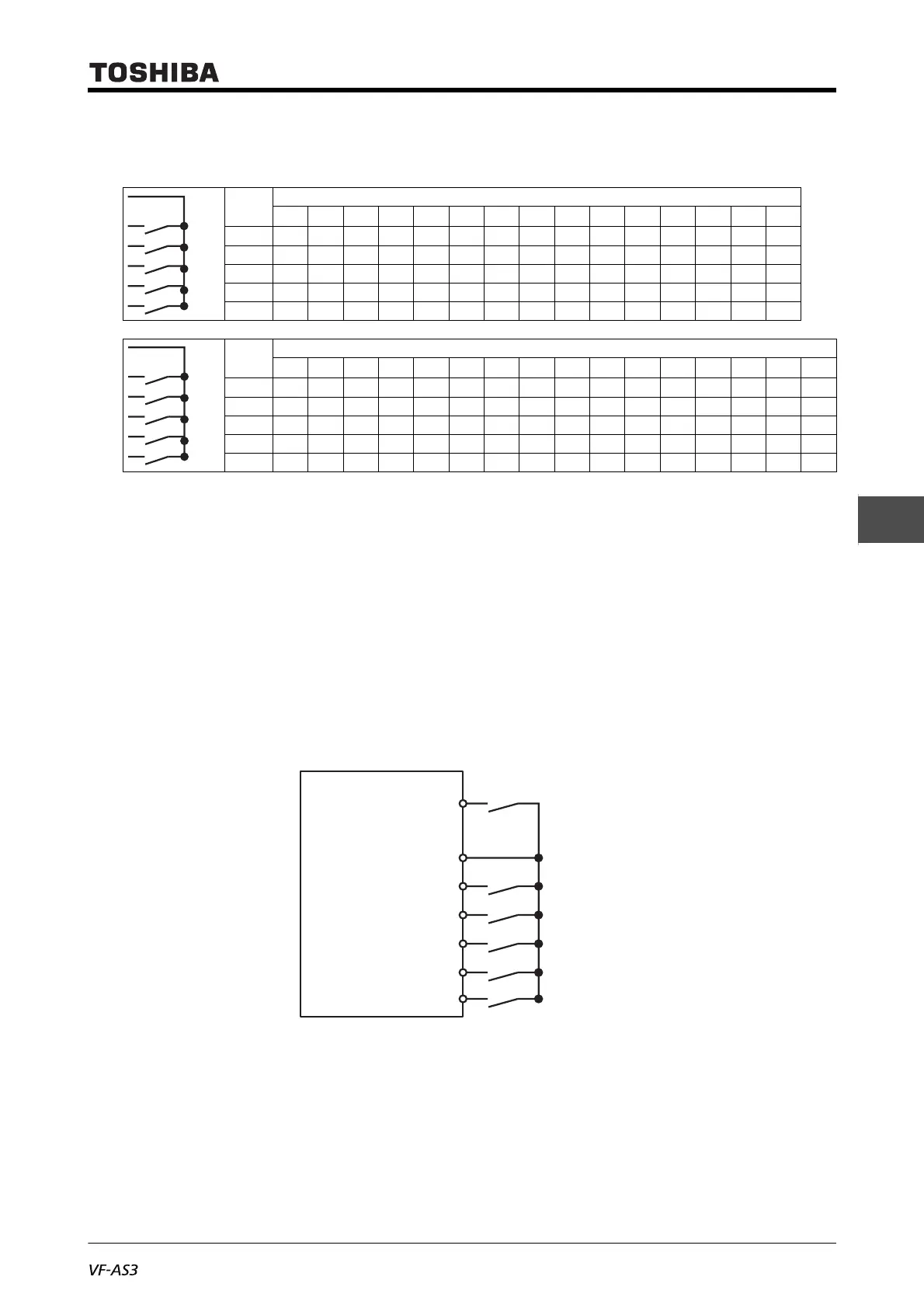
■ Setting example of preset speed frequency
Here is a case of sink logic (when the slide switch [SW1] is set to SINK).
: ON, - : OFF (When it is all OFF, then frequency command other than Preset speed operation is
enabled.)
Set the input terminal functions as follows.
• <F114: Terminal S1 function 1> = "10: Preset speed switching 1"
• <F115: Terminal S2 function> = "12: Preset speed switching 2"
• <F116: Terminal S3 function> = "14: Preset speed switching 3"
• <F117: Terminal S4 function> = "16: Preset speed switching 4"
• <F118: Terminal S5 function> = "118: Preset speed switching 5"
Connect them as shown in the digram below.
The following is an operation example of preset speed 1 - 3.
In this case, set <Sr1: Preset speed 1> to <Sr3: Preset speed 3>.
Termi-
nal
Preset speed operation
123456789101112131415
[S1] - - - - - -
[S2] - -- -- --
[S3]--- ----
[S4]-------
[S5]---------------
Termi-
nal
Preset speed operation
16 17 18 19 20 21 22 23 24 25 26 27 28 29 30 31
[S1] - - - - - - - -
[S2] - - -- -- --
[S3]---- ----
[S4]--------
[S5]
S1
S2
S3
S4
S5
CC
In case of sink logic
Preset speed switching 1
F
S1
Preset speed switching 2
S2
Preset speed switching 3
S3
Preset speed switching 4
S4
Preset speed switching 5
S5
Common
Fwd run
CC



 To Next Page
 Loading...











