E6582062
6-45 6. [Advanced] How to use parameters
3
4
6
9
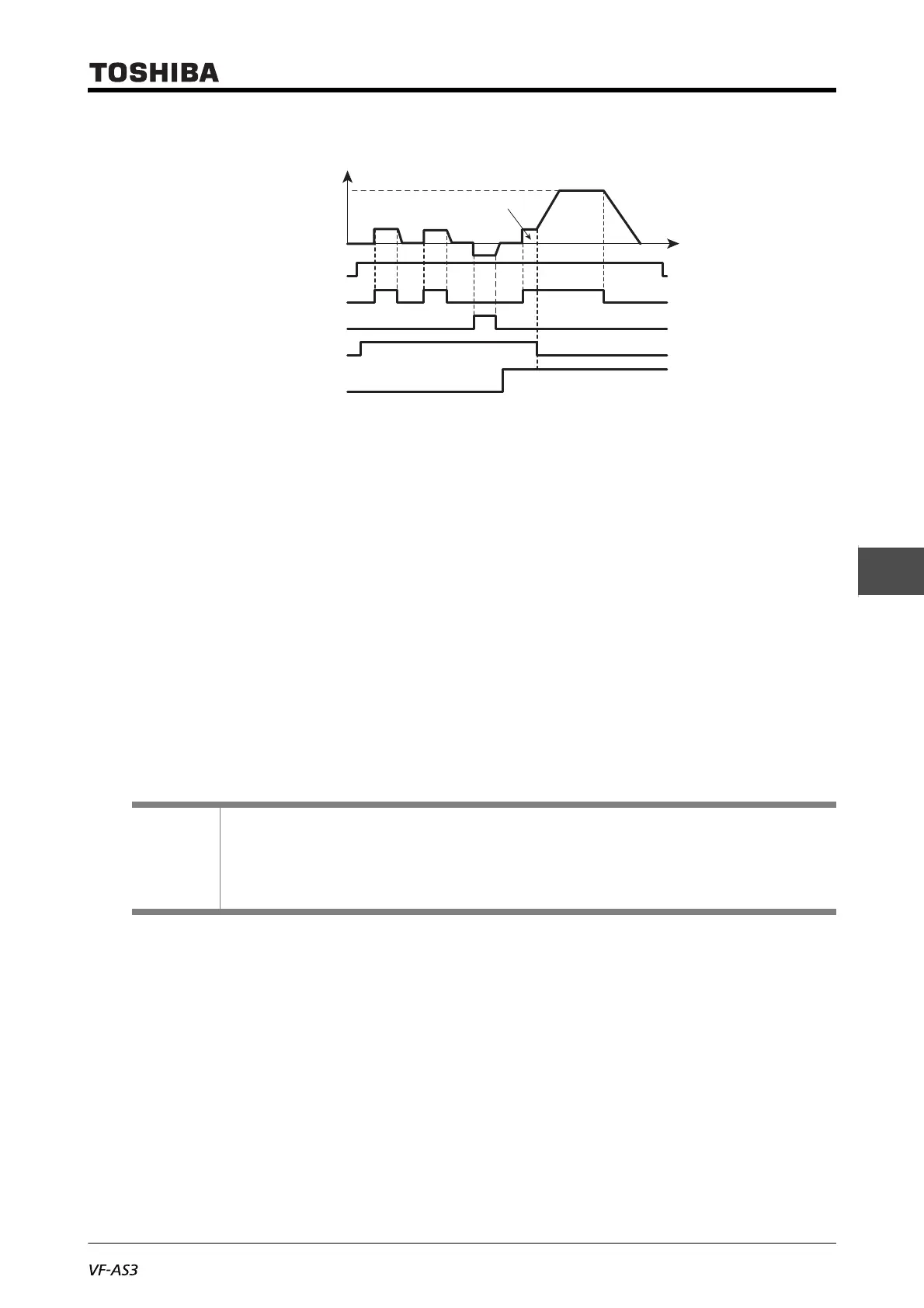
• The terminal [RES] (JOG) is valid when the output frequency is the jog frequency or less.
It does not work when the output frequency is higher than the jog frequency.
• The inverter can perform jog run while the terminal [RES] (JOG) is turned ON.
• Jog run is prioritized even if a run command is input on the way.
• Even when <F261: Jog stop select> is set to "0" or "1", DC braking is applied for emergency DC
braking (F603: Emergency off stop pattern = "2").
• The jog frequency is not limited by <UL: Upper limit frequency>.
■ Panel jog run (when <F262: Panel jog run> is set to 1)
Each time you press the [FWD/REV] key, the state of jog run is switched as follows:
• The inverter performs forward jog run while the [F4] key is pressed.
• The inverter performs reverse jog run while the [F4] key is pressed.
• When you press the key for 20 seconds or more, the key failure alarm "A-17" appears.
The inverter cannot move to panel jog run while it runs or a run command is input.
Reference
• How to operate the operation panel -> Refer to [3. 1. 1].
• How to switch display mode on the operation panel -> Refer to [3. 1. 2].
• Procedure to change parameter setting -> Refer to [4. 2. 3]
• Details on operation by external signals -> Refer to [Chapter 7].
Setting frequency
Fwd Fwd
Fwd
Rev
0
Input terminal (Standby)
Terminal [F]
Terminal [R]
Terminal [RES]
Operation frequency
command input
( <F113>=”18” )



 To Next Page
 Loading...











