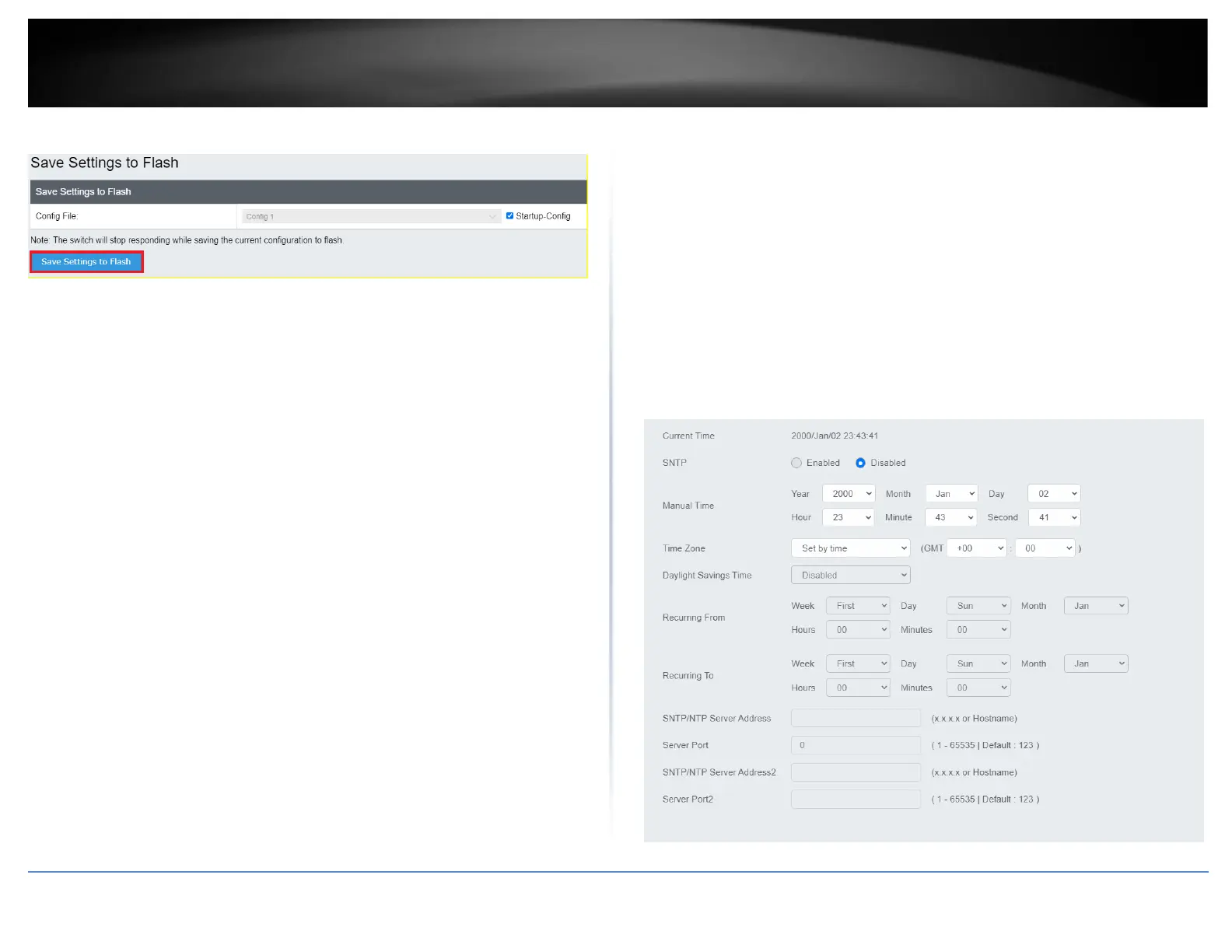
System Time
System > System Settings > System Time
This setting allows you to configure your IPv4/IPv6 DNS server settings for the purpose
or resolving hostnames. For example, when specifying your SNTP server time settings
via domain name, the switch will not be able to resolve the SNTP domain name specified
until you configure the switch DNS server setting.
1. Log into your switch management page (see “Access your switch management page”
on page 5).
2. Click on System, then click on System Settings, and click on System Time.
3. Review the settings below and click Apply to save your settings.













 To Next Page