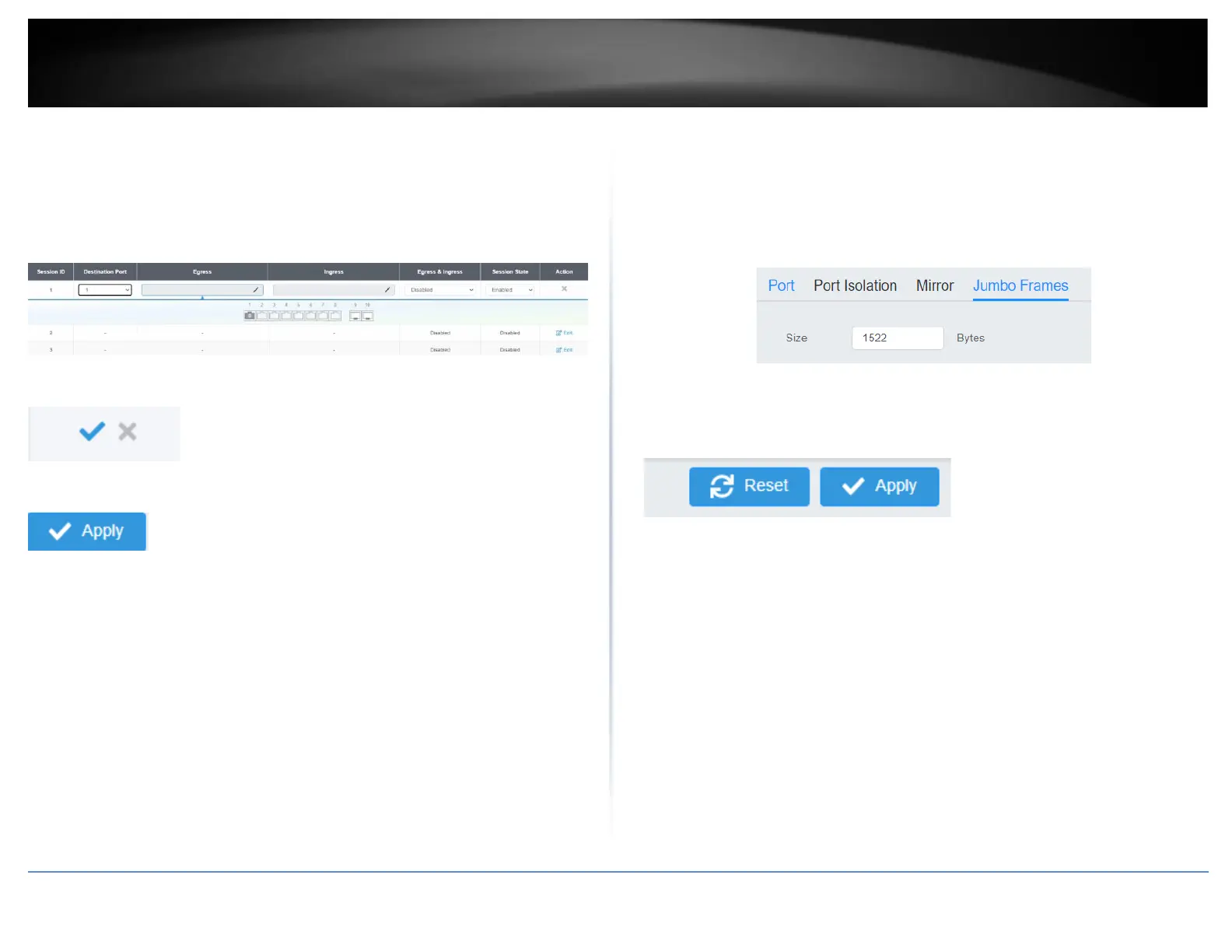
Check the port to monitor or copy inormation from. (Source)
To copy data received on a specific port, select the port number(s) under the Ingress
Port section or you could click All to copy data received on all ports.
To copy data transmitted on specific port, select the port number under the Egress Port
section or you could click All to copy data transmitted on all ports.
4. At the right hand panel, click the check mark to save your settings.
5. At the top right of the screen, click Apply.
Note: This step saves all configuration changes to the NV-RAM to ensure that if the
switch is rebooted or power cycled, the configuration changes will still be applied.
Jumbo Frames
Network > Physical Interface > Jumbo Frames
This section lets you input the size of the Jumbo Frames that can be accepted by the
switch.
1. Log into your switch management page (see “Access your switch management page”
on page 5).
2. Click on Network, then click on Physical Interface, and click on Jumbo Frames.
3. Enter the size of the Jumbo Frames to be accepted by the switch (in Bytes).
Note: The value of the Jumbo Frames needs to be between 1522 and 10240 Bytes. By
default the value is 1522 Bytes.
4. Click Reset to reset the size of the Jumbo Frames to its default value. To save your
new Jumbo Frame size, click Apply.
Note: This step saves all configuration changes to the NV-RAM to ensure that if the
switch is rebooted or power cycled, the configuration changes will still be applied.













 To Next Page