Router Settings
Network > IGMP Snooping > Router Settings
1. Log into your switch management page (see “Access your switch management page”
on page 5).
2. Click on Network, click on IGMP Snooping, and click on Router Settings.
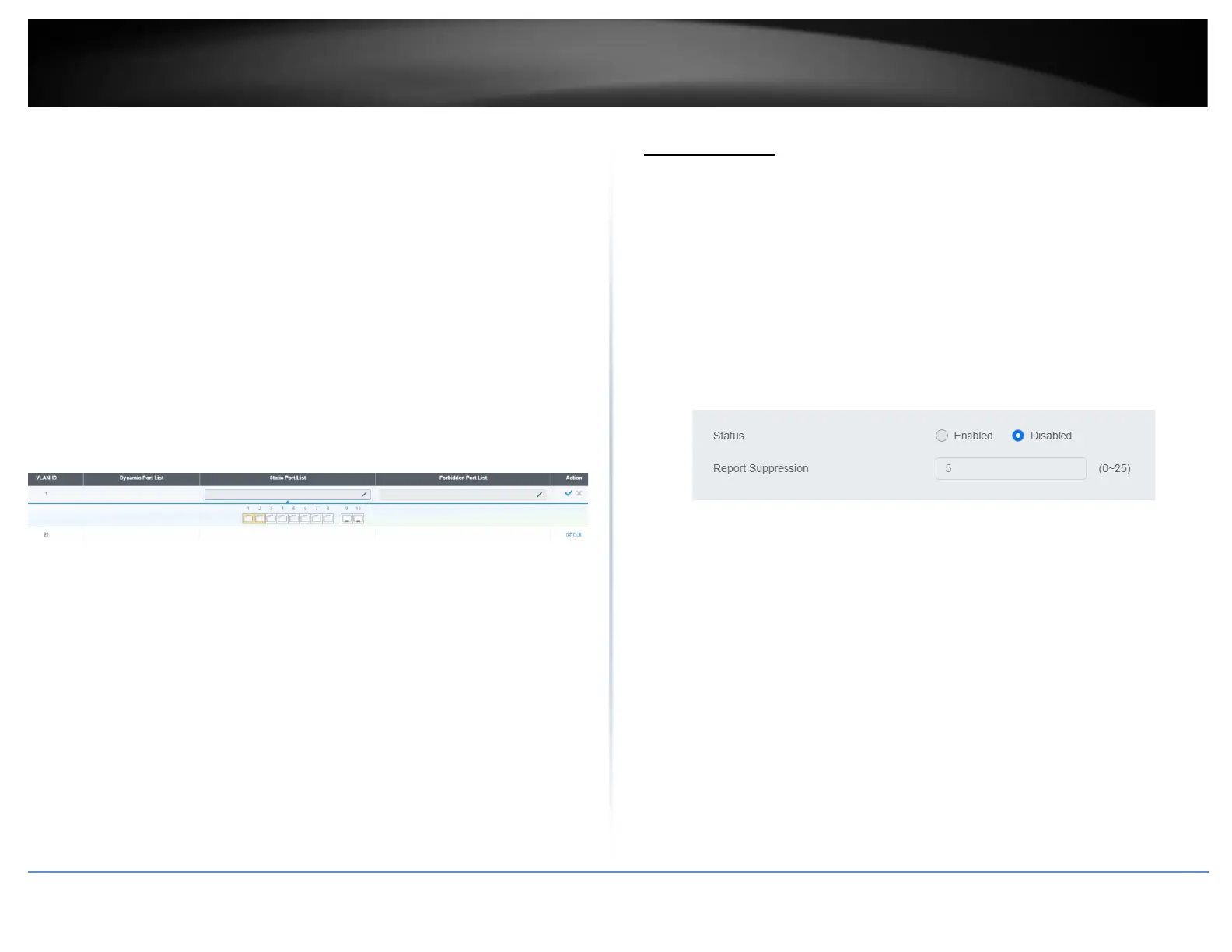
3. Select the VLAN ID to configure
4. Review the settings. Click Check Mark to save the settings.
• Click the Static Port List and select the ports you would like to statically assign
• Click the Forbidding Port List and select the ports you would like to assign to
the Forbidden List
MLD Snooping
Global Settings
Network > MLD Snooping > Global Settings
1. Log into your switch management page (see “Access your switch management page”
on page 5).
2. Click on Network, click on MLD Snooping, and click on Global Settings.
3. Review the settings. Click Apply to save the settings.
• Status – Select Enabled to enable the MLD snooping feature or Disabled to
disable the feature.
• Report Suppression – Enter the time suppression interval between 0 – 25.
Fast Leave
Network > MLD Snooping > Port Settings
1. Log into your switch management page (see “Access your switch management page”
on page 5).
2. Click on Network, click on MLD Snooping, and click on Port Settings.
3. Review the settings. Click Apply to save the settings.
• Fast Leave – Select Enabled to enable Fast Leave from the selected port or
Disabled to disable the feature













 To Next Page