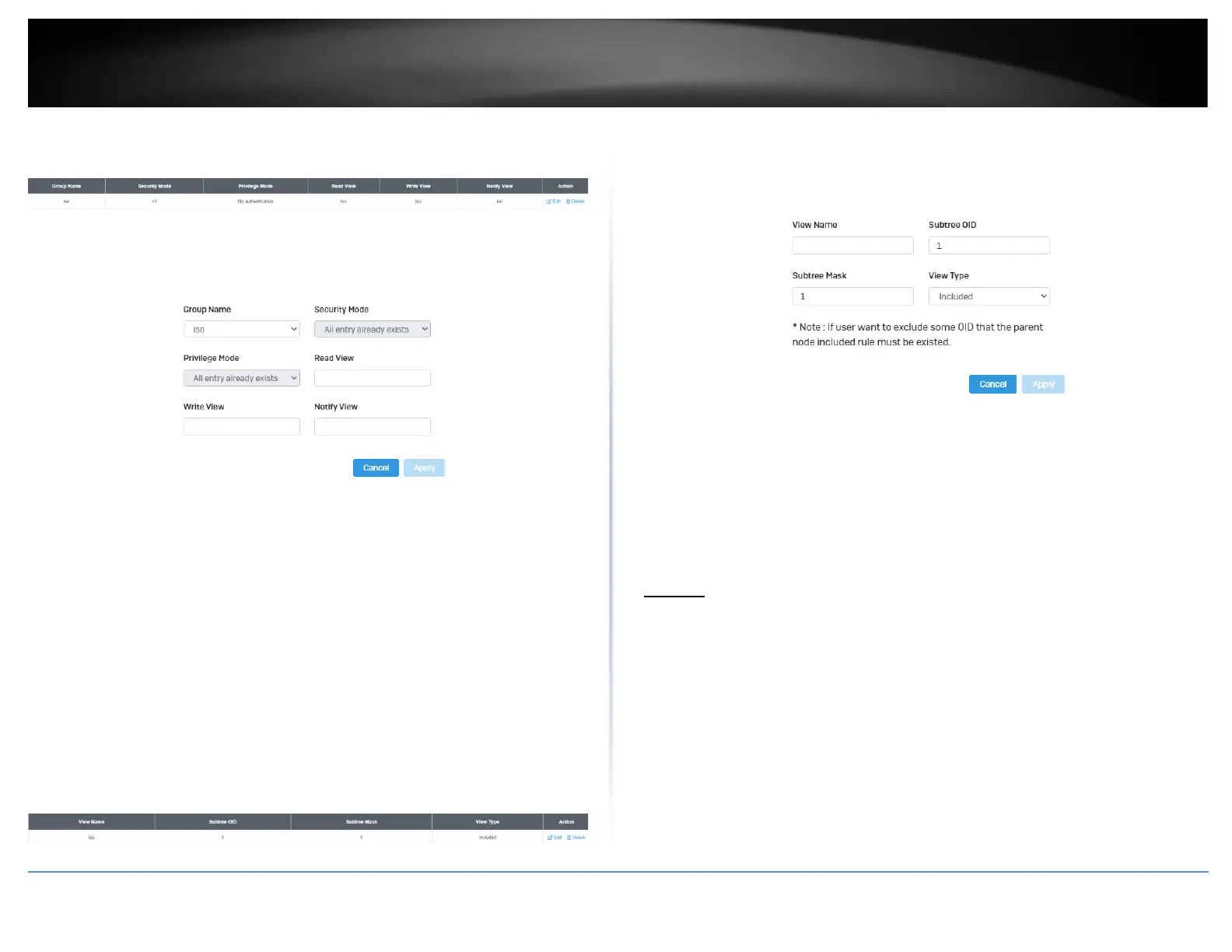
3. Select Edit to edit the selected group name or Delete to delete it.
4. Click Add to add username to the user list.
5. Review the settings and click Apply,
• Group Name: Select from the list of group names in the drop down menu
• Security Mode: Select from the drop down menu the level of security
• Read View: Input the items that are readable for this group
• Write View: Input the items that can be modified by this group
View List
System > SNMP > View List
1. Log into your switch management page (see “Access your switch management page”
on page 5).
2. Click on System, click on SNMP, and click on View List.
3. Select Edit to edit the selected group name or Delete to delete it.
4. Click Add to add username to the user list.
5. Review the settings and click Apply,
• View Name: Input the view name
• Subtree OID: Input the OID to be used
• Subtree Mask: Input the Subtree Mask
• View Type: Select Included or Excluded from the drop down menu
RMON
Statistics
System > RMON > Stat List
You can remotely view individual port statistics with RMON by using your SNMP NMS
software and the RMON portion of the MIB tree.
1. Log into your switch management page (see “Access your switch management page”
on page 5).
2. Click on System, click on RMON, and click on Stat List.
3. Click Add to add the entry to the table













 To Next Page