Access your switch management page
Note: Your switch default management IP address http://192.168.10.200 is accessed
through the use of your Internet web browser (e.g. Internet Explorer®, Firefox®,
Chrome™, Safari®, Opera™) and will be referenced frequently in this User’s Guide.
Throughout this user’s guide, the term Web Configuration will be used to reference
access from web management page.
1. Open your web browser and go to its IP address (default: http://192.168.10.200).
Your switch will prompt you for a user name and password.
2. Enter the user name and password. By default:
User Name: admin
Password: password
Note: User Name and Password are case sensitive.
Dashboard
View your switch status information
Dashboard
You may want to check the general system information of your switch such as firmware
version, boot loader information and system uptime. Other information includes H/W
version, RAM/Flash size, administration information, IPv4 and IPv6 information.
1. Log into your switch management page (see “Access your switch management page”
on page 5).
2. Click on Dashboard.
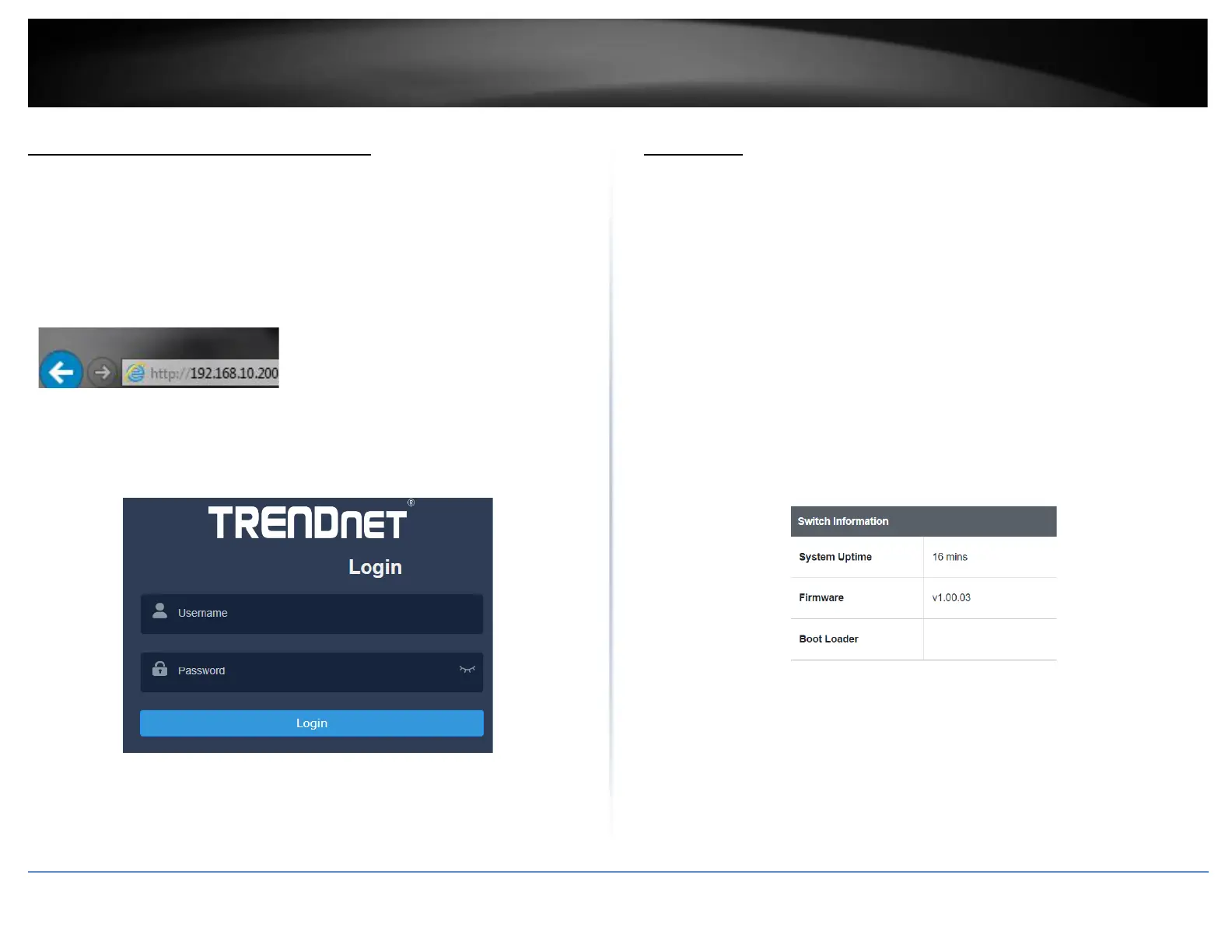
Switch Information
• System Uptime – The duration your switch has been running continuously
without a restart/power cycle (hard or soft reboot) or reset.
• Firmware: The current software or firmware version your switch is running.
• Boot Loader – The current boot loader version your switch is running.
Hardware Information
• DRAM Size: Displays your switch RAM memory size.
• Flash Size: Displays your switch Flash memory size.
• Fan Status: Displays the current status of your switch’s fan
• Hardware Version: Displays your switch’s current hardware version













 To Next Page