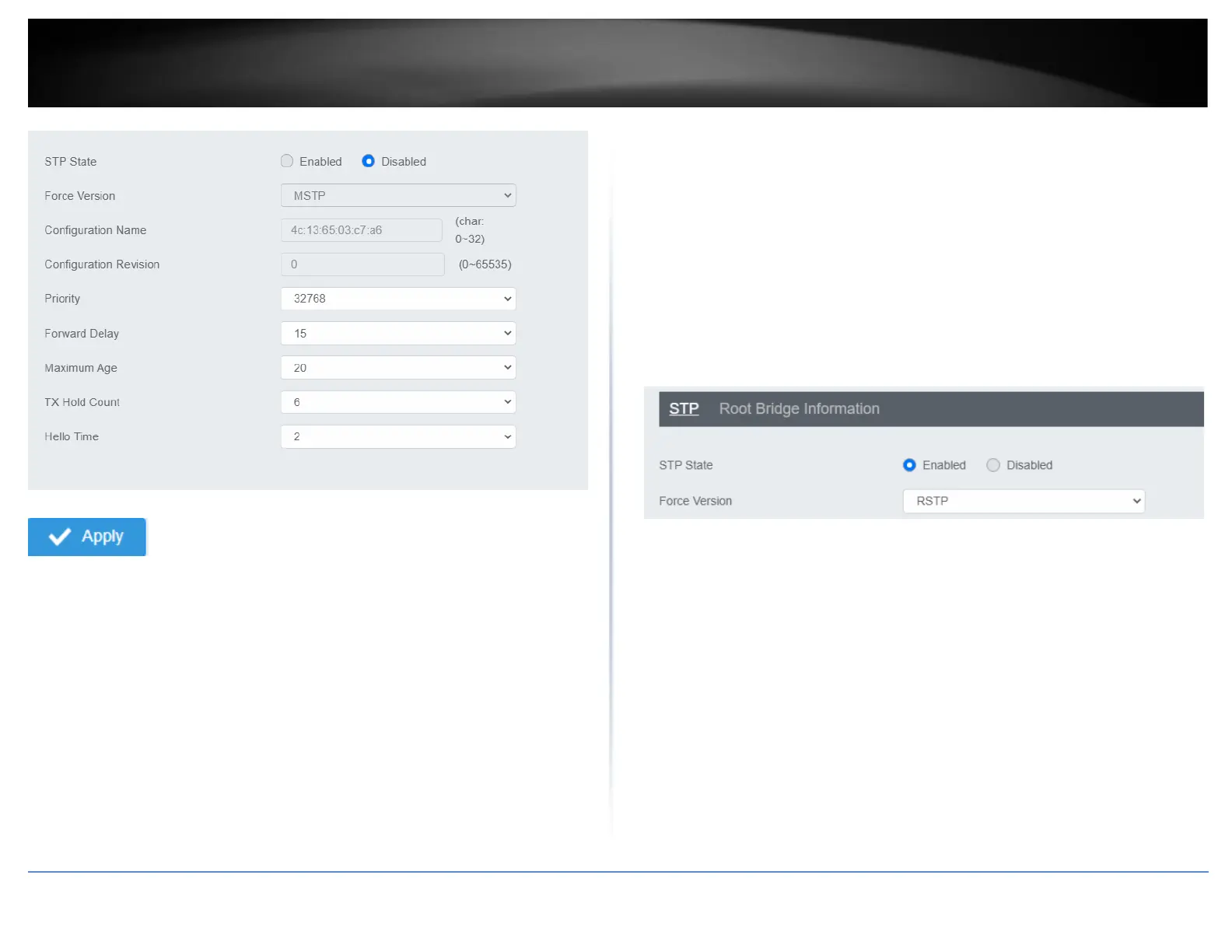
4. At the top right panel, click Apply.
Note: This step saves all configuration changes to the NV-RAM to ensure that if the
switch is rebooted or power cycled, the configuration changes will still be applied
Root Bridge Information
Network > Spanning Tree > Global Settings > Root Bridge Information
1. Log into your switch management page (see “Access your switch management page”
on page 5).
2. Click on Network, click on Spanning Tree, click on Global Settings, and click on Root
Bridge Information.
3. Displays the current settings made under STP.
RSTP Port Settings
Network > Spanning Tree > RSTP Port Settings
1. Log into your switch management page (see “Access your switch management page”
on page 5).
2. Click on Network, click on Spanning Tree, click on Global Settings, and click on STP.
3. Select RSTP from the drop down menu on Force Version
4. Click on RSTP Port Settings and select the port(s) to configure and click Edit.
5. Review the settings and click Apply to save your changes.













 To Next Page