• Destination IP: Input the destination IP address
• Source IP: Input the source of the IP address
• Source IP Mask & Destination IP Mask: Enter the mask of the Source MAC and
Destination MAC.
• Protocol: Select the protocol
o Select from list: Select from a pre-defined list below under “IGMP List”
o Select from Protocol ID: Input the protocol ID between the range of 0-
255.
• IGMP: Select the from the drop down menu
o Select from list: Select from a pre-defined list below under “Protocol
List”
o Select from IGMP ID: Input the protocol ID between the range of 0-
255.
Access Control: Creating IPv6 ACL
Security > Access Control > IPv6 ACL
1. Log into your switch management page (see “Access your switch management page”
on page 5).
2. Click on Security, then click on Access Control, and click on IPv6 ACL.
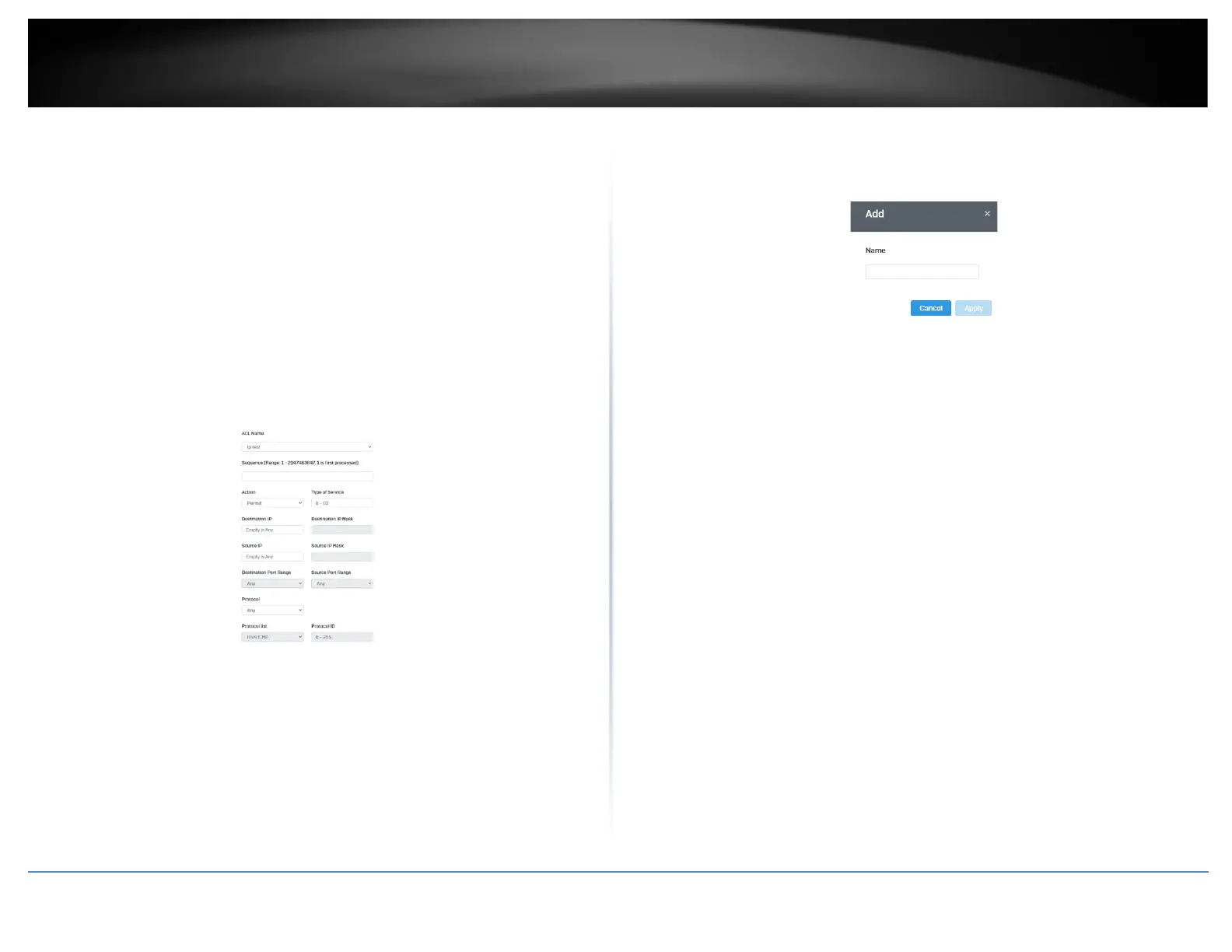
3. Click the Add button to create a new ACL.
4. Input a name in the field and click Apply to save your new ACL name to the Flash.
Access Control: Configuring IPv6 ACL
Security > Access Control > IPv4 ACE
1. Log into your switch management page (see “Access your switch management page”
on page 5).
2. Click on Security, then click on Access Control, and click on IPv6 ACE.
3. Review the settings below and click Apply to save your settings.
• ACL Name: Select the ACL name you would like to configure.
• Sequence:
• Action: Defines the ACl action linked to the rule criteria.
o Permit- This selection allows ingress packets that conform to the
specified ACL criteria.
o Deny- This selection drops ingress packets that conform to the
specified ACL criteria.
• Type of Service: Enter a number in the Type of Service field within the range of
0 to 63. This field indicates the DSCP level of interest. This field is not
mandatory and you may elect to leave it blank.
• Destination IP: Input the destination IP address
• Source IP: Input the source of the IP address













 To Next Page