4. Click Apply to save your settings to the flash.
Note: This step saves all configuration changes to the NV-RAM to ensure that if the
switch is rebooted or power cycled, the configuration changes will still be applied.
LACP Timeout
Network > Trunking > LACP
1. Log into your switch management page (see “Access your switch management page”
on page 5).
2. Click on Network, click on Trunk, and click on LACP.
3. Select the port to modify the settings and click Edit.
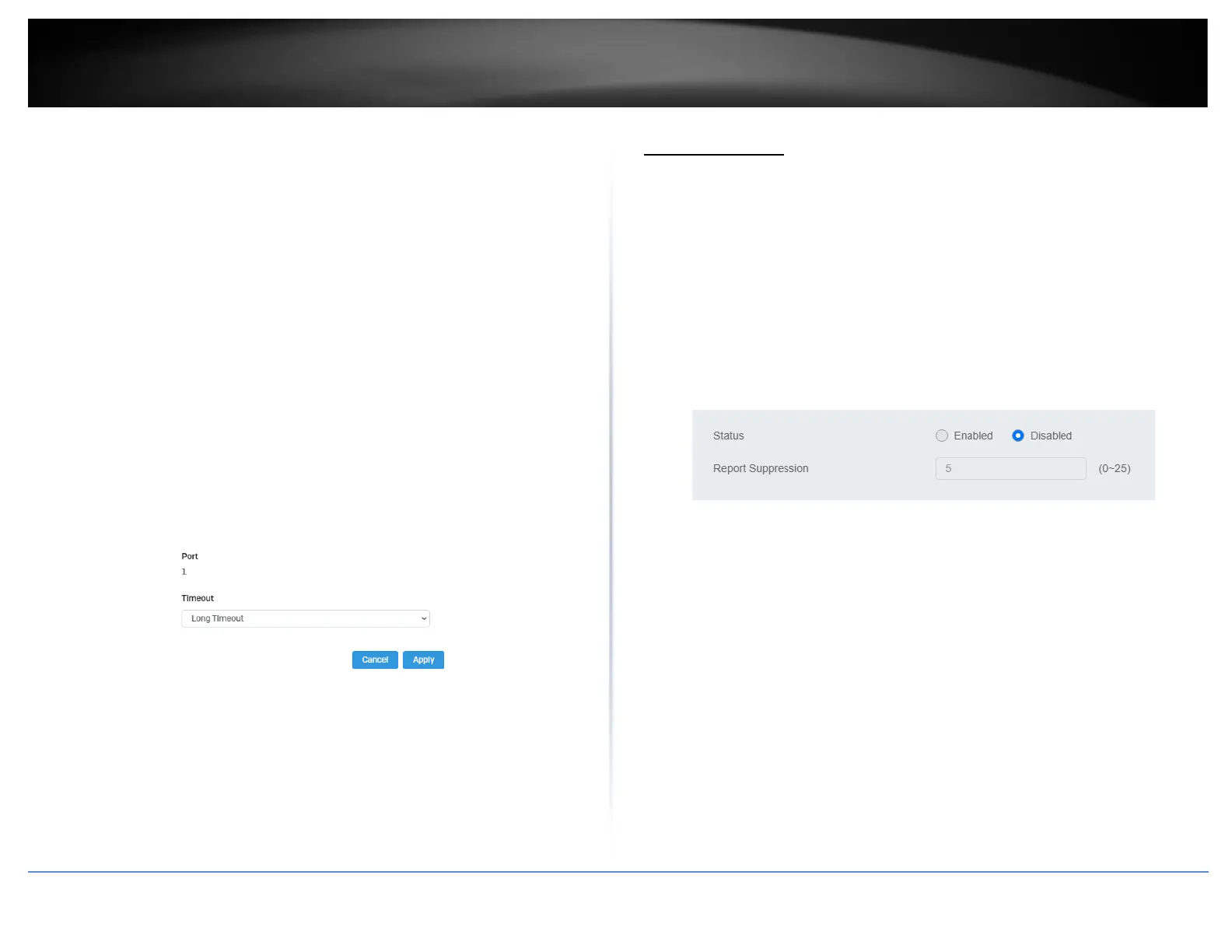
4. Select Long Timeout to configure the LACP timeout value to be 30 seconds, or Short
Timeout to configure the LACP timeout value to be 1 second.
4. Click Apply to save your settings to the flash.
Note: This step saves all configuration changes to the NV-RAM to ensure that if the
switch is rebooted or power cycled, the configuration changes will still be applied.
IGMP Snooping
Global Settings
Network > IGMP Snooping > Global Settings
1. Log into your switch management page (see “Access your switch management page”
on page 5).
2. Click on Network, click on IGMP Snooping, and click on Global Settings.
3. Review the settings. Click Apply to save the settings.
• Status – Select Enabled to enable the IGMP snooping feature or Disabled to
disable the feature.
• Report Suppression – Enter the time suppression interval between 0 – 25.
Fast Leave
Network > IGMP Snooping > Port Settings
1. Log into your switch management page (see “Access your switch management page”
on page 5).
2. Click on Network, click on IGMP Snooping, and click on Port Settings.
3. Review the settings. Click Apply to save the settings.
• Fast Leave – Select Enabled to enable Fast Leave from the selected port or
Disabled to disable the feature













 To Next Page