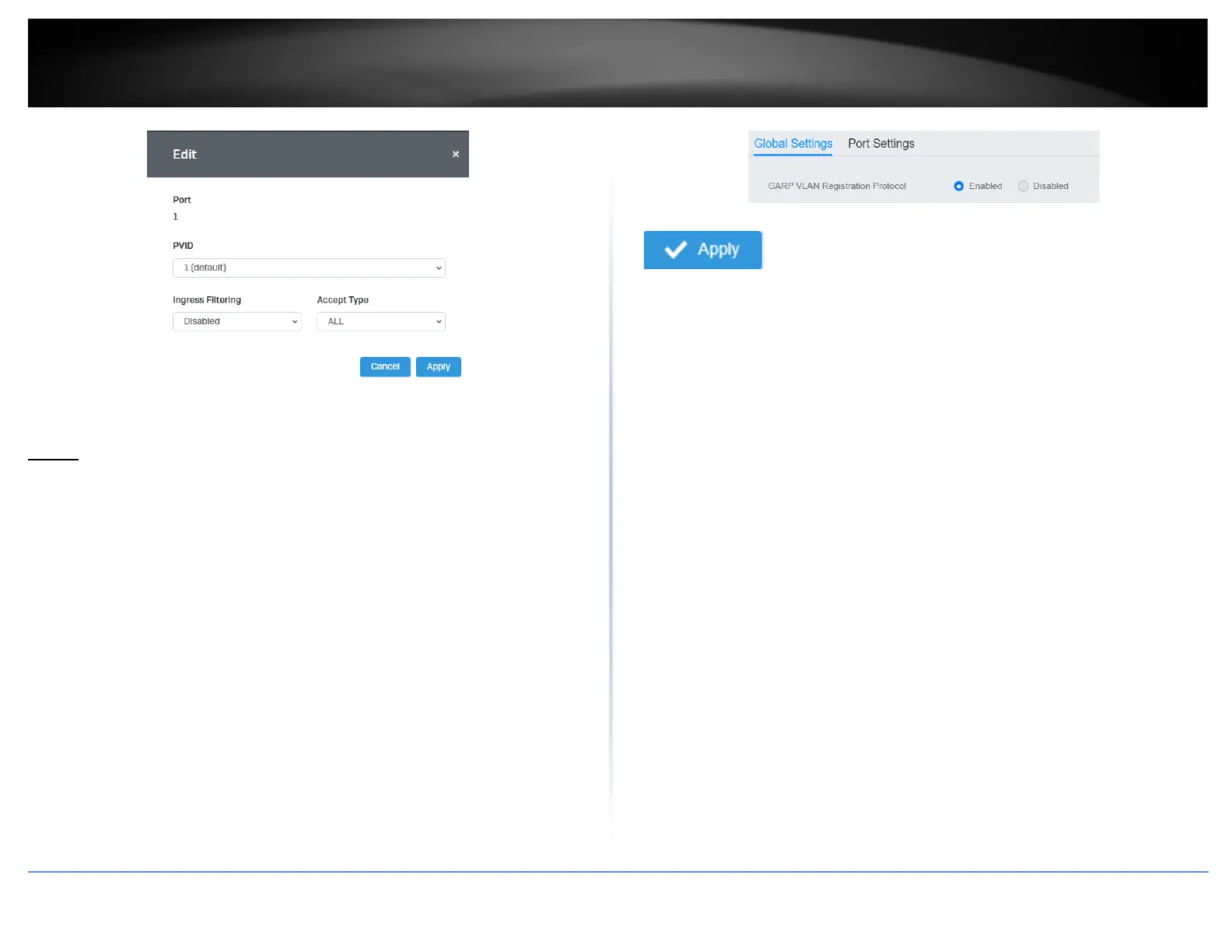
4. At the bottom, click Apply to save the changes made.
GVRP
Protocol
Network > GVRP > Global Settings
The GVRP VLAN Registration Protocol (GVRP) allows network devices to share VLAN
information and to use the information to modify existing VLANs or create new VLANs,
automatically. This makes it easier to manage VLANs that span more than one switch.
Without GVRP, you have to manually configure your switches to ensure that the various
parts of the VLANs can communicate with each other across the different switches.
With GVRP, which is an application of the Generic Attribute Registration Protocol
(GARP), this is done for you automatically.
1. Log into your switch management page (see “Access your switch management page”
on page 5).
2. Click on Network, click on GVRP, and click on Global Settings.
3. Select Enabled under GARP VLAN Registration Protocol to to activate GVRP or
disabled to deactivate GVRP. Click Apply to save the settings.
4. At the top of the right hand panel, click Apply.
Note: This step saves all configuration changes to the NV-RAM to ensure that if the
switch is rebooted or power cycled, the configuration changes will still be applied.
Port Settings
Network > GVRP > Port Settings
This section will allow you to select which ports will have GVRP enabled or will be
restricted from using GVRP.
1. Log into your switch management page (see “Access your switch management page”
on page 5).
2. Click on Network, click on GVRP and click on Port Settings.
3. Select the port to modify the settings.
3. Review the settings for each port. Click Apply to save the settings.
• Port - This parameter displays the ports on the switch.
• JoinTime - This parameter is the GARP Join Timer. Its range is 10 - 4999000
milli-seconds.
• LeaveTime - This parameter is the GARP Leave Timer. Its range is 10 - 9999000
milli-seconds. This timer must be set in relation to the GVRP Join Timer
according to the following equation:
GARPLeaveTimer >= (GARPJoinTimer X 2) + 10













 To Next Page