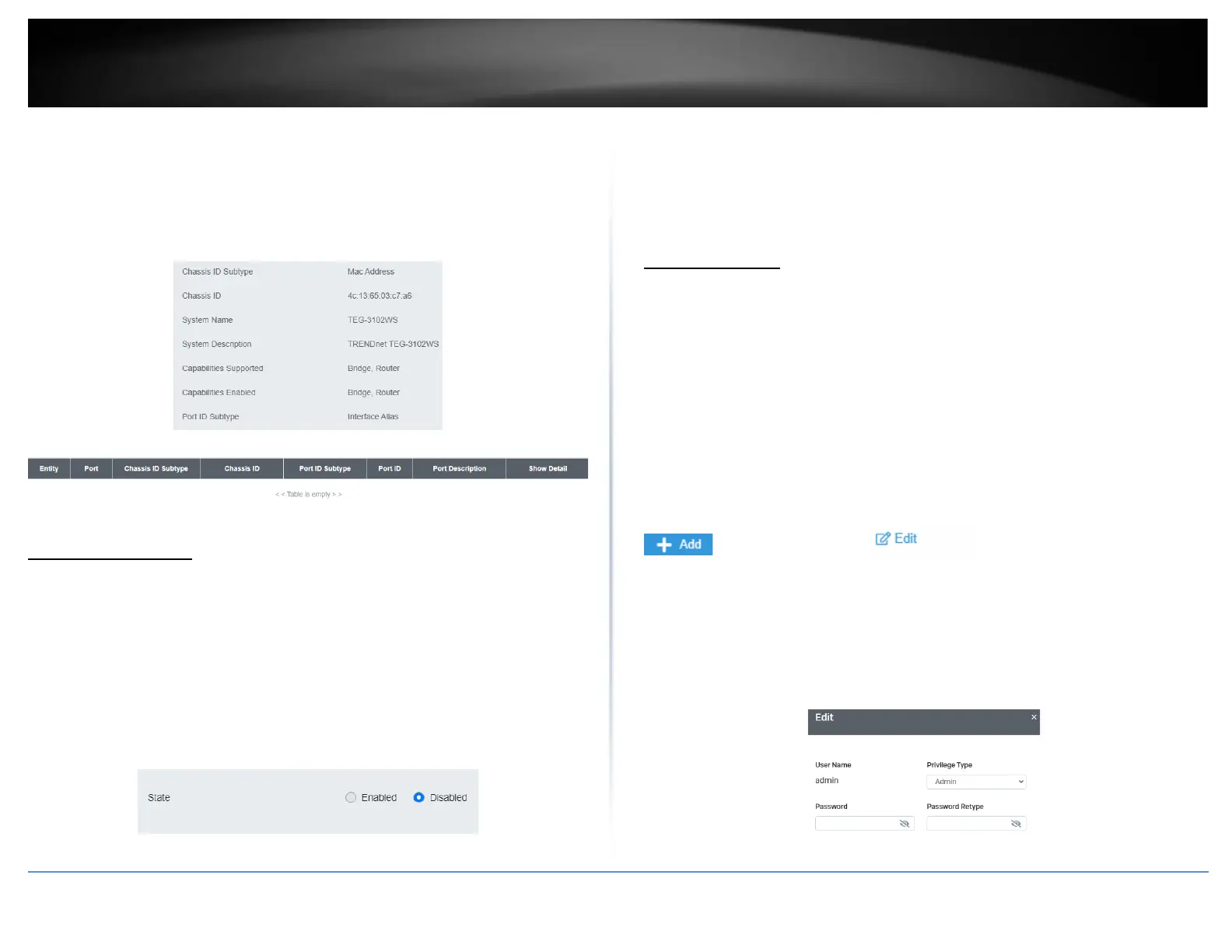
• Capabilities Supported: This parameter lists the capabailities that can be
supported. You cannot change this parameter.
• Capabilities Enabled: This parameter lists the capabilities that are enabled. You
cannot change this parameter.
• Port ID Subtype: This parameter lists the Port ID. This parameter cannot be
changed.
Multicast Filtering
Enable Multicast Filtering
Network > Multicast Filtering
1. Log into your switch management page (see “Access your switch management page”
on page 5).
2. Click on Network and click on Multicast Filtering.
3. Select Enabled to enable this feature or Disabled to disable Multicast Filtering
4. At the top right panel, click the Apply button to save the changes to the Flash.
Note: This step saves all configuration changes to the NV-RAM to ensure that if the
switch is rebooted or power cycled, the configuration changes will still be applied
Administration
Changing login credentials
Network > Administration
1. Log into your switch management page (see “Access your switch management page”
on page 5).
2. Click on Network and click on Administration.
3. Click on Add on the top right corner to create a new username and password. To
modify an existing username, click Edit to modify the selected login credentials
4. Review the settings below and click apply to save the changes to your flash
• Privilege Type: Set the privilege for the selected username to either Admin or
User.
• Password: Set the password for this new username
• Password Retype: Re-type your password.













 To Next Page