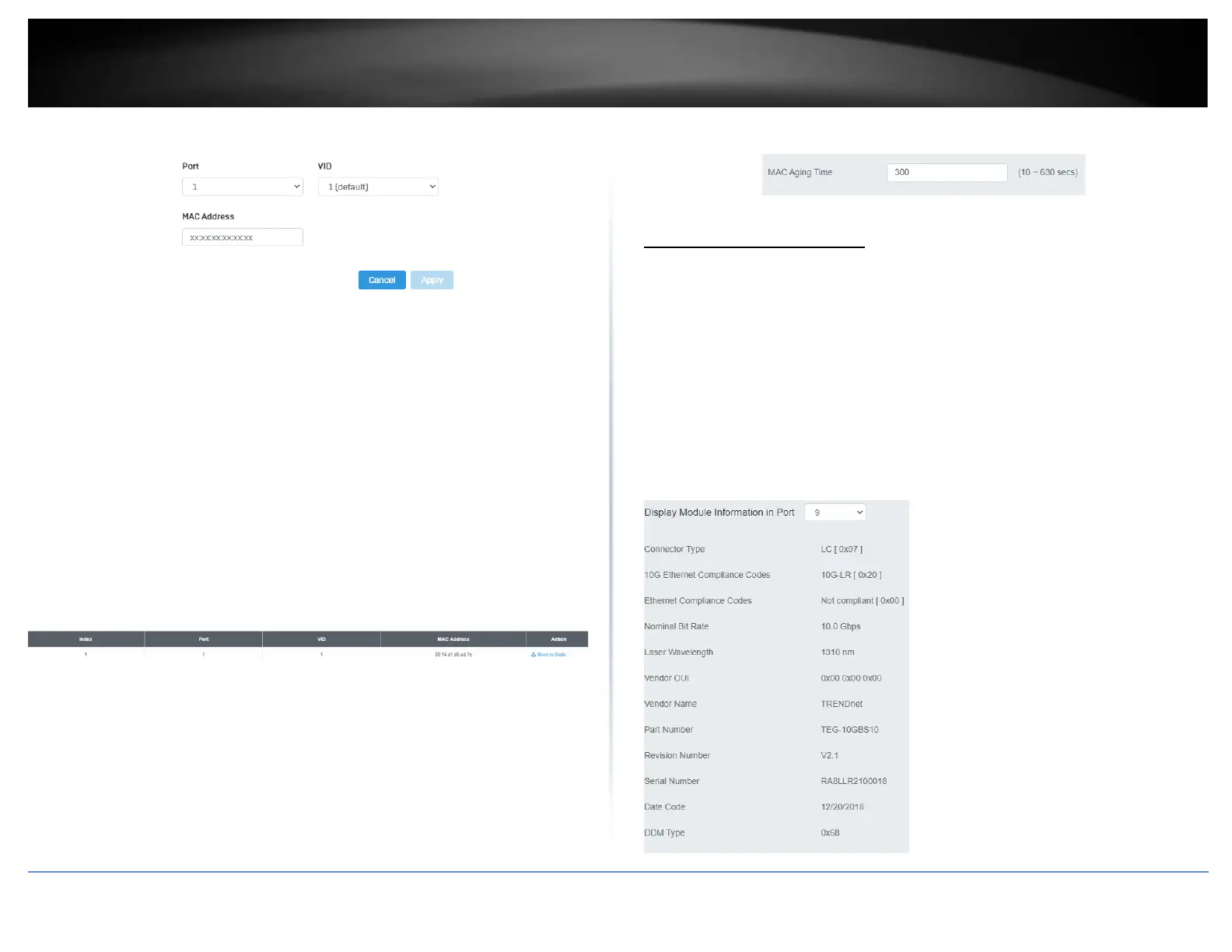
• Port: Select the port where the MAC address will reside.
• VID: Select the VLAN ID where the MAC address will reside
Note By default, all switch ports are part of the default VLAN, VLAN ID 1
• MAC Address: Enter the MAC address of he device to add
Dynamic MAC Address
System > MAC Address Table > Dynamic MAC Address
1. Log into your switch management page (see “Access your switch management page”
on page 5).
2. Click on System, click on MAC Address Table, and click on Dynamic MAC Address.
3. The table currently displays the MAC address of devices connected to the switch. To
move a MAC address to Static MAC Address, click Move to Static
MAC Aging Time
System > MAC Address Table > MAC Aging Time
1. Log into your switch management page (see “Access your switch management page”
on page 5).
2. Click on System, click on MAC Address Table, and click on MAC Aging Time.
3. Enter the duration in seconds for MAC Aging Table
SFP Module Information
Module & DDM
1. Log into your switch management page (see “Access your switch management page”
on page 5).
2. Click on System, click on SFP Module Information , and select either Module or DDM.
3. Module and DDM displays additional information of the SFP module that’s connected
in the SFP slots.
Module:













 To Next Page