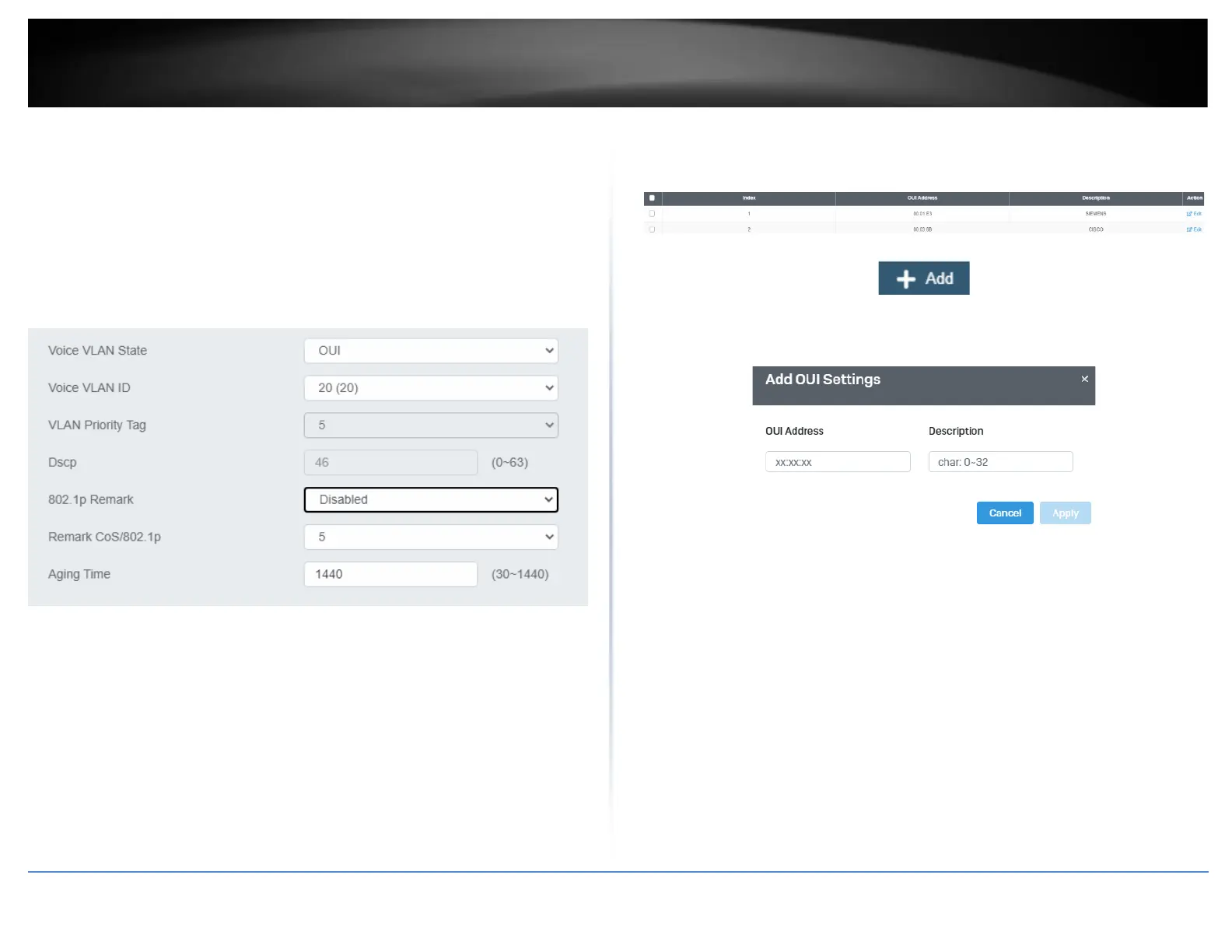
• DSCP: Configure the DSCP for your switch. The range is from 0-63.
• 802.1p Remark – Enable 802.1p QoS for the assigned OUI
• Remark CoS / 802.1p - This parameter is CoS priority level assigned to the voice
data packets received on each voice VLAN port. For the COS priority to be
effective, 802.1p Remark must be Enabled.
• Aging Time - This parameter indicates the amount of time, in hours, after the
last IP phone's OUI was received on a port, after which this port will be
removed from the voice VLAN. The range is 30 to 1440.
4. Click Apply to save the settings.
OUI Settings
Network > Voice VLAN > OUI Settings
1. Log into your switch management page (see “Access your switch management page”
on page 5).
2. Click on Network, click on Voice VLAN, and click on OUI Settings.
3. Select from the table to use a pre-defined OUI. To modify a pre-defined OUI, click Edit
on the far right of the table. To delete an OUI from this table, select the OUI Index and
click Delete.
4. To add a new OUI to the table, click on Add.
5. Input the OUI Address and the name of your OUI. Click Apply to save it to the OUI
settings table.
Port Settings
Network > Voice VLAN > Port Settings
1. Log into your switch management page (see “Access your switch management page”
on page 5).
2. Click on Network, click on Voice VLAN, and click on Port Settings.
3. Select the port and click Edit to configure the settings of that port.
4. Review the settings and click Apply to save your settings to the flash.
• State – Select Enabled to enable COS mode or Disabled to disable this feature.
• CoS Mode – Select Src mode or All













 To Next Page