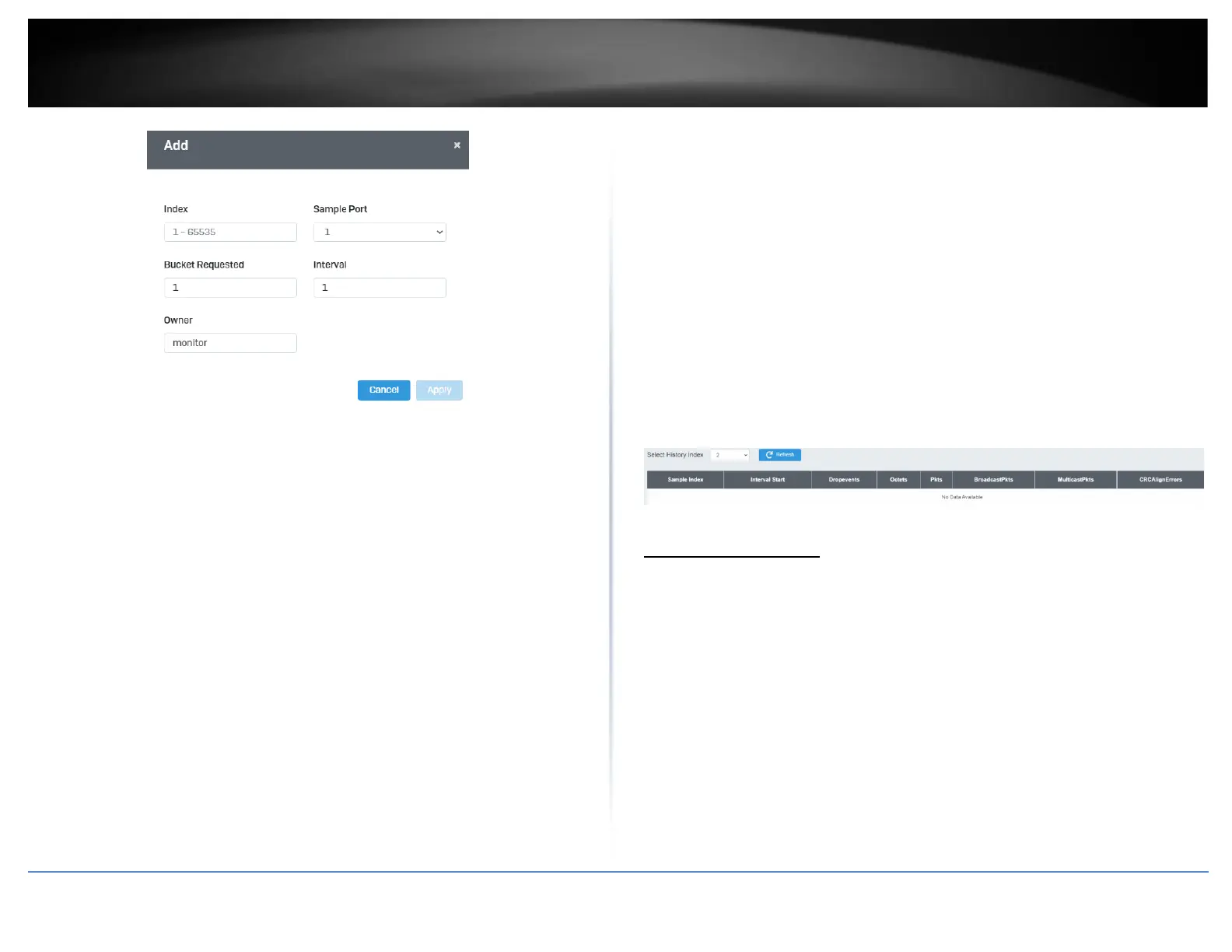
History Log Table
System > RMON > History Log Table
RMON History Logs are accessed from this section. RMON History logs can be filtered by
RMON Index.
1. Log into your switch management page (see “Access your switch management page”
on page 5).
2. Click on System, click on RMON, and click on History Log Table.
3. Select the History Index from the drop-down menu. Click the Refresh button if the
page needs to be refreshed.
MAC Address Table
Static MAC Address
System > MAC Address Table > Static MAC Address
1. Log into your switch management page (see “Access your switch management page”
on page 5).
2. Click on System, click on MAC Address Table, and click on Static MAC Address.
3. Click Add to configure a new static MAC address
4. Review the settings and click Apply.













 To Next Page