© Copyright 2022 TRENDnet. All Rights Reserved.
Multi-Gig Web Smart Switch Series
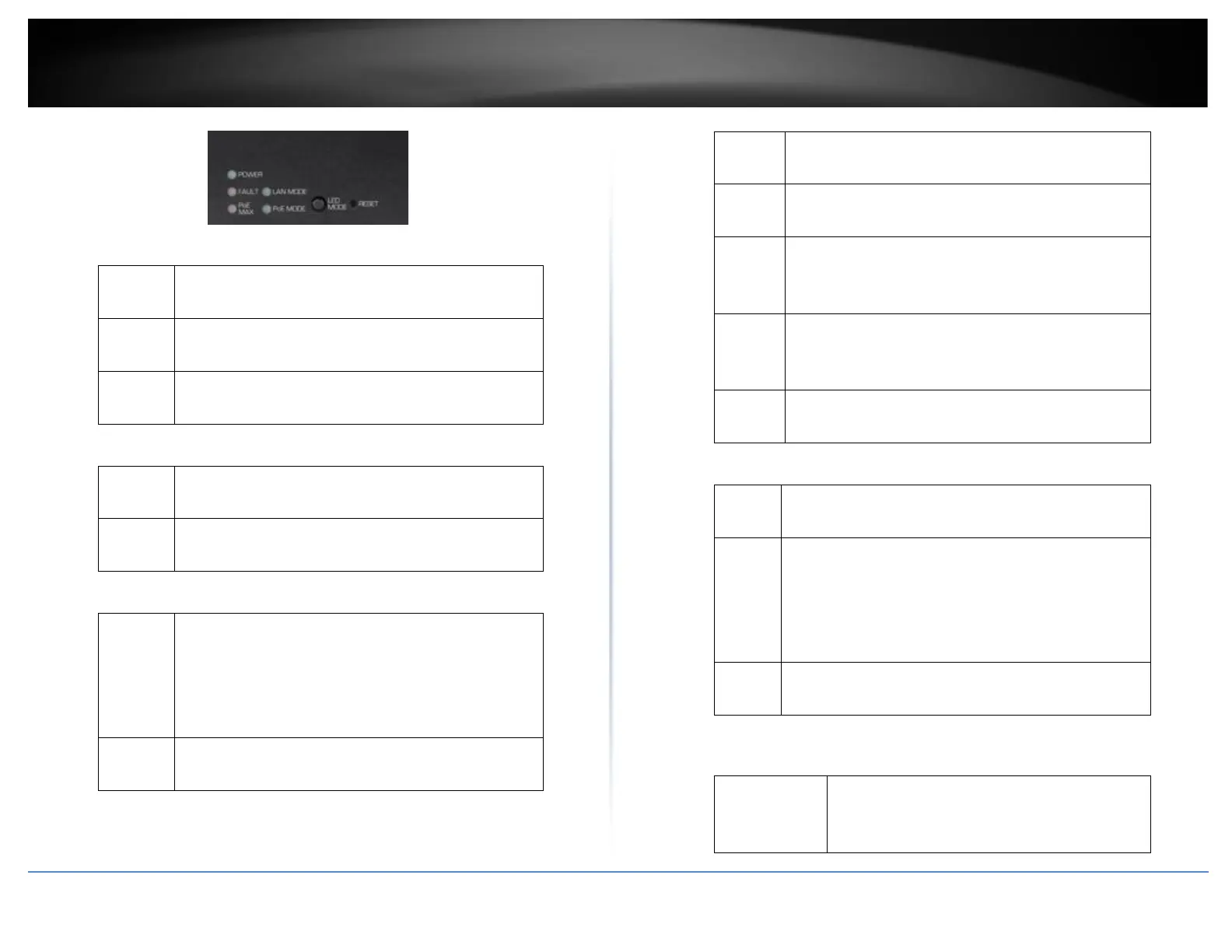
Diagnostic LEDs
• Power LED
When the Power LED is on, the device is receiving
power.
When the Power LED is off, the power adapter is
not connected or the device is not receiving power.
When the Power LED is blinking, the switch is
receiving power and is botting up
When the Fault LED is on, there is an error with the
switch.
When the Fault LED is off, there is no error with the
switch.
• PoE MAX (Power over Ethernet Max.)
When reaching near the max PoE power budget
provided 240W or above, the LED will turn on and
the system will not provide power additional PD
(PoE client devices) after max PoE budget is
reached.
When the PoE power provided is below the 240W
PoE power budget.
• Gigabit Ethernet PoE+ Port LEDs (1-8)
When the Green LED is on, the respective port is
connected to a 2.5Gbps Ethernet network.
When the Green LED lights on, the respective port
is connected to a 100/1000Mbps Ethernet network.
When the LED is blinking green, the port is
transmitting or receiving data on the network at
2.5Gbps speed.
When the LED is blinking amber, the port is
transmitting or receiving data on the network at
100/1000Mbps speed.
When the LED is off, the respective port is
disconnected.
• Gigabit Ethernet Port PoE+ LEDs (1-8)
When the Green LED is on, the connected device is
receiving power.
When the Amber LED lights on, the connected PoE
device is not receiving power. The cause is either
insufficient power budget, or due to
Class/PowerLimit restrictions in the PoE
configurations.
When the LED is off, the respective port is either not
connected to a PoE device or is disconnected.
When the SFP LED is on, the link established
using the SFP module is operating at 10Gbps
speed.













 To Next Page